 Ahmadreza Samadi / Home
Explainer · Everyday technology
How satellite messaging works without cell towers
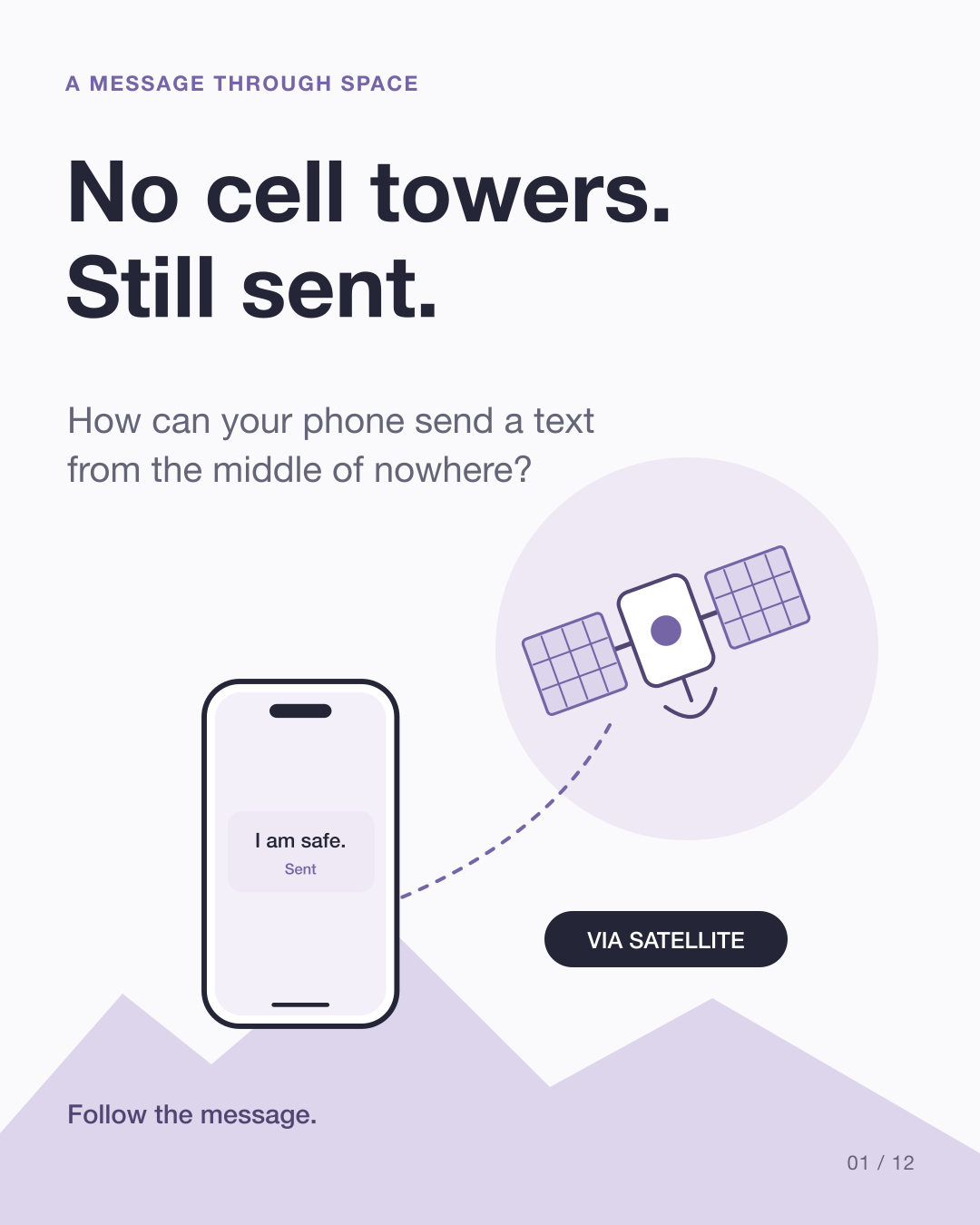
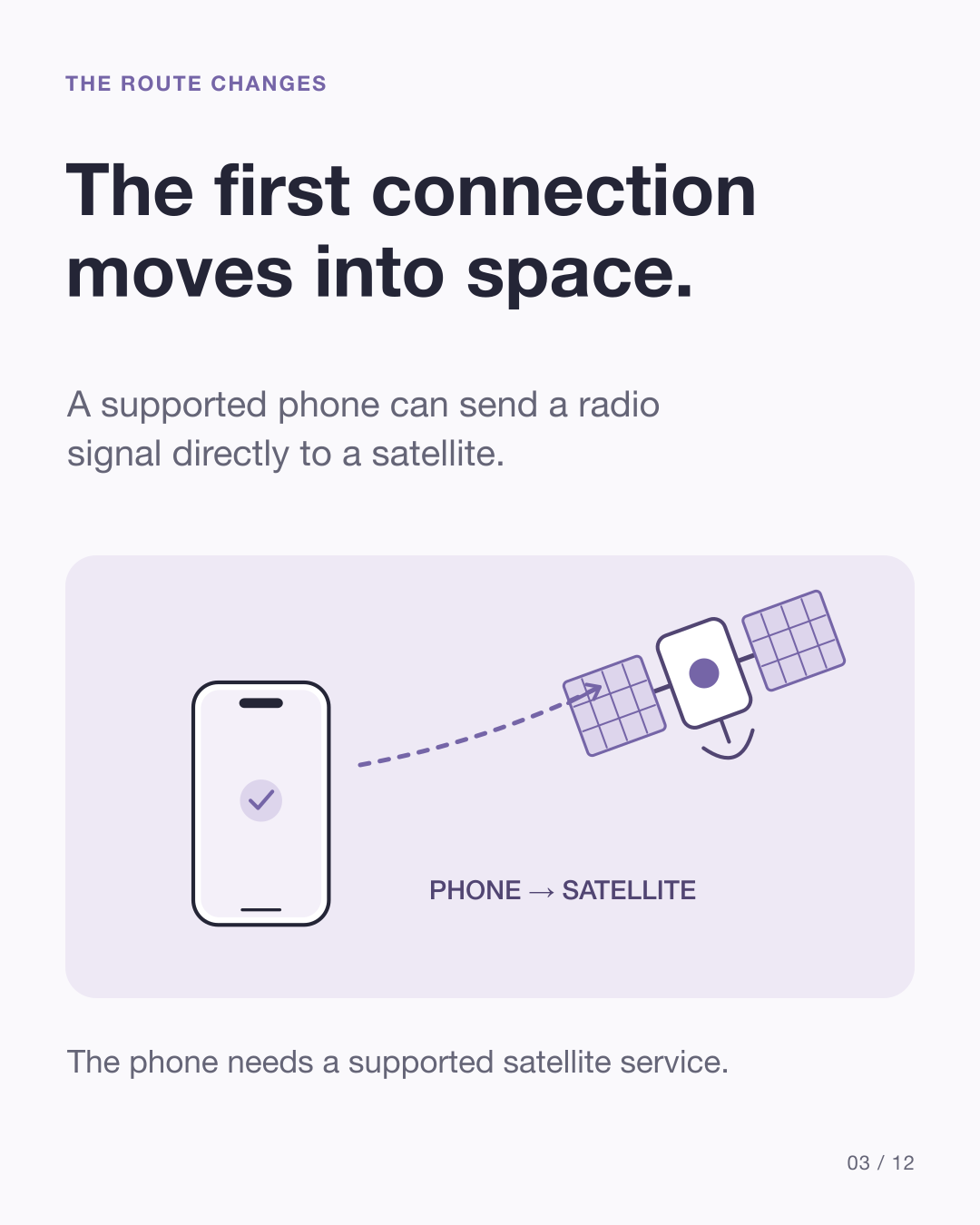
No nearby cell tower does not have to mean no way to send a message. With a supported satellite service, your phone can make its first connection through space.
At a glance
The message takes a different first route
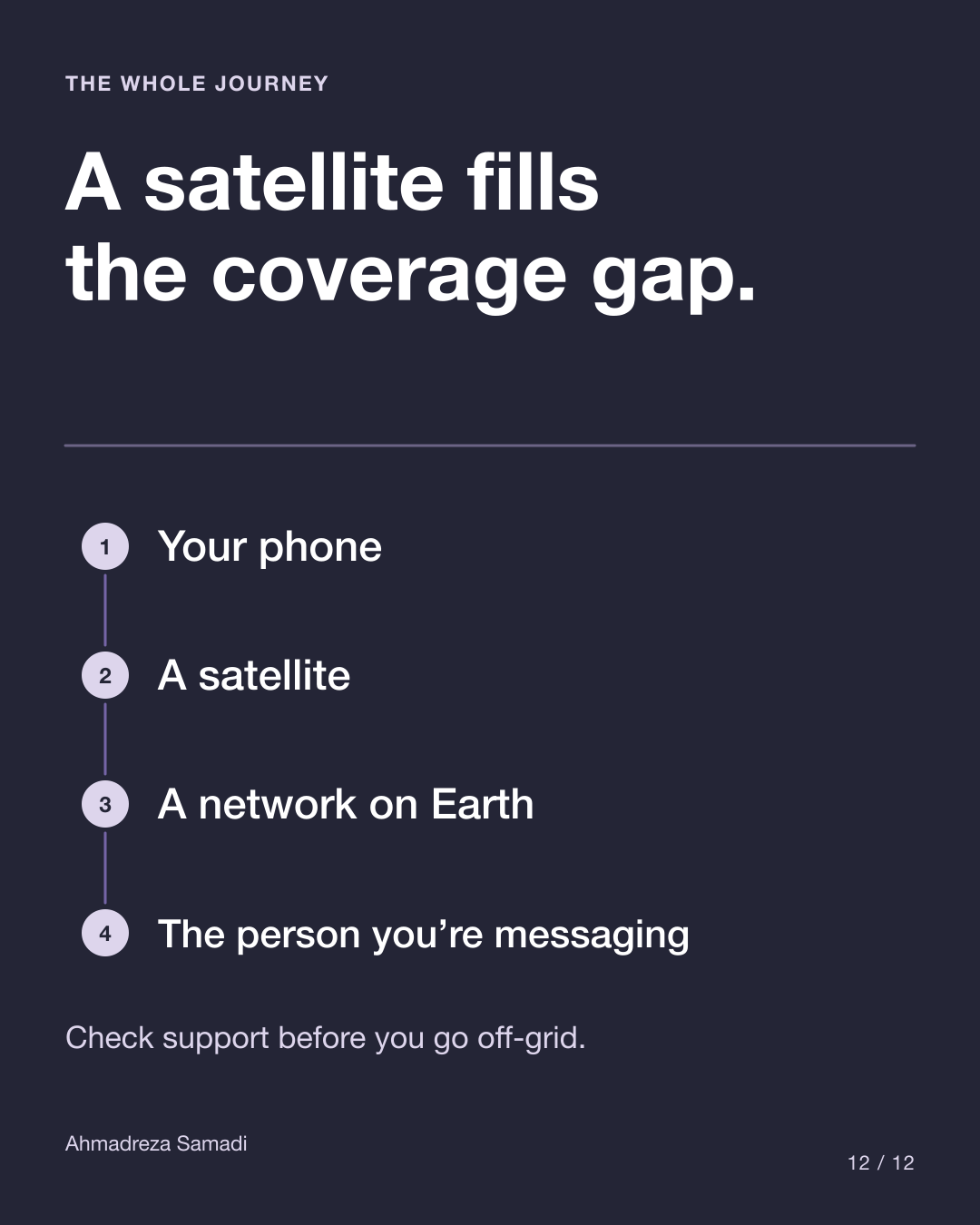
- Your phone
- A satellite
- A network on Earth
- The person you are messaging
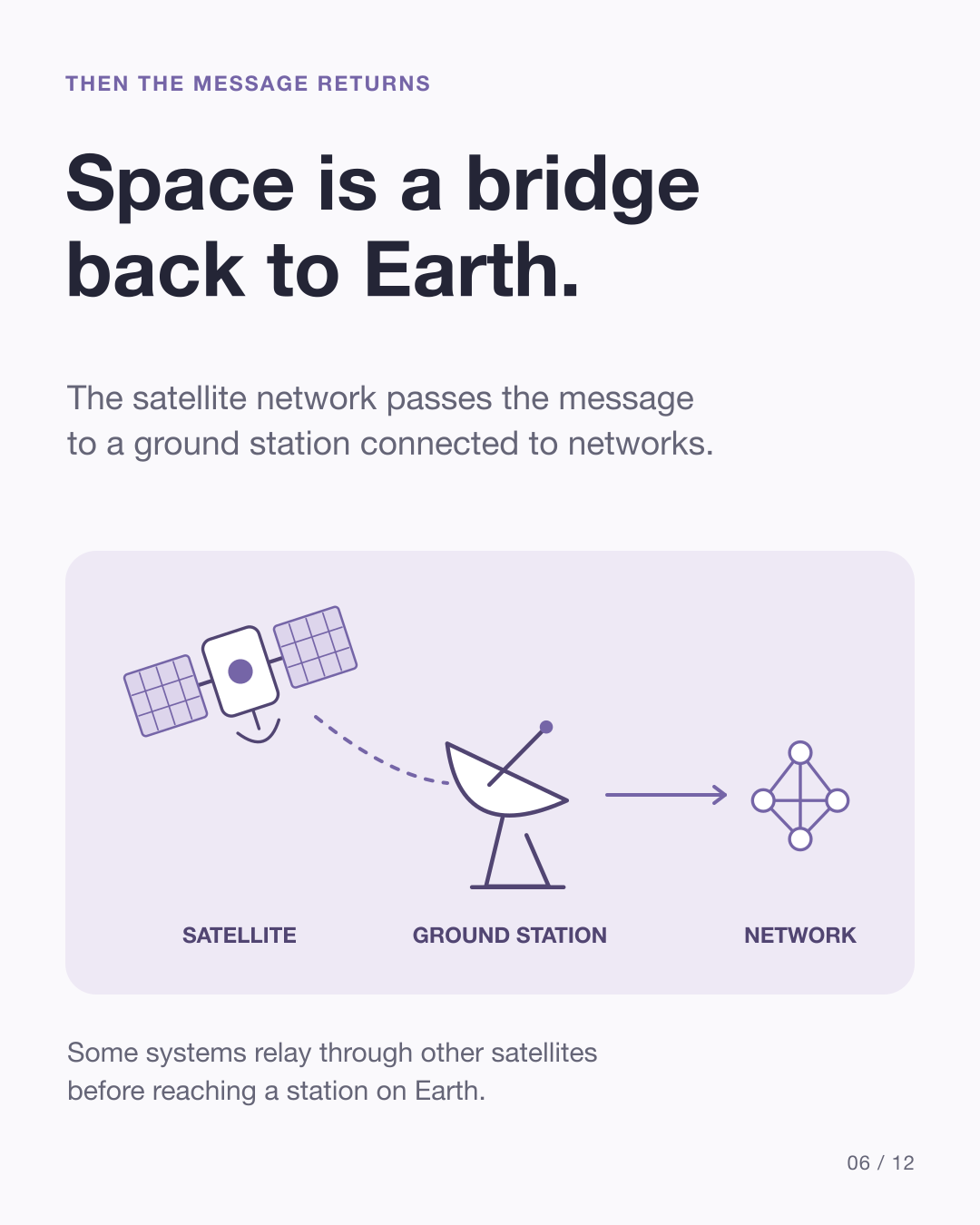
A simplified route. Some systems relay through other satellites before reaching a station on Earth.
How does an ordinary text reach its destination?
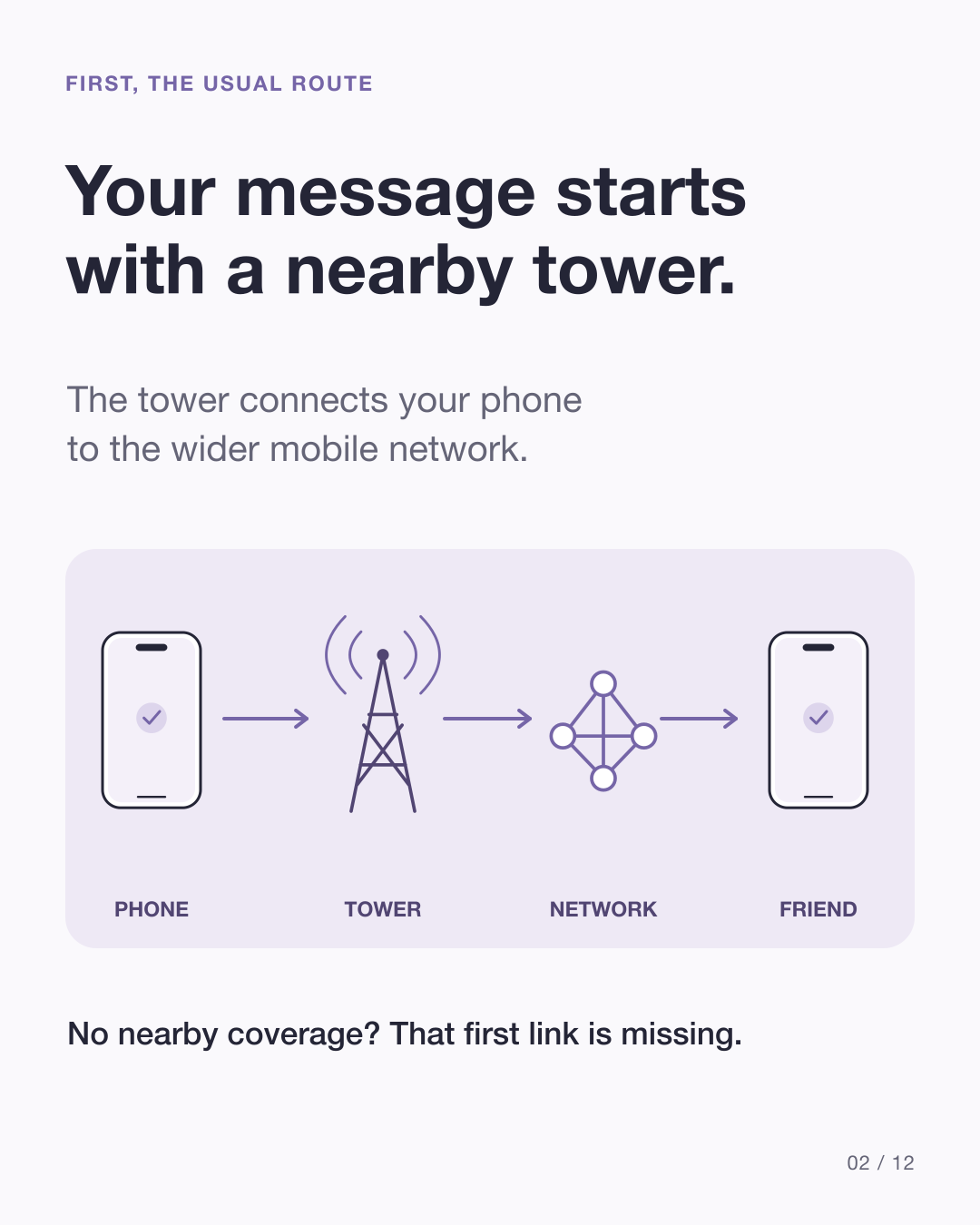
Your phone normally sends a radio signal to a nearby cell tower. The tower connects it to a wider network that routes the message to its destination. Out in a desert, on a remote trail or beyond a network’s coverage, that first connection may be missing.
How does a small phone reach space?
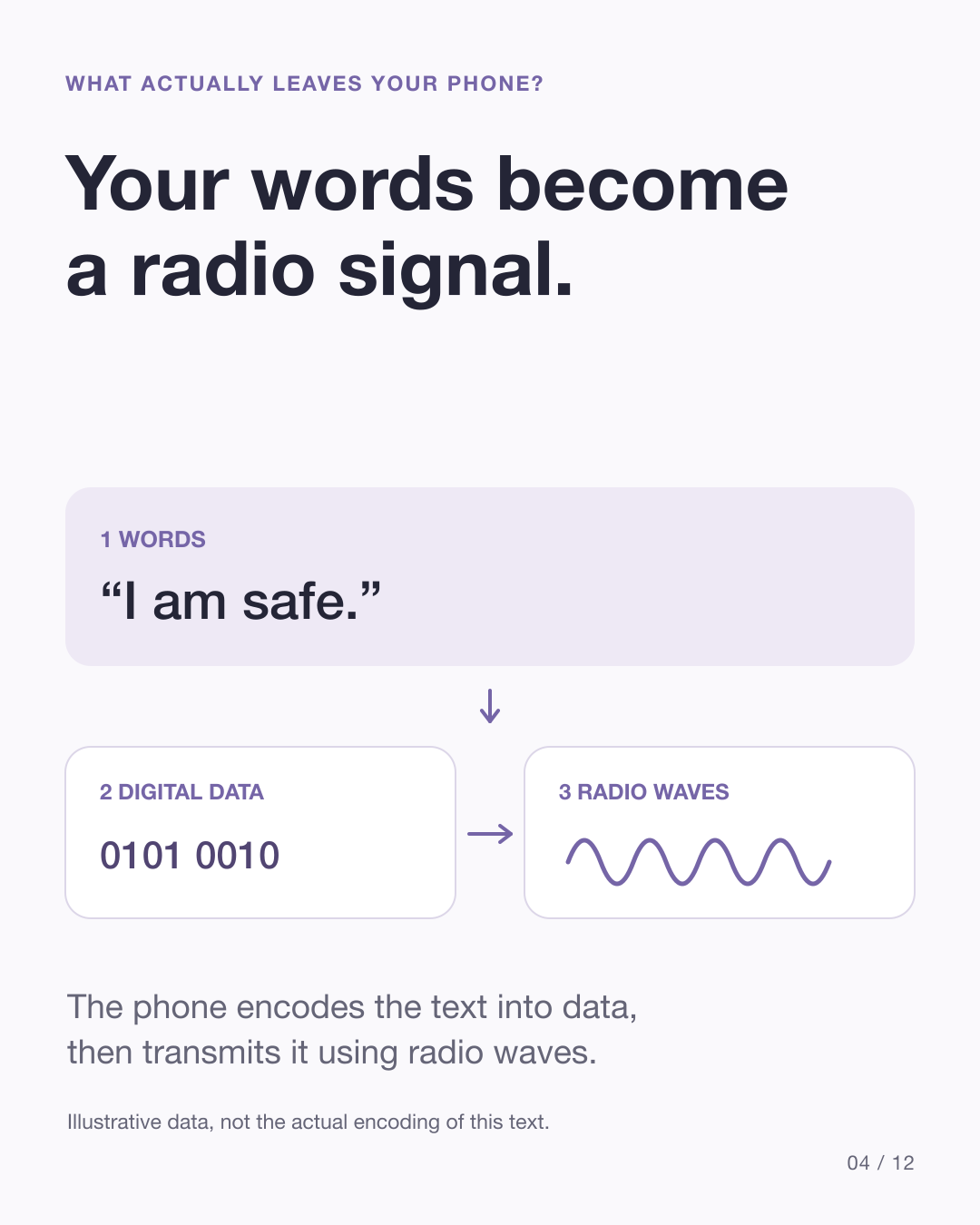
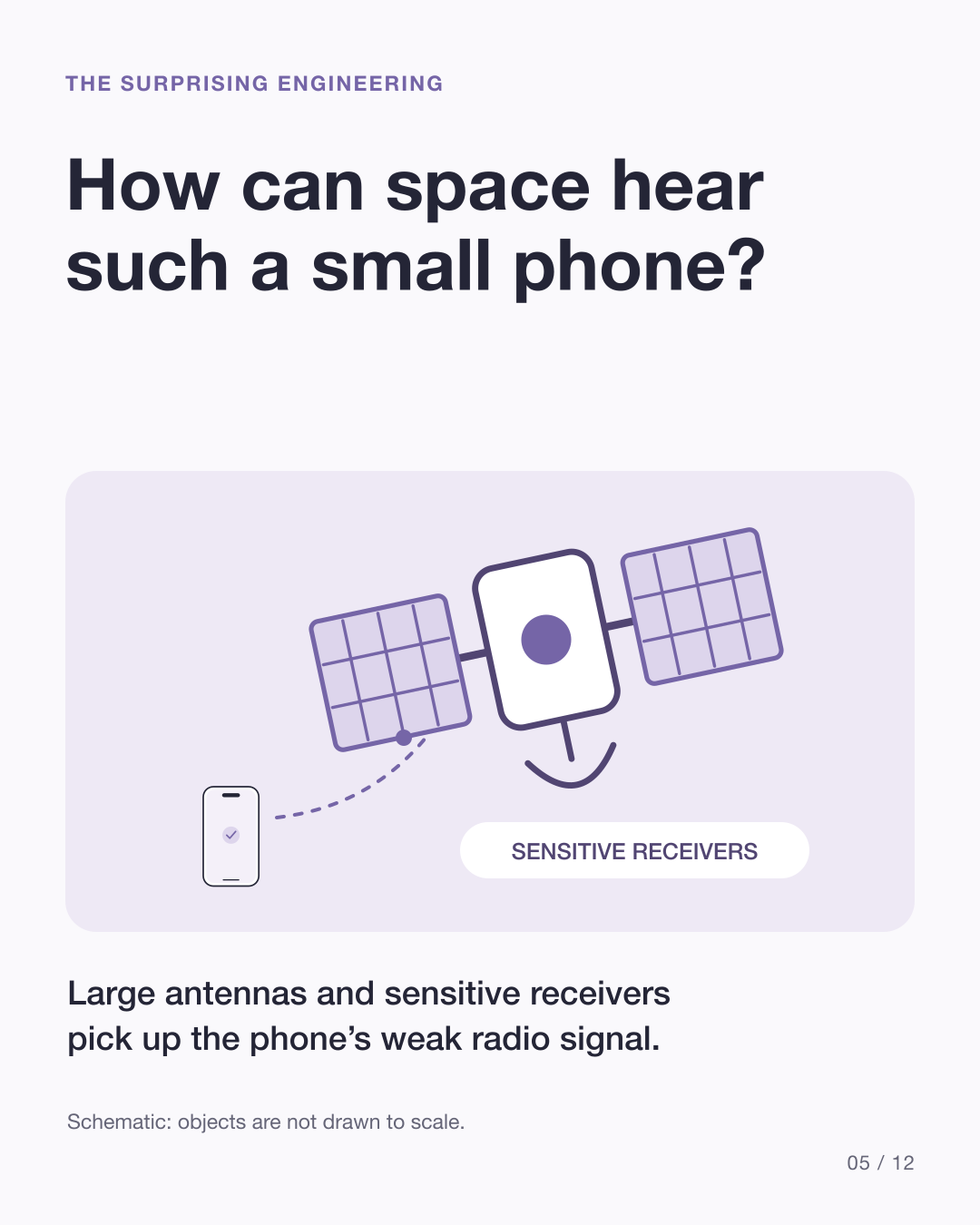
The phone encodes your text as digital data and sends it over radio waves. A supported satellite service lets those waves reach a satellite instead of a nearby tower. The signal is weak: a handset has a small antenna and limited transmitting power.
Starlink’s engineering account describes how large satellite antennas, sensitive receivers and software make its Direct to Cell link possible. The system also has to handle satellites moving rapidly relative to the phone. Other satellite messaging systems use different hardware and radio arrangements.
How does the satellite bring the message back to Earth?
A satellite is part of a larger network. Globalstar describes its satellites relaying signals to ground gateways connected to local networks. Starlink can route through other satellites before returning traffic to ground infrastructure and a partner mobile network.
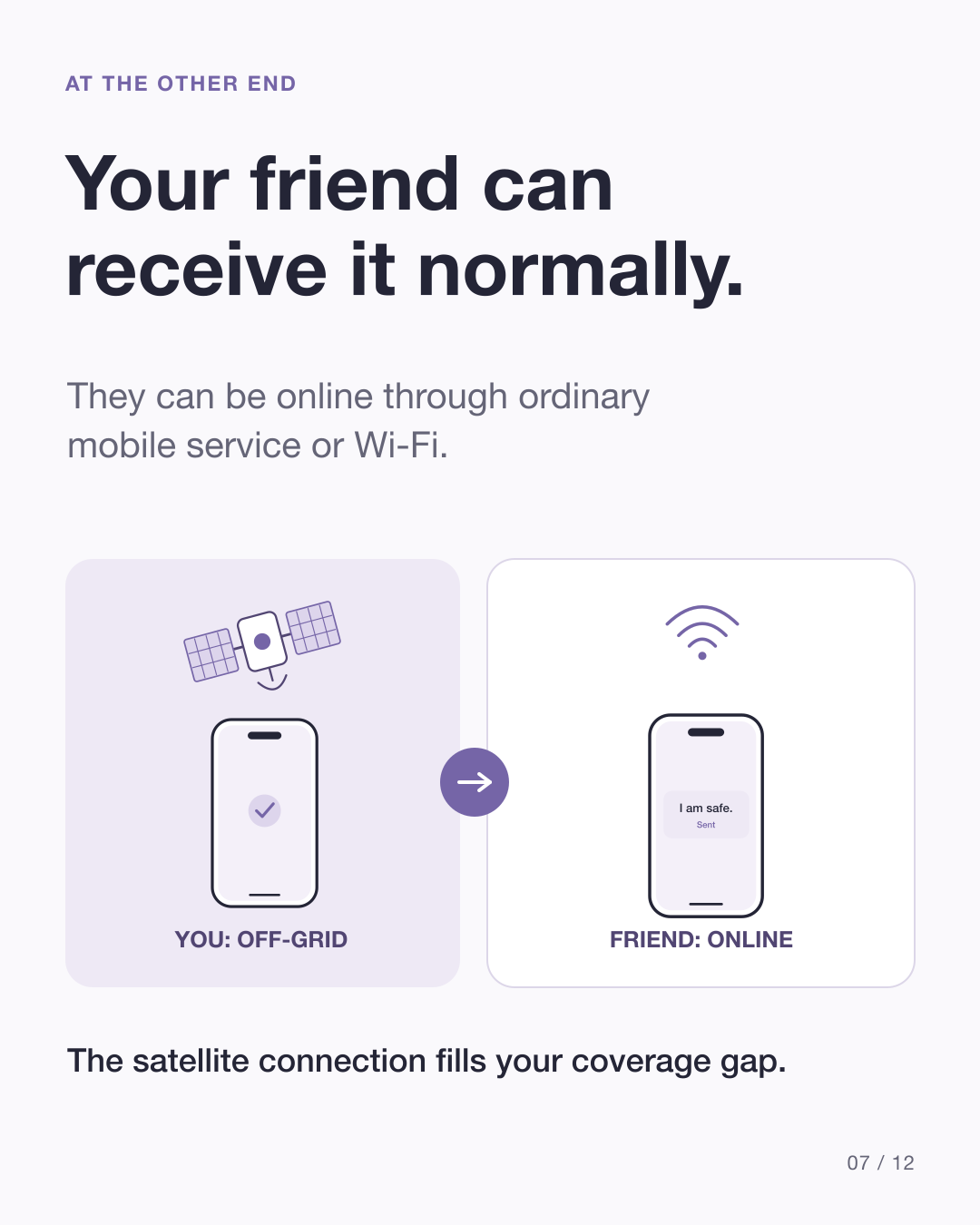
Once the message is back in those networks, the person you are messaging can receive it through normal mobile service or Wi-Fi, subject to the messaging service’s recipient requirements. They do not need a satellite connection simply because you used one.
Why can a short message take time?
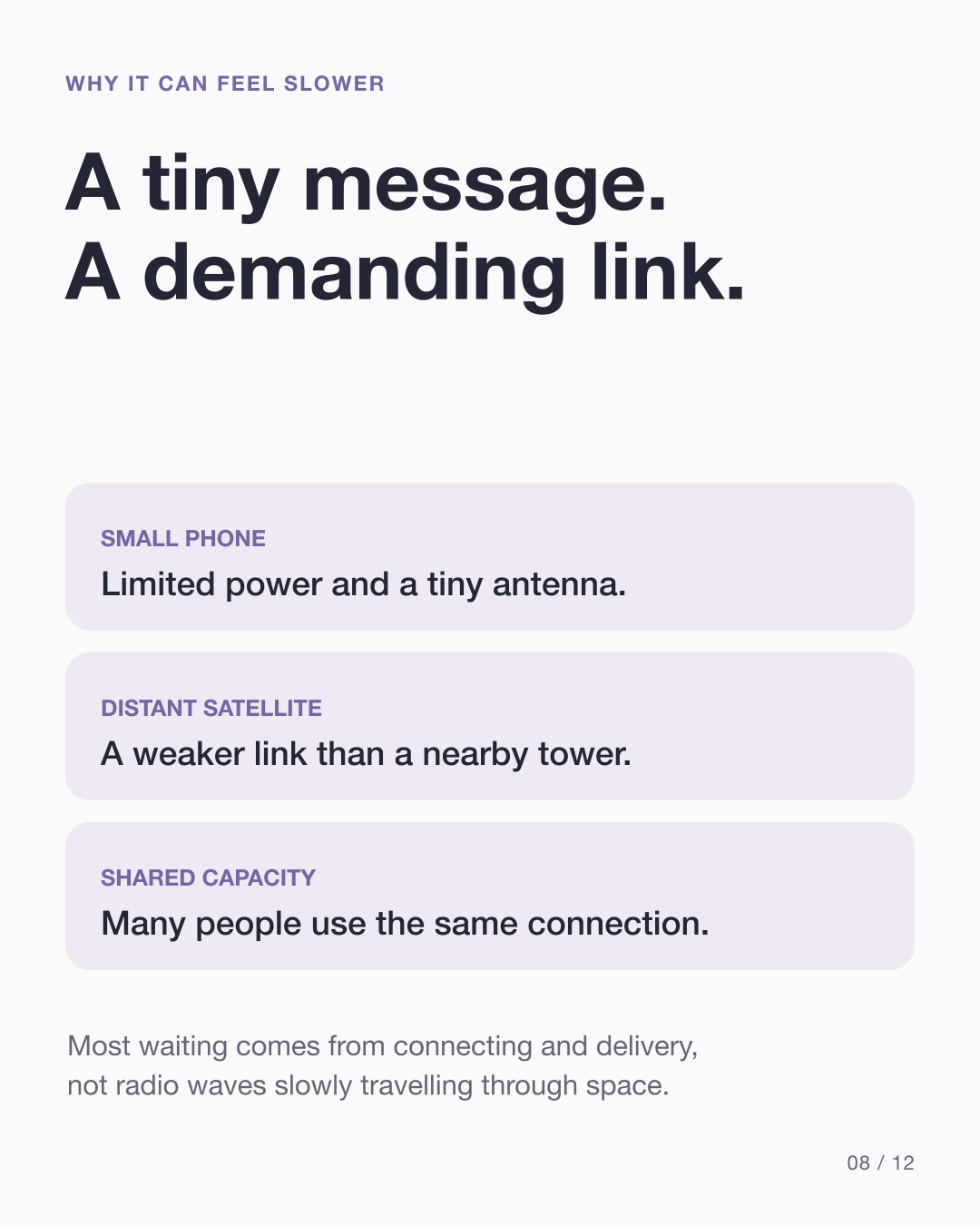
Radio waves move very quickly. The practical delay is about establishing and using a workable link: weak signals, moving satellites, limited shared capacity and obstructions can make connection and delivery take time.
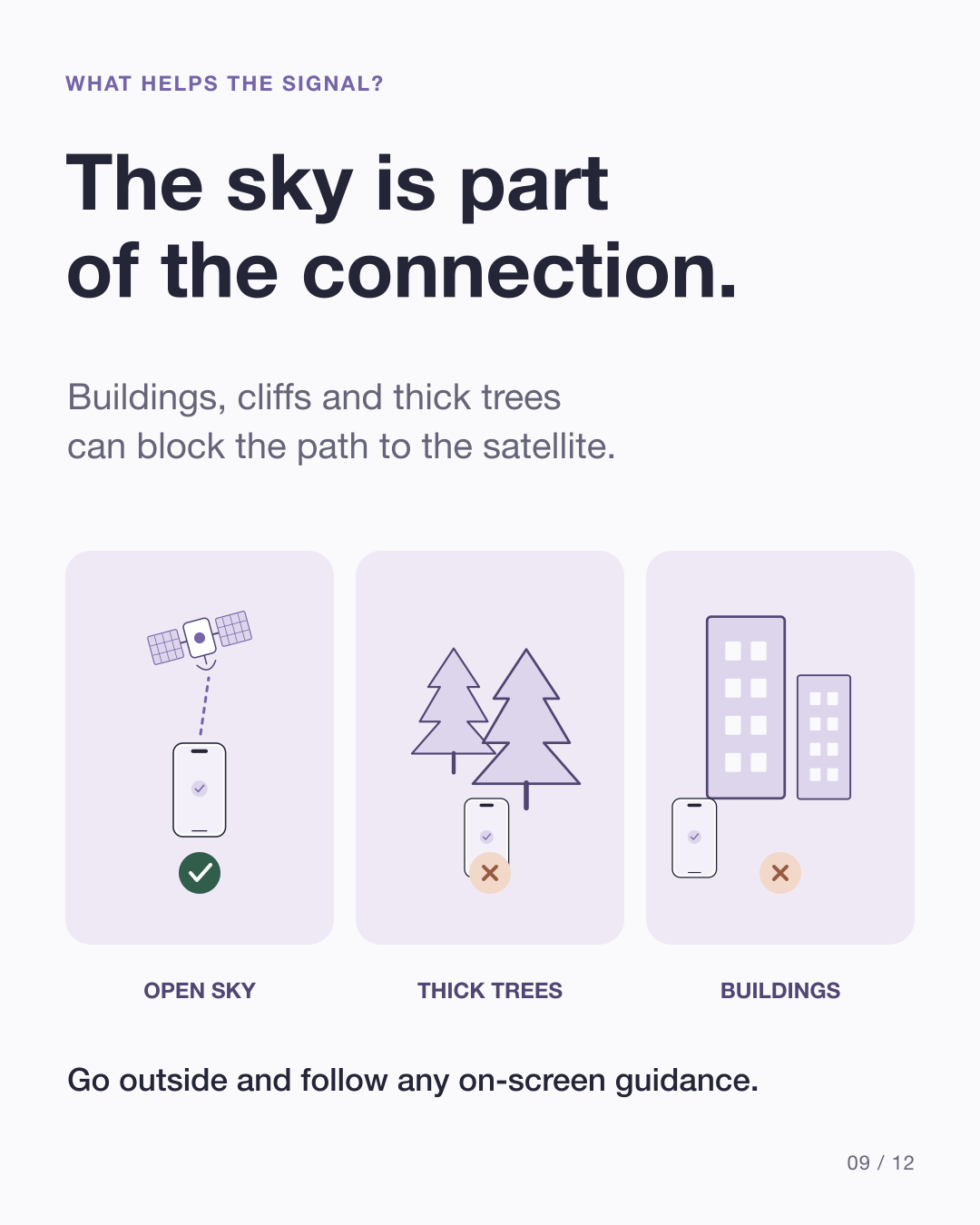
For its own Messages via satellite feature, Apple says a message might take 30 seconds in ideal conditions and over a minute under light or medium foliage. Those are product-specific examples, not a delivery guarantee for every service. Heavy trees, buildings or other obstructions can prevent a connection. Go outside and follow any guidance your device provides.
Texts and full internet access are different demands
A short text contains much less data than a video. That makes messaging a practical starting point for constrained satellite links. Features vary: Apple’s built-in messaging does not support photos or videos, while T-Satellite supports photos and selected satellite-ready apps on compatible devices. Limited speeds and coverage gaps still apply.
Check what works before you go off-grid
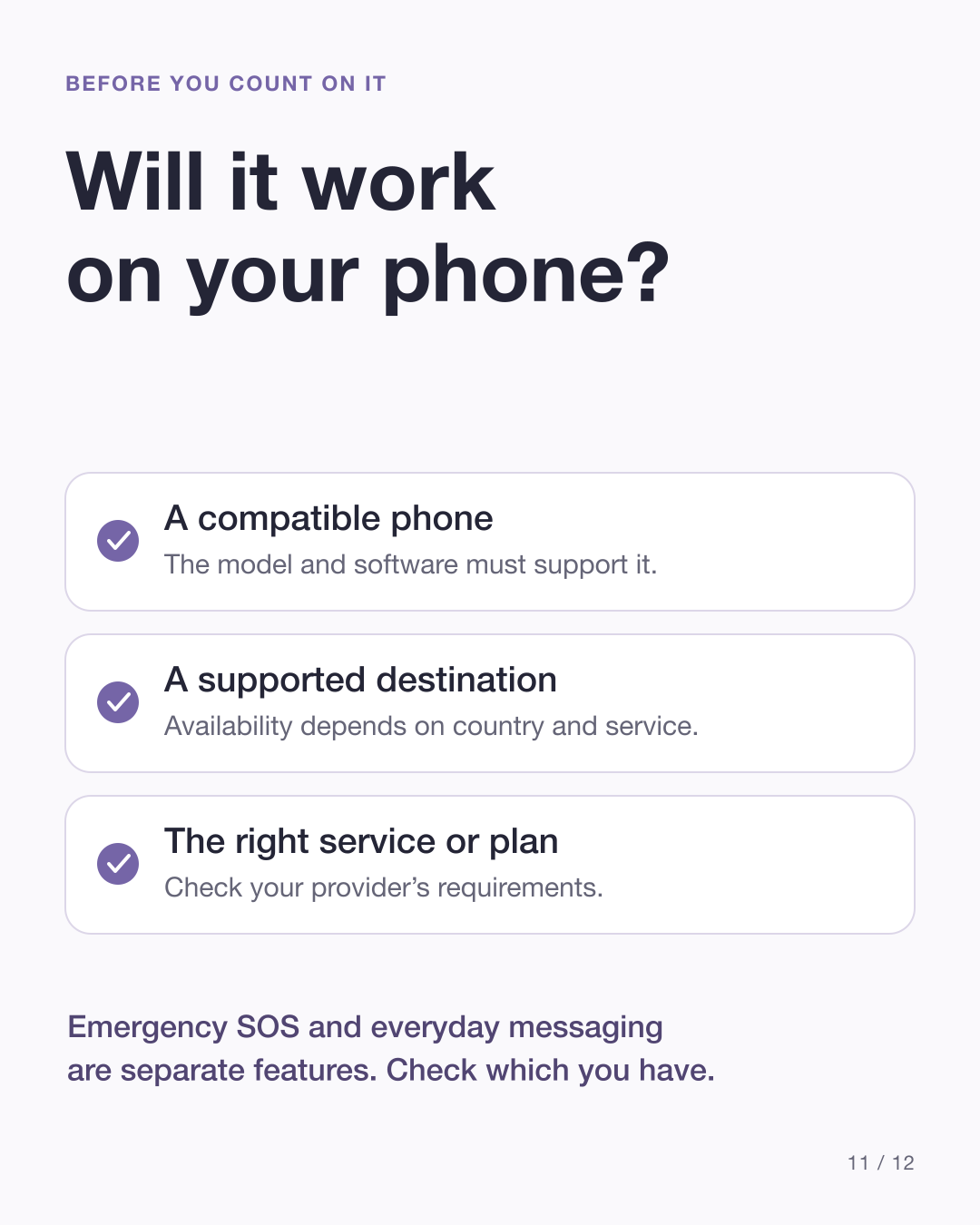
- Phone and software: verify that your model and software support the service.
- Destination: check the country and outdoor coverage, not just the phone’s specifications.
- Provider and plan: confirm any carrier, subscription or activation requirements.
- Feature: everyday messaging and Emergency SOS are separate capabilities. In an emergency, use the supported emergency feature.
At the source check on 4 October 2026, Apple’s everyday Messages via satellite page lists the United States, Canada, Mexico and Japan. It does not list the UAE. Carrier services have their own country lists and conditions.
Follow the journey visually
The twelve-slide carousel uses original, simplified drawings. The drawings, binary digits and data blocks are illustrative, not product screenshots or exact engineering measurements.
View all 12 carousel slides

Sources
Primary sources checked on 4 October 2026. The Starlink document is a 2024 engineering account; its original rollout forecasts are not used as current availability claims.
Published visual versions