 Ahmadreza Samadi / Home
Everyday ideas, explained
Why is Wi-Fi slow even with full bars?
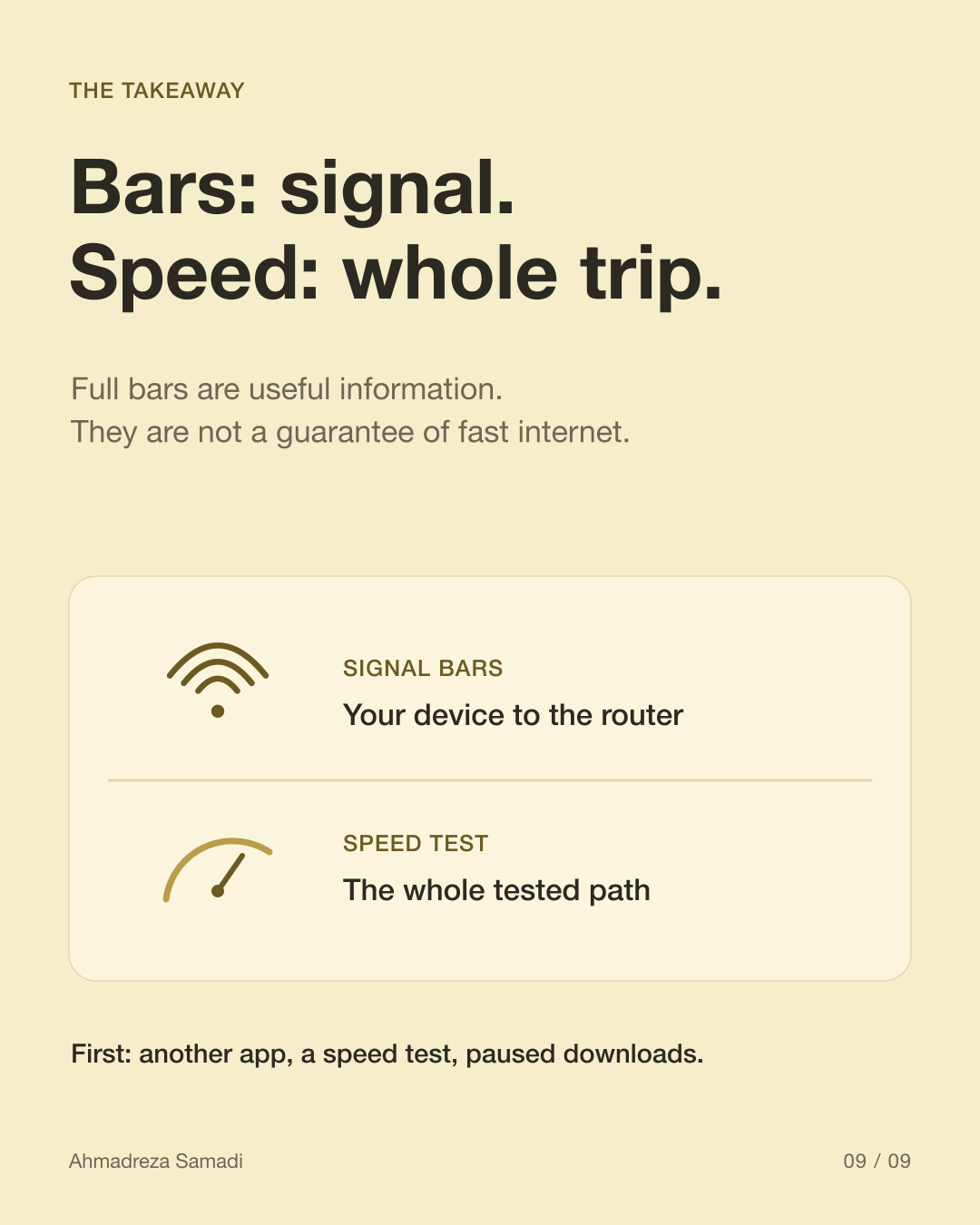
Your phone shows full Wi-Fi signal, but a video keeps buffering. Both can be true: a clear local radio signal does not guarantee a fast connection to the service you are using.
At a glance
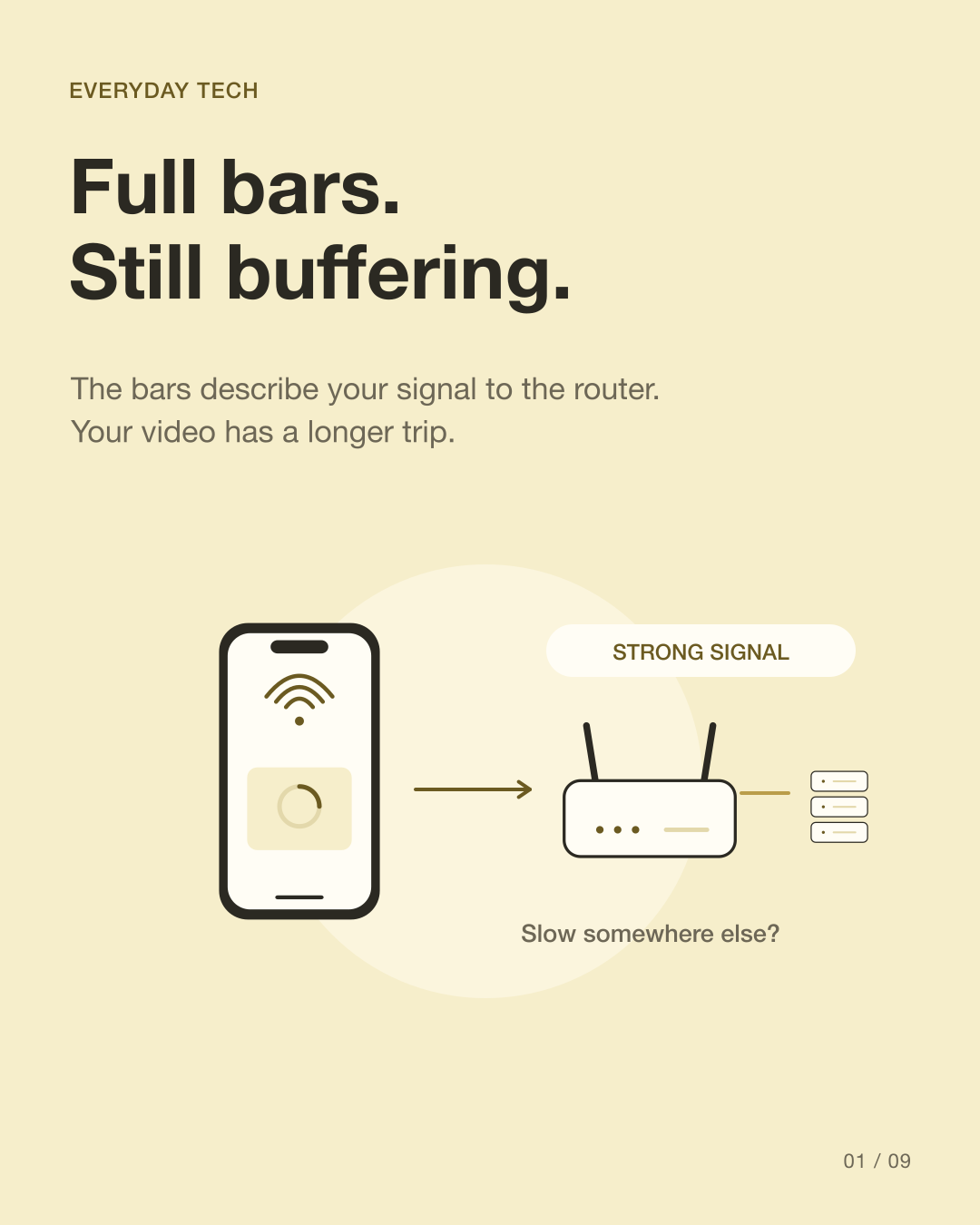
Bars
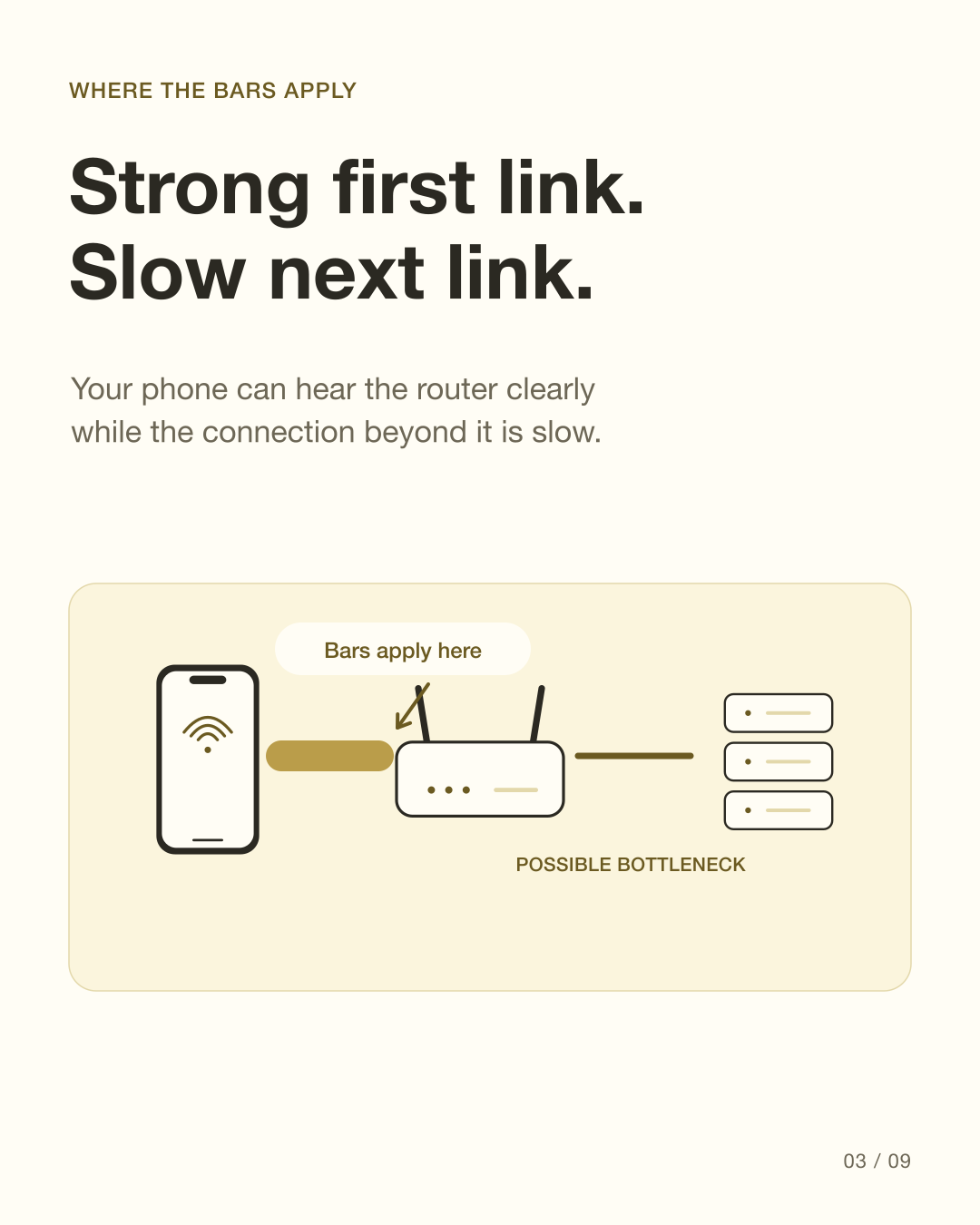
The signal between your device and the router.
Speed
The result across the whole tested route.
Check
Compare services, devices and a wired connection.
How are Wi-Fi and internet connections different?
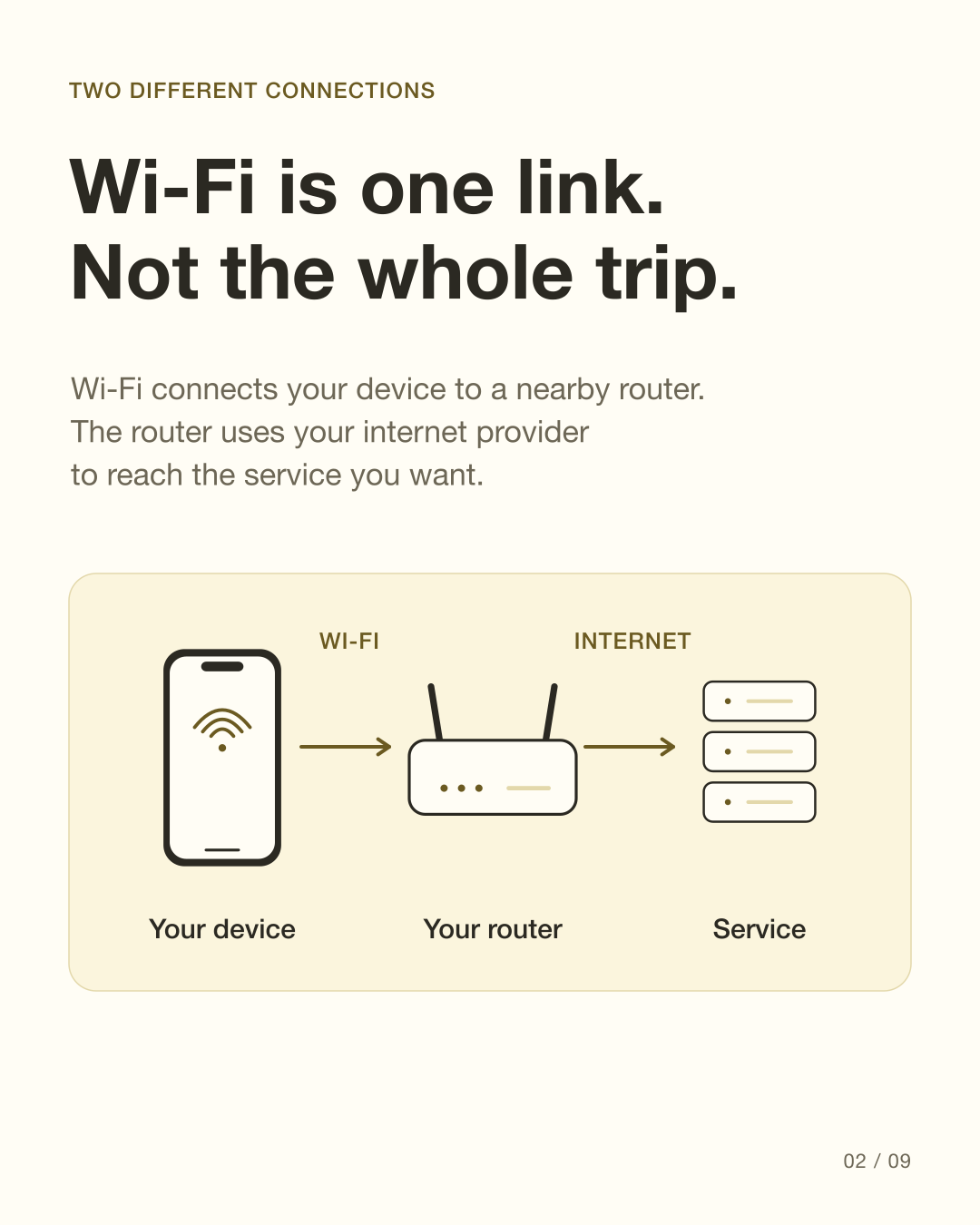
Wi-Fi is the wireless connection between a device and a nearby access point, usually your home router. To reach a video service, the router also uses an internet connection supplied by your provider. The bars describe the local signal; they do not measure every part of that longer path.
Source: Google Home Help: Troubleshoot slow internet · Google Home Help: Test internet speed · Cisco: Troubleshoot Wireless Speed Issues
A strong signal can still be busy
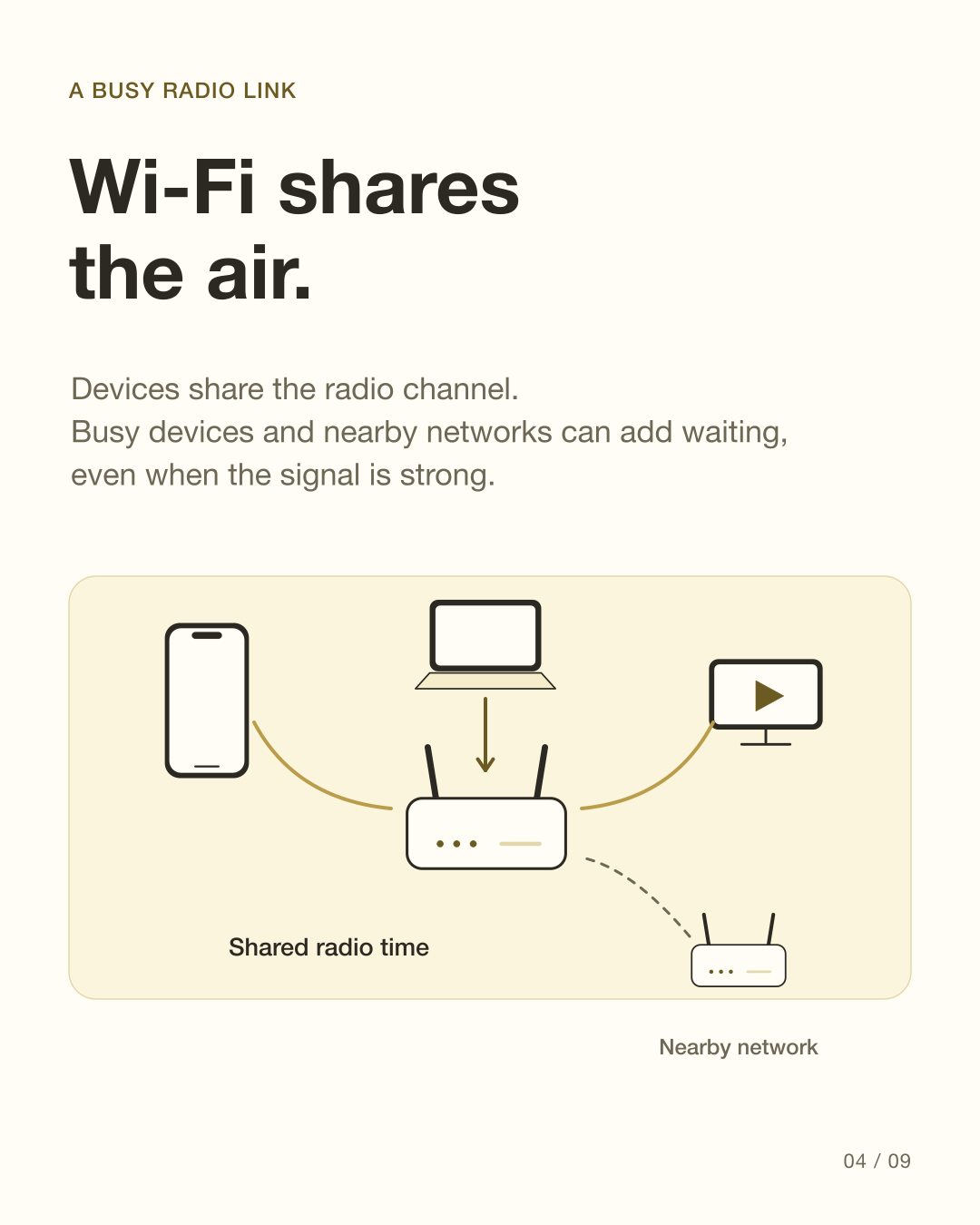
Devices on Wi-Fi share radio resources. Nearby networks and interference can reduce useful performance, even when the signal is strong. A strong signal and a clear radio channel are different things. The simplified diagrams show shared traffic, not measurements or equal shares.
Source: Microsoft Support: Wi-Fi and your home layout · Cisco: Troubleshoot Wireless Speed Issues
The incoming connection has limited capacity
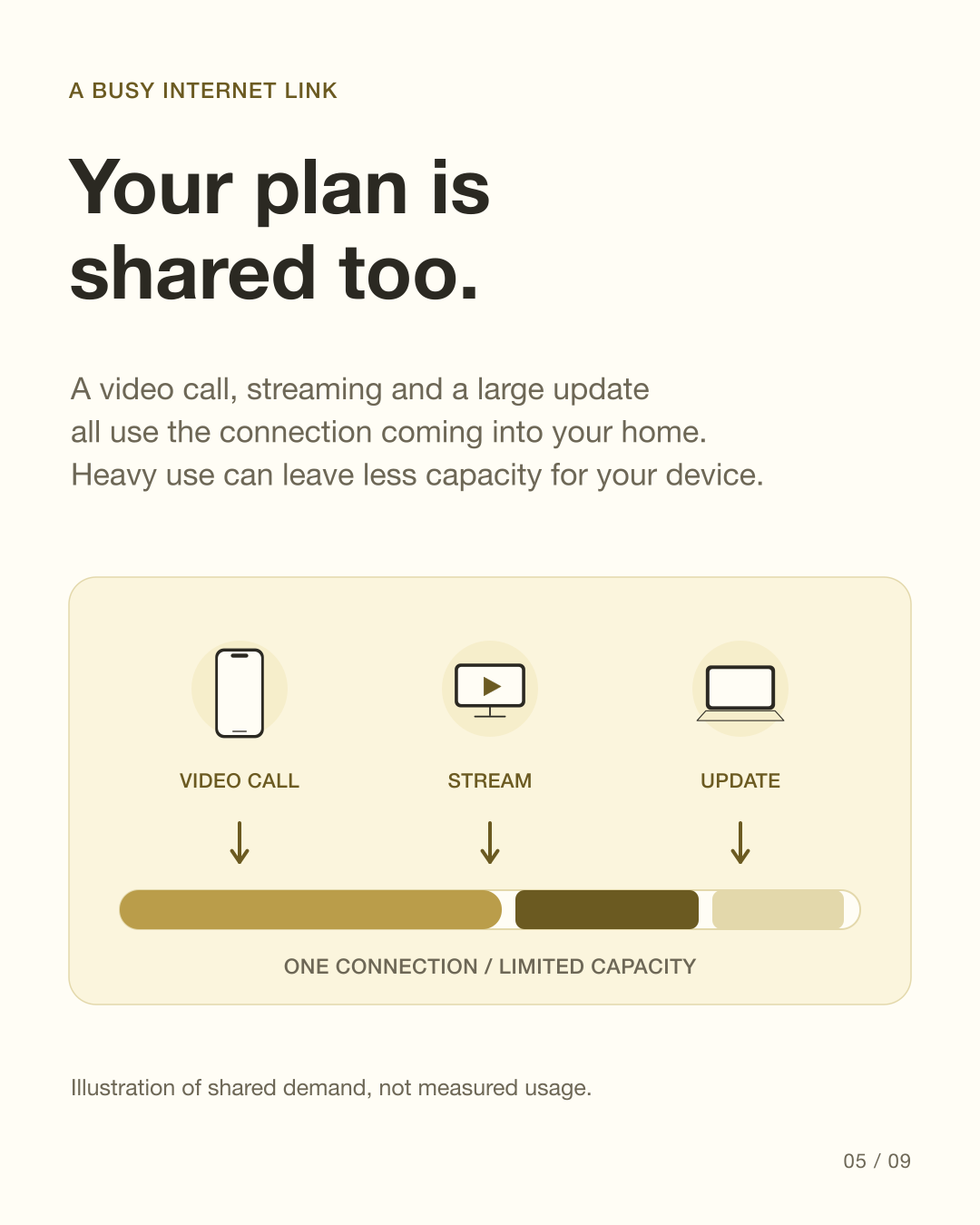
Streaming, a video call and a large software update can all use the connection into your home. If demand is high, your device may have less capacity available. Your provider can also have congestion or a service problem beyond your router.
Source: Google Home Help: Troubleshoot slow internet · Google Home Help: Test internet speed
Sometimes the problem is one app
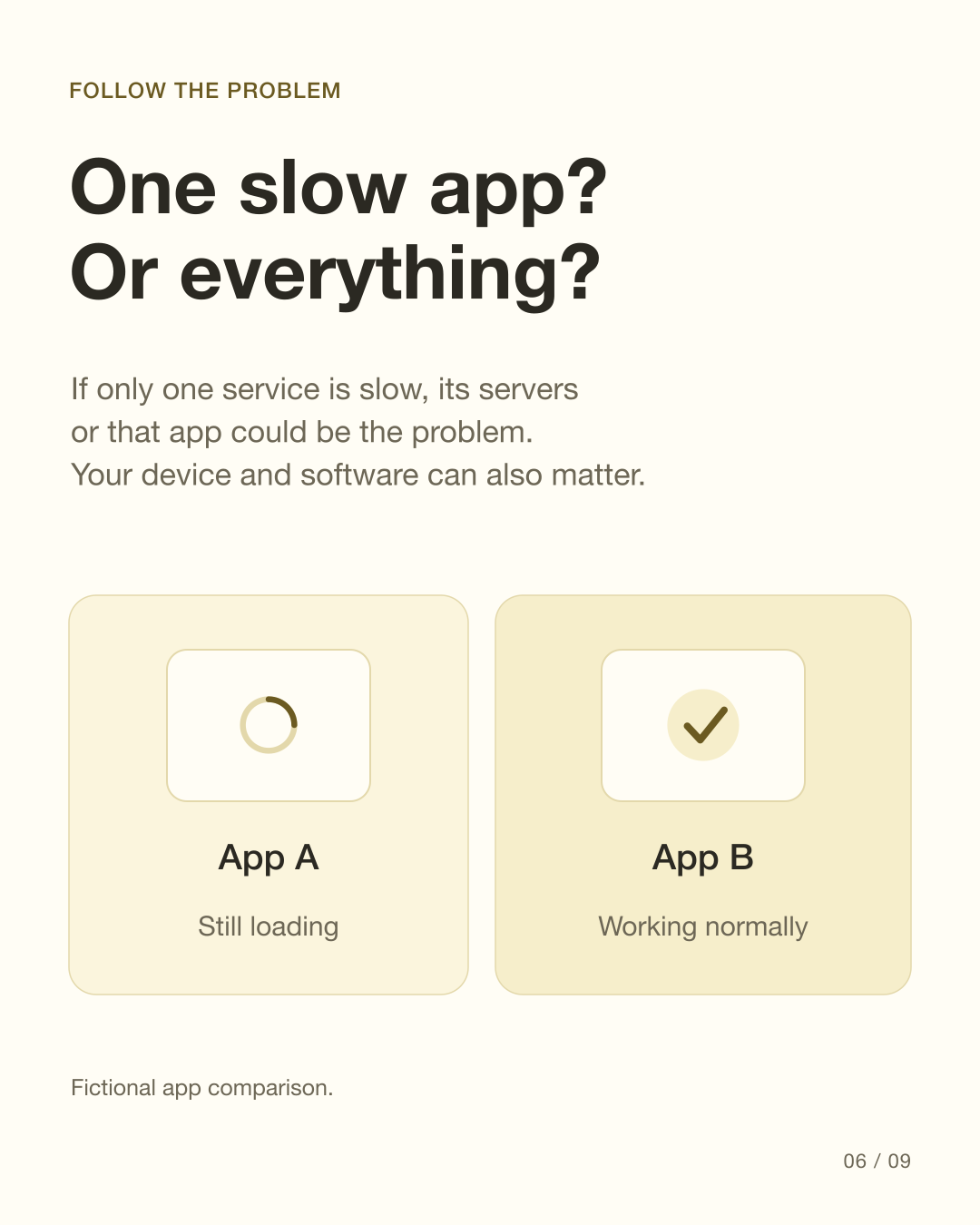
If one service is slow while others work normally, compare that service on another device. The app, its servers, your device or software may be involved. Full signal bars alone cannot identify the cause. The app comparison in the slides is fictional.
Source: Google Home Help: Troubleshoot slow internet · Microsoft Support: Wi-Fi and your home layout · Cisco: Troubleshoot Wireless Speed Issues
How can you start checking a slow connection?
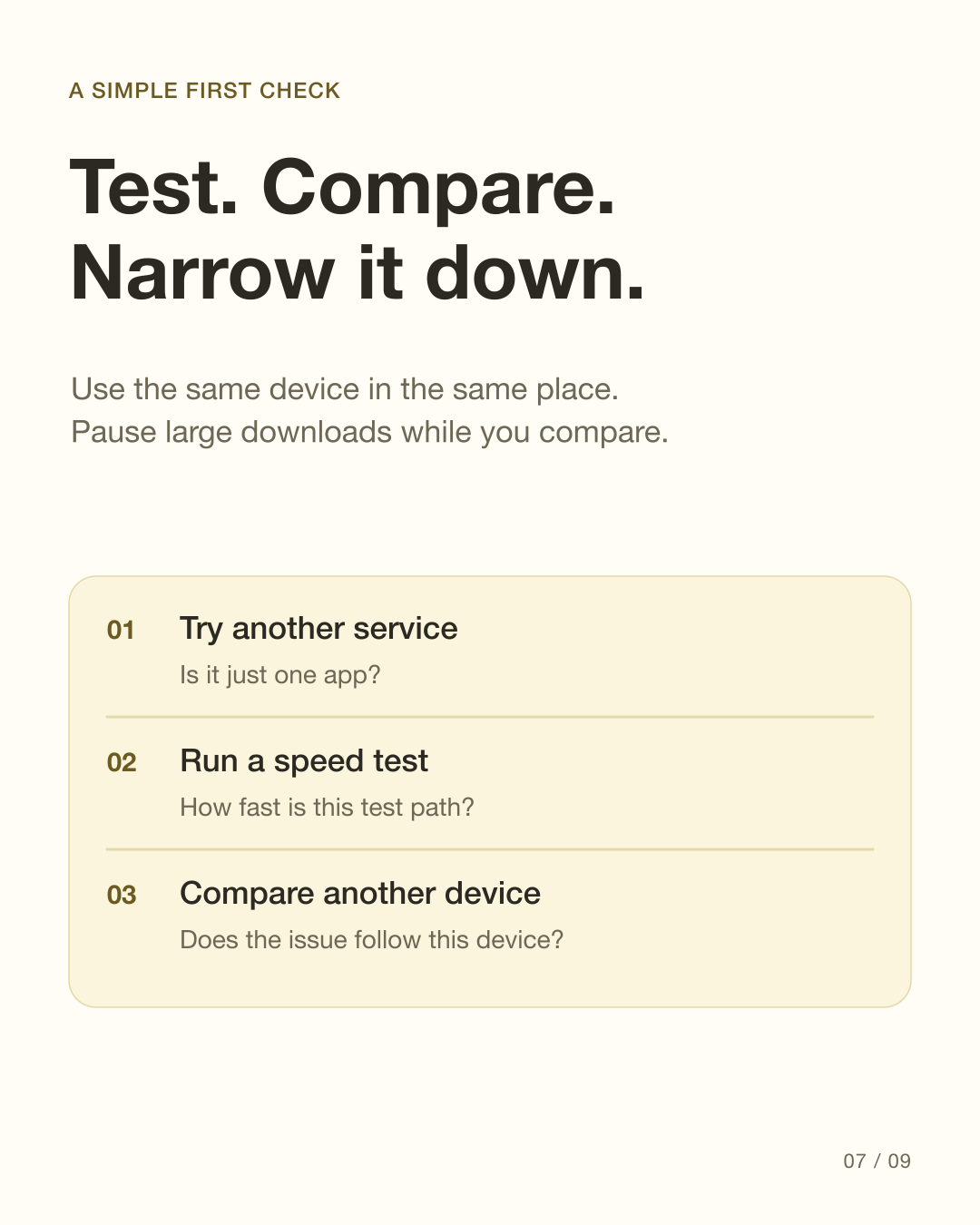
Try the same device in the same place, pause large downloads and test another service. A speed test measures a particular route to its test server; results can vary by server and time. Compare another device to see whether the problem follows one device or affects several.
Source: Google Home Help: Troubleshoot slow internet · Google Home Help: Test internet speed
A cable removes one link from the test
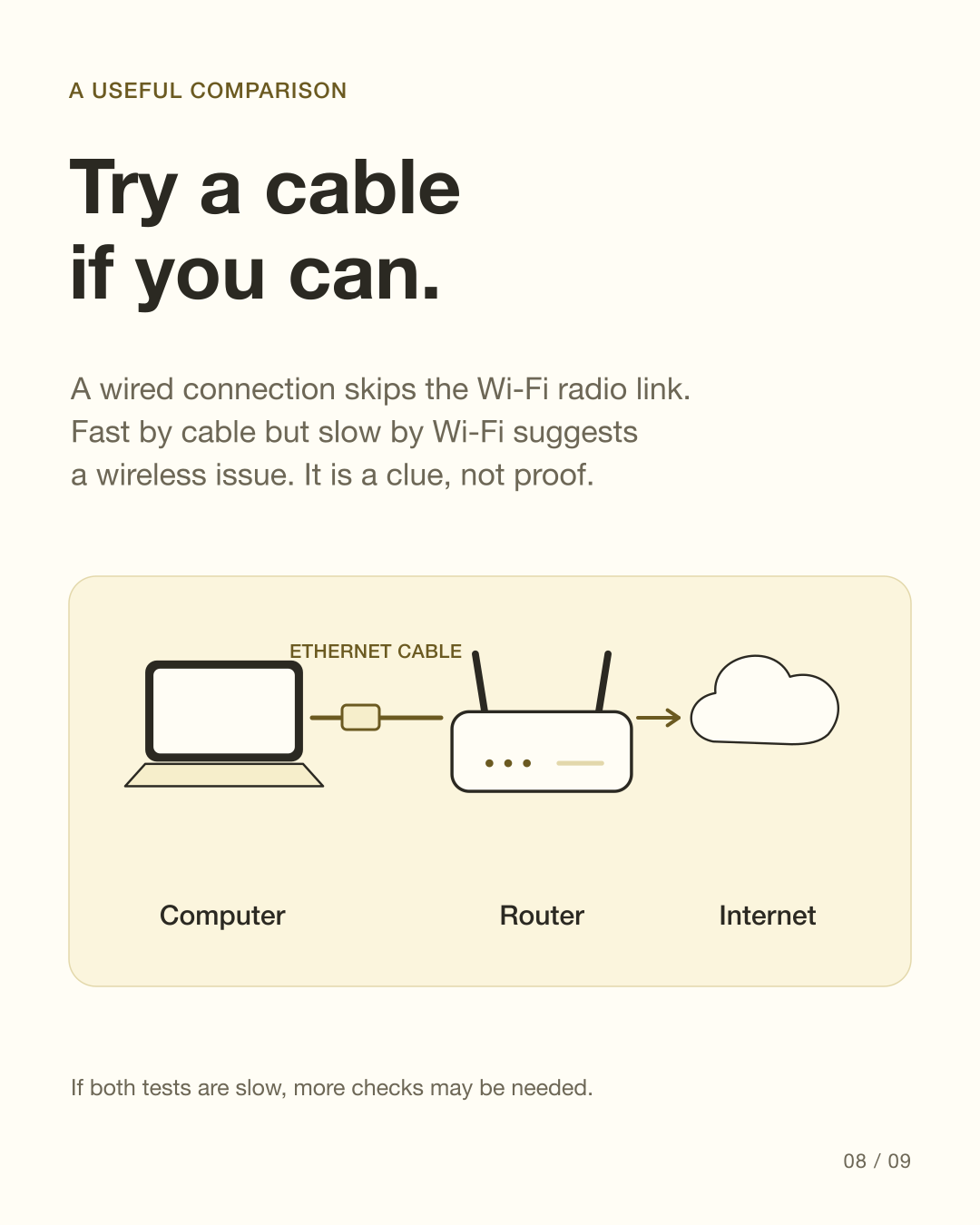
If practical, connect a computer to the router by Ethernet. Much faster performance by cable than Wi-Fi suggests the wireless part needs attention. If both are slow, an upstream problem is one possibility. These comparisons narrow the search; they are not proof of one specific fault.
Source: Google Home Help: Troubleshoot slow internet · Cisco: Troubleshoot Wireless Speed Issues
See the explanation in slides
These original diagrams explain the mechanism. The carousel is in English.
View all 9 English slides
Download the English carousel PDF
Sources
Primary references checked on 10 October 2026. Product support and behavior can vary.