 Ahmadreza Samadi / Home
Wait, that’s tech. · Everyday technology
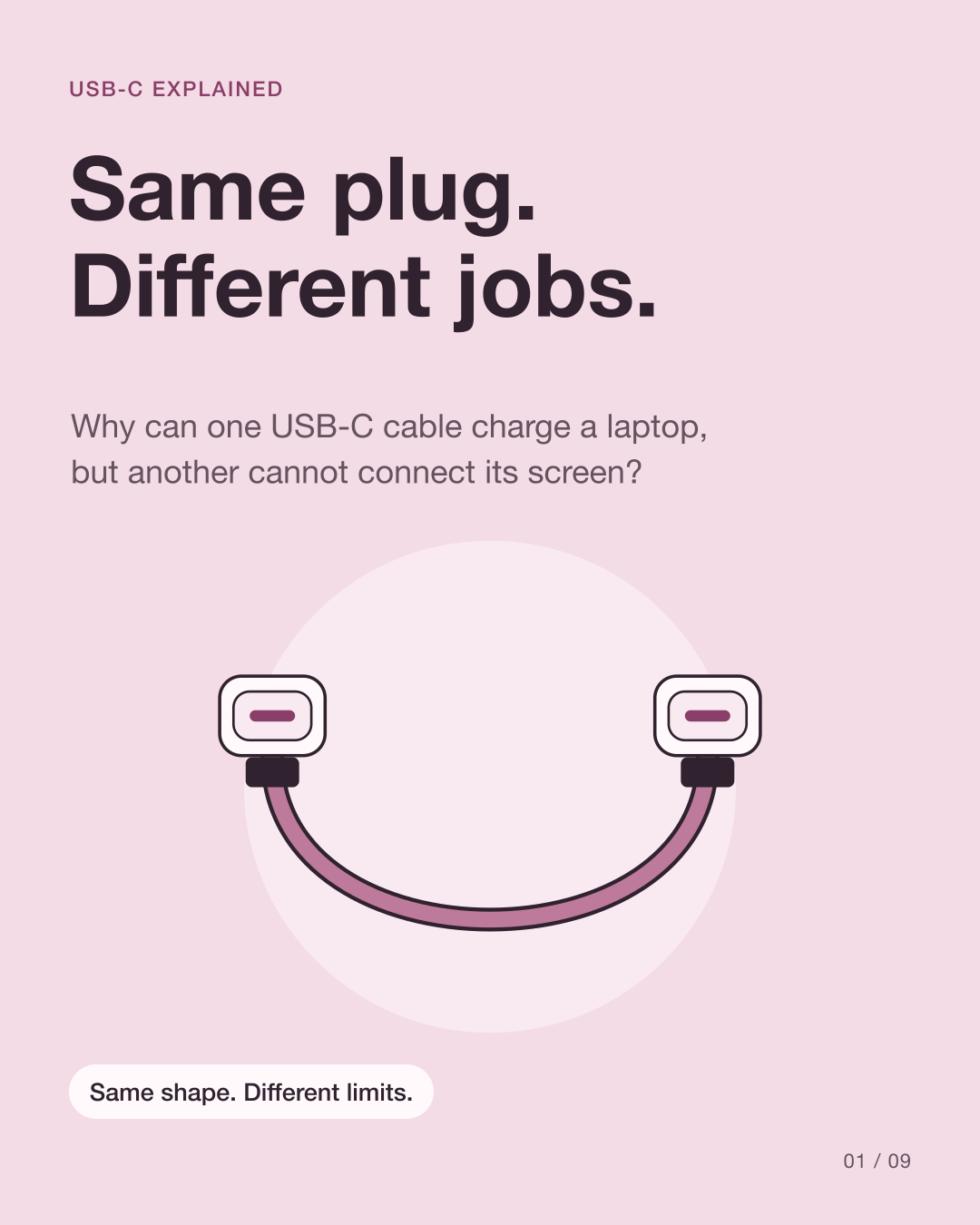
Why do identical-looking USB-C cables behave differently?
Two cables can fit the same socket and still do different jobs. USB-C names the connector shape; it does not promise the same charging, data speed or display support.
At a glance
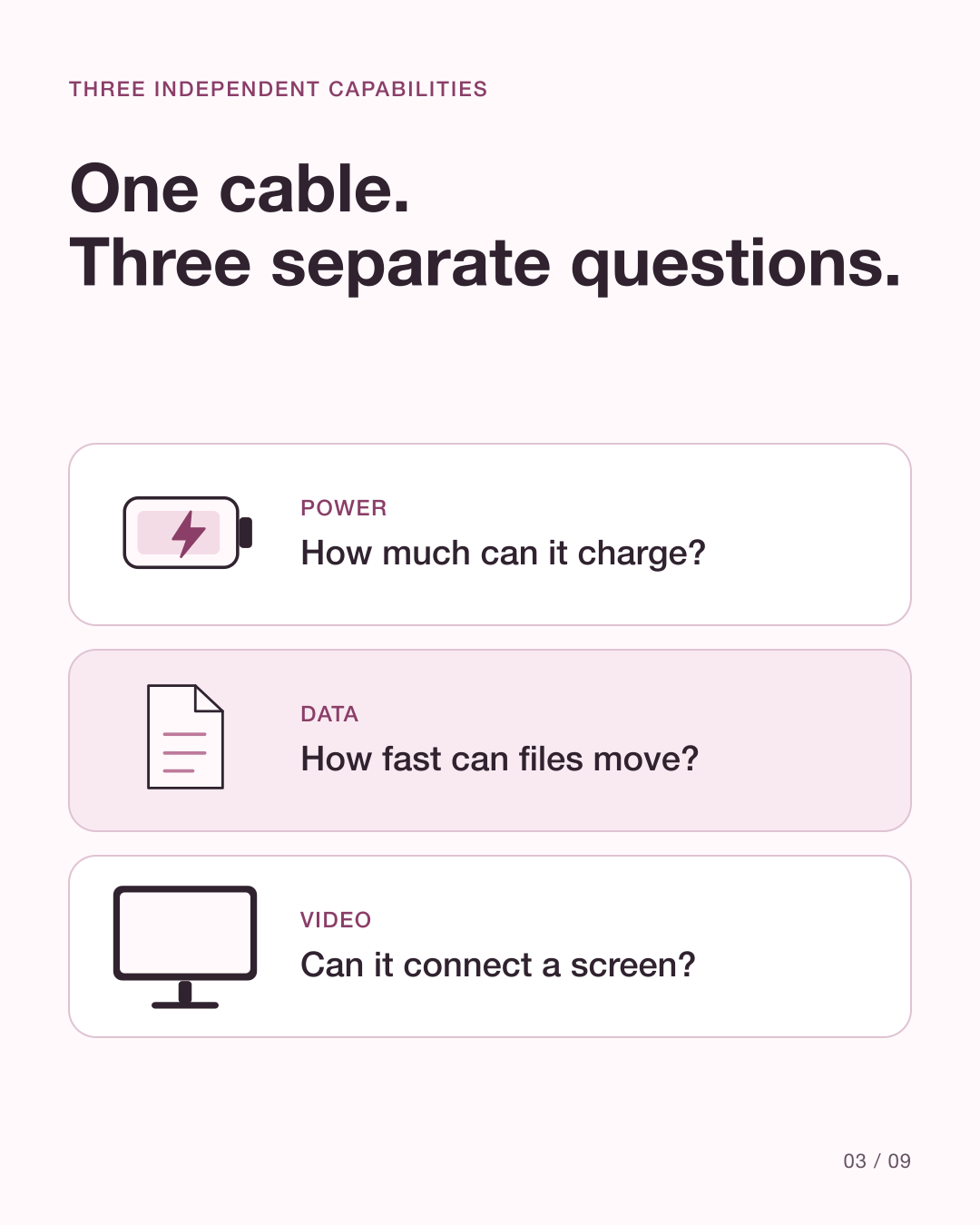
Power
How much power can this cable carry?
Data
How fast can it transfer files?
Video
Does the whole connection support a display?
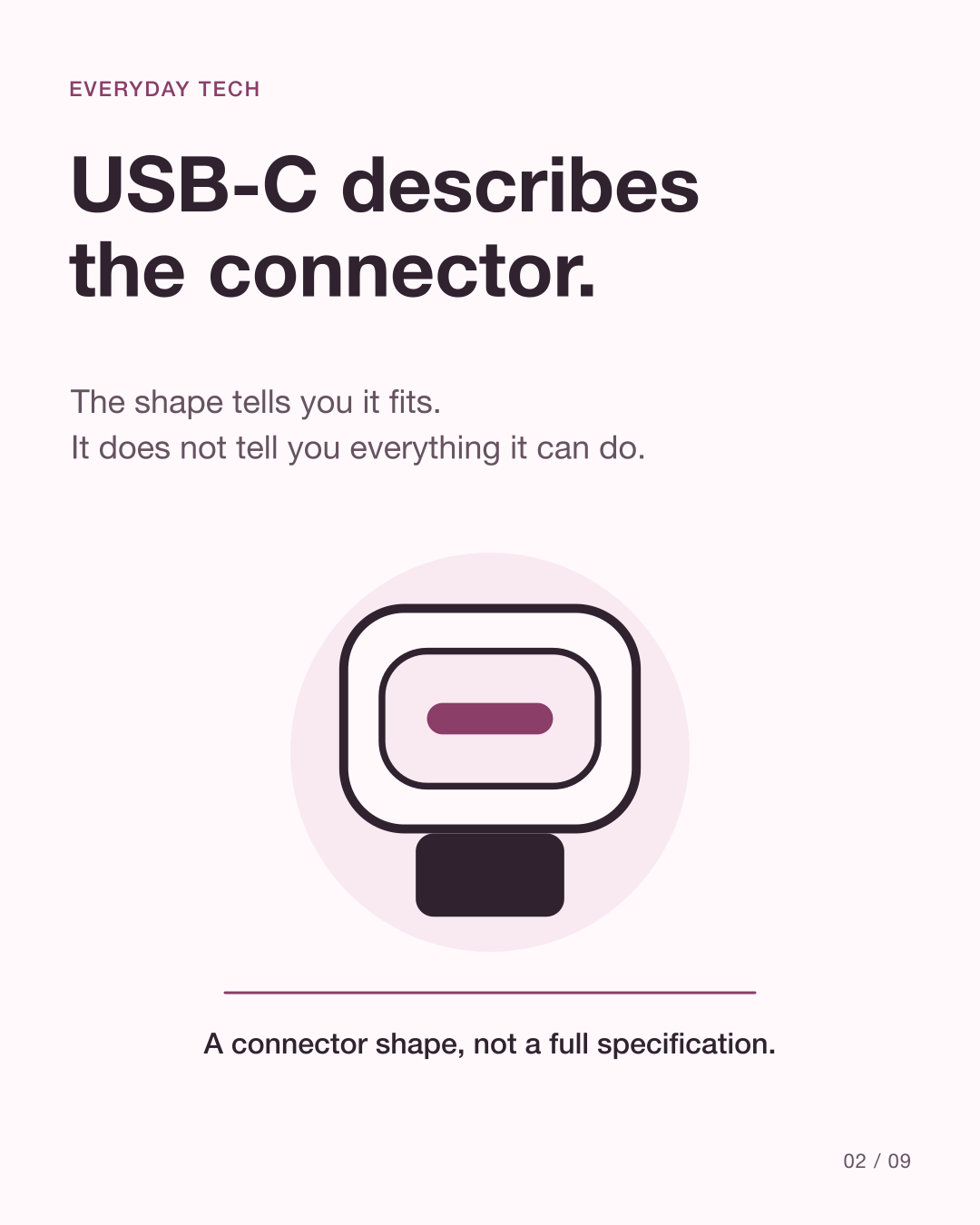
The plug shape is only the starting point
USB-C is the reversible connector that fits either way round. The electronics and wiring behind that shape determine which capabilities the cable supports. USB-IF certifies cables for different purposes, not one universal set of features.
Source: USB-IF: Cables and connectors · USB-IF: USB Type-C language and packaging guidelines
Does higher charging power mean faster file transfers?
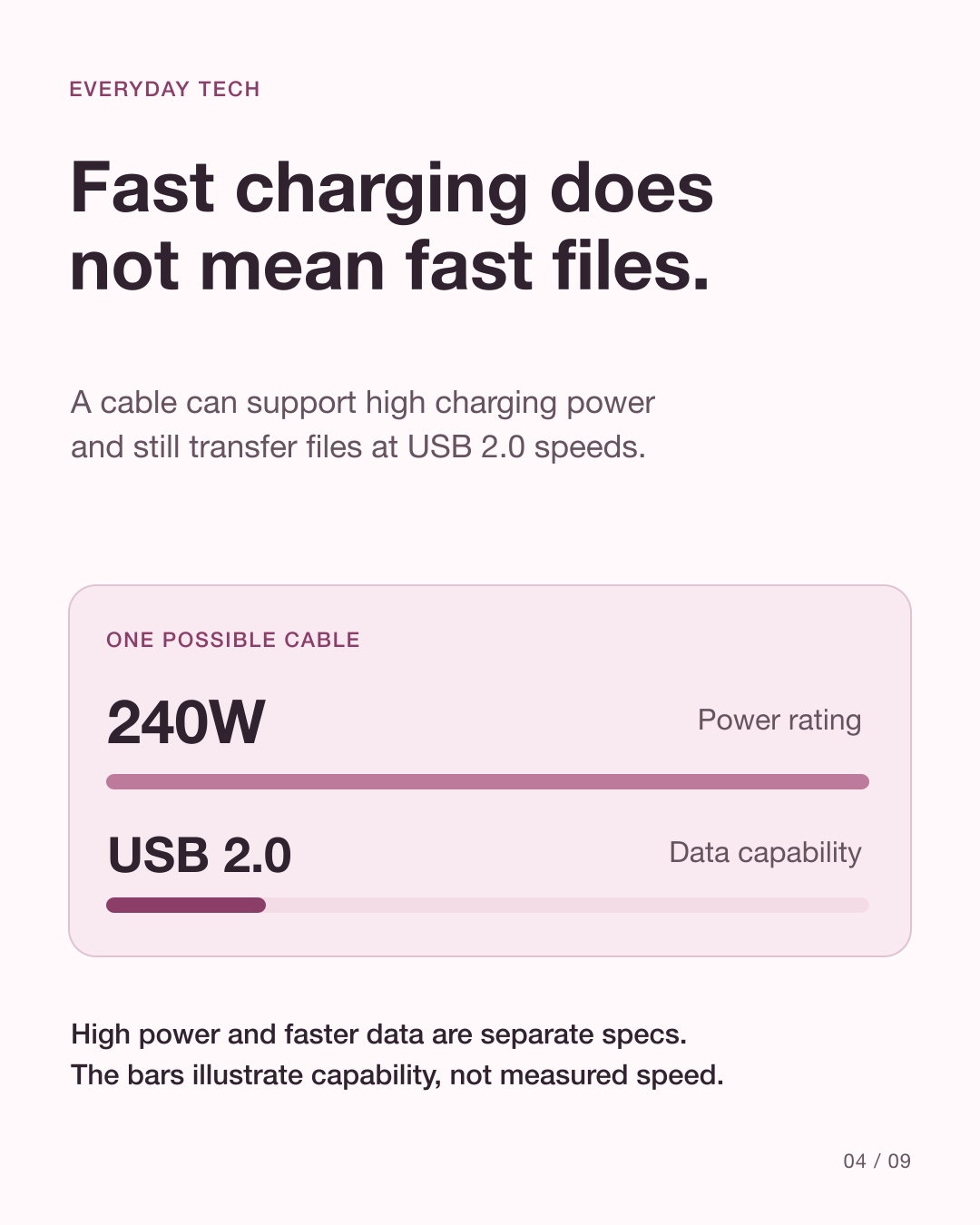
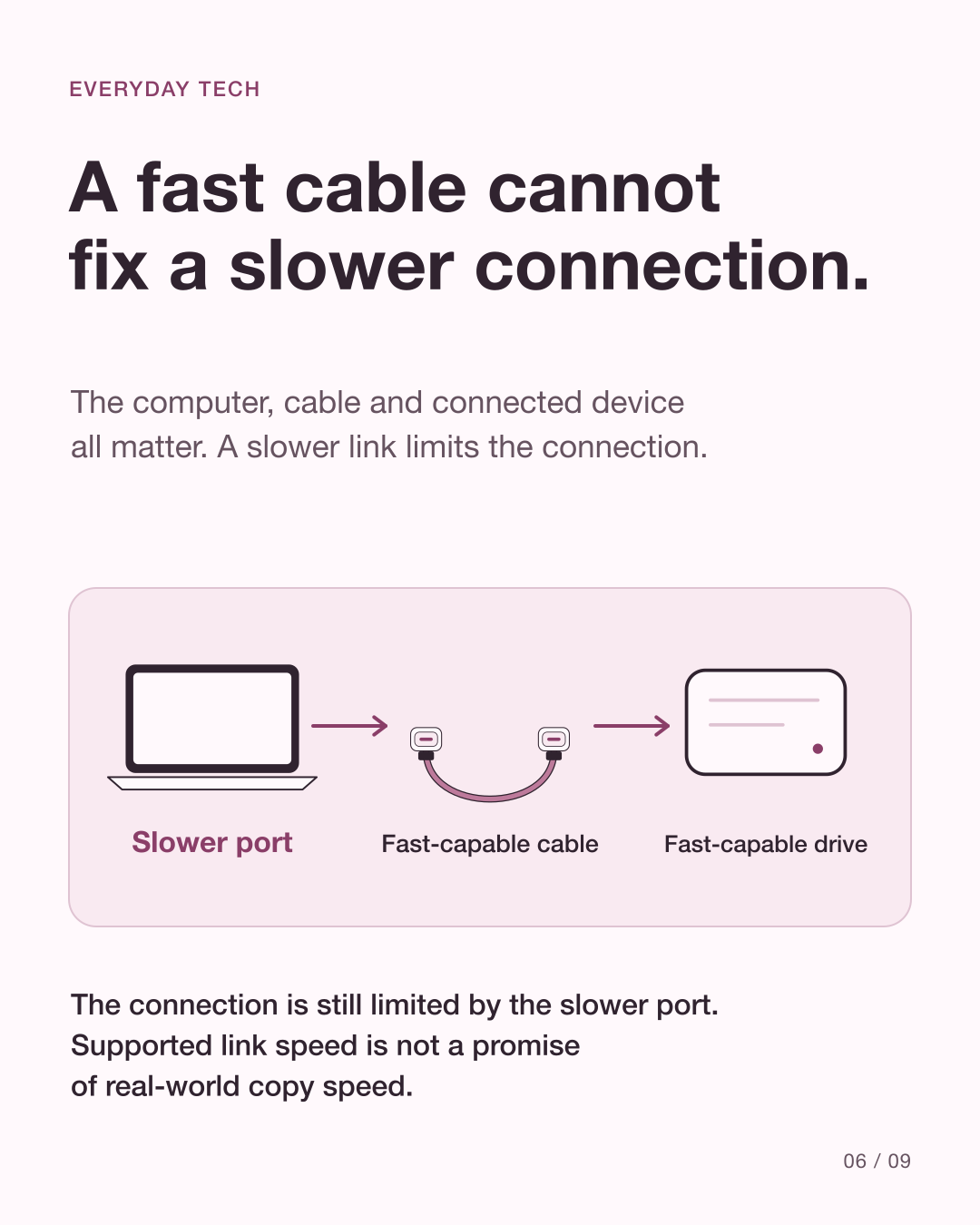
A cable can support high charging power while transferring data at a lower rate. A power rating in watts describes a power capability, not a file-transfer speed. A data rate in Mbps or Gbps describes data capability, not how quickly a battery will fill.
Source: USB-IF: Cables and connectors · USB-IF: USB Type-C language and packaging guidelines
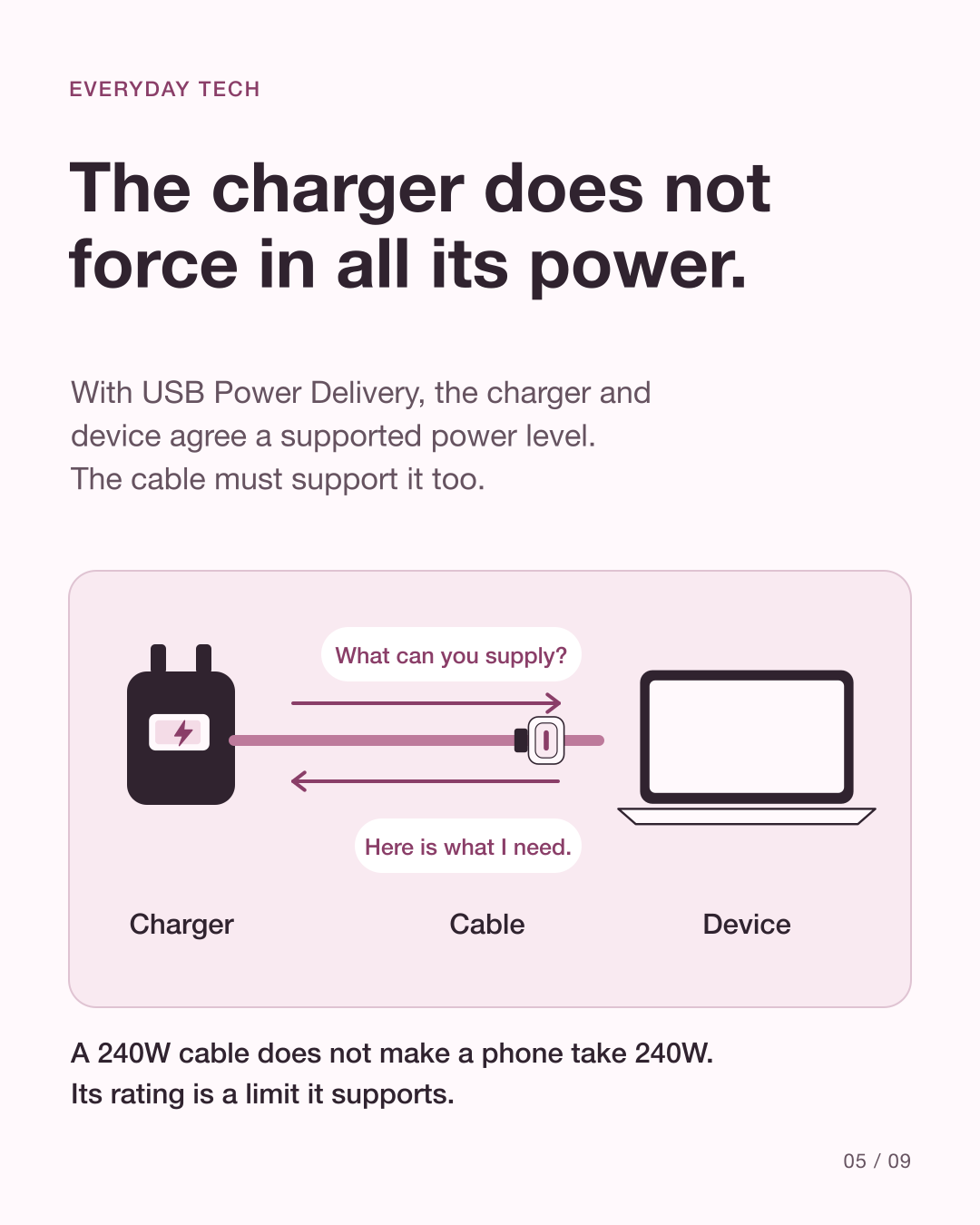
The charger does not force its maximum into the phone
With USB Power Delivery, the charger and device communicate to agree suitable power. The cable must also support that connection. A high-rated cable does not make a slow charger faster or make a phone accept more power than it supports.
Source: USB-IF: USB Power Delivery
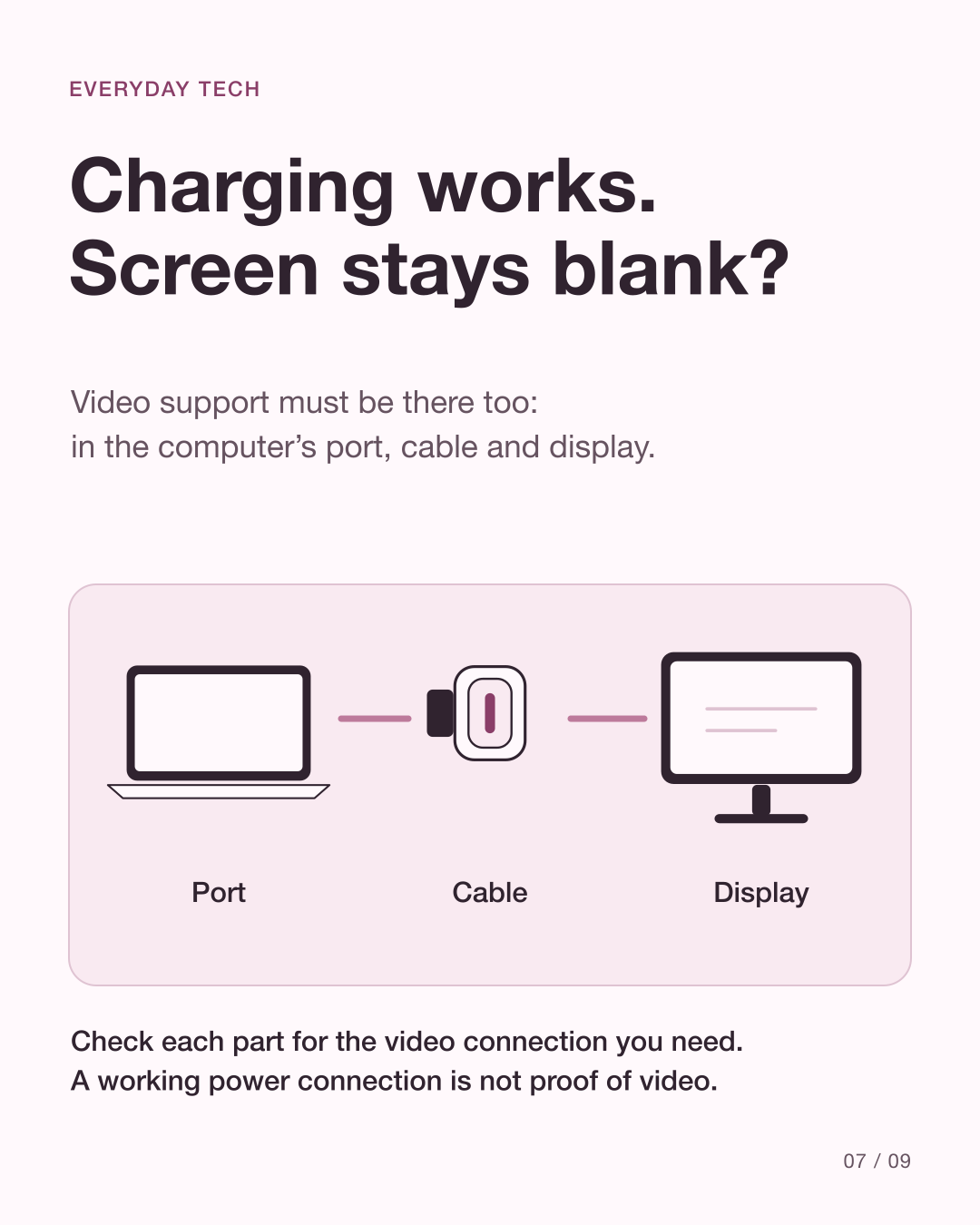
A display needs more than a matching plug
For a monitor to work, the computer port, cable and display or adapter must support a compatible video connection. A USB-C socket by itself does not establish that. Check the computer and monitor specifications as well as the cable listing.
Source: USB-IF: USB Type-C language and packaging guidelines · USB-IF: Cables and Connectors
Look for the actual capabilities
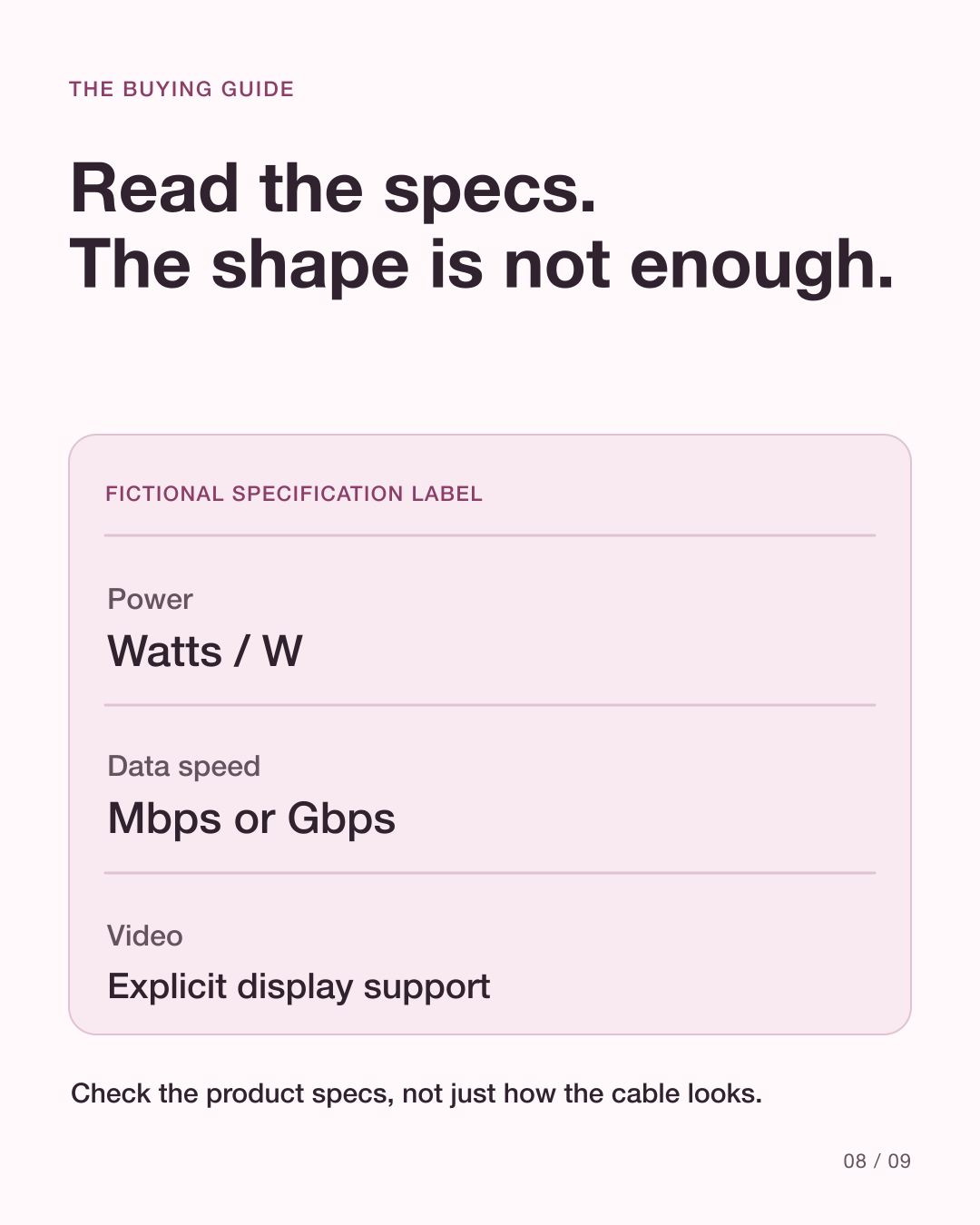
Current USB-IF-certified USB-C-to-USB-C cable markings identify 60W or 240W power capability; faster-than-USB-2.0 cables also need the appropriate data-rate marking for certification. Older or uncertified cables may look different. Read the manufacturer’s specification rather than treating a missing label as proof of one capability.
Source: USB-IF: Cables and connectors
How do you choose a cable for the job you need?
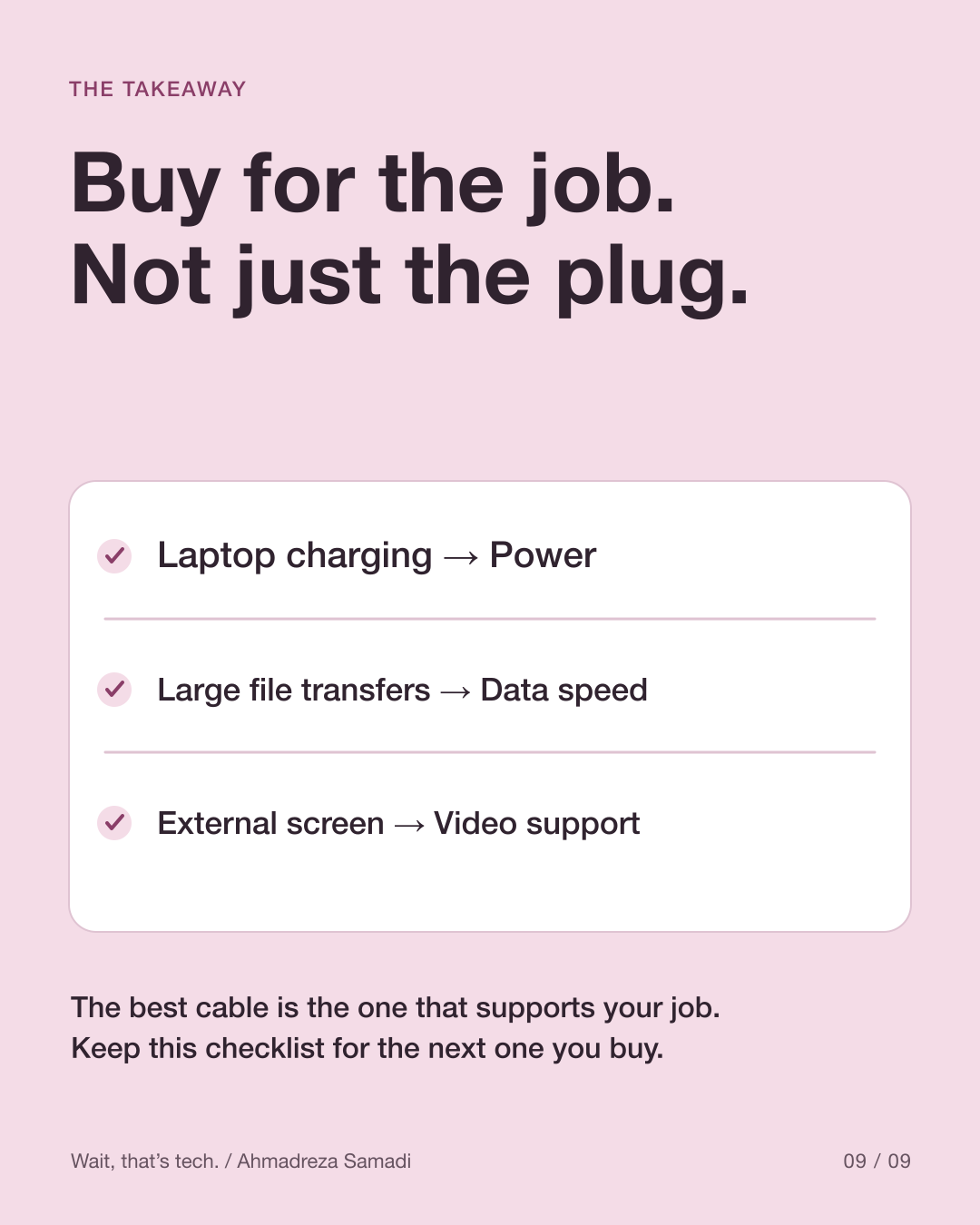
For charging, check required power and charging compatibility. For large files, check the supported data rate at both ends and on the cable. For a monitor, check video support. A connection cannot gain a capability that one required part lacks. The carousel’s examples are illustrative, not recommendations for particular products.
Source: USB-IF: Cables and connectors · USB-IF: USB Power Delivery · USB-IF: USB Type-C language and packaging guidelines
See the explanation in slides
These original diagrams explain the mechanism. The carousel is in English.
View all 9 English slides
Download the English carousel PDF
Sources
Primary references checked on 10 October 2026. Product support and behavior can vary.