 Ahmadreza Samadi / Home
Explainer · Everyday technology
Does Incognito actually make you invisible?
Imagine buying a surprise gift on a shared laptop. Incognito leaves less in Chrome on that laptop, but it does not make the visit a secret from the shop.
At a glance
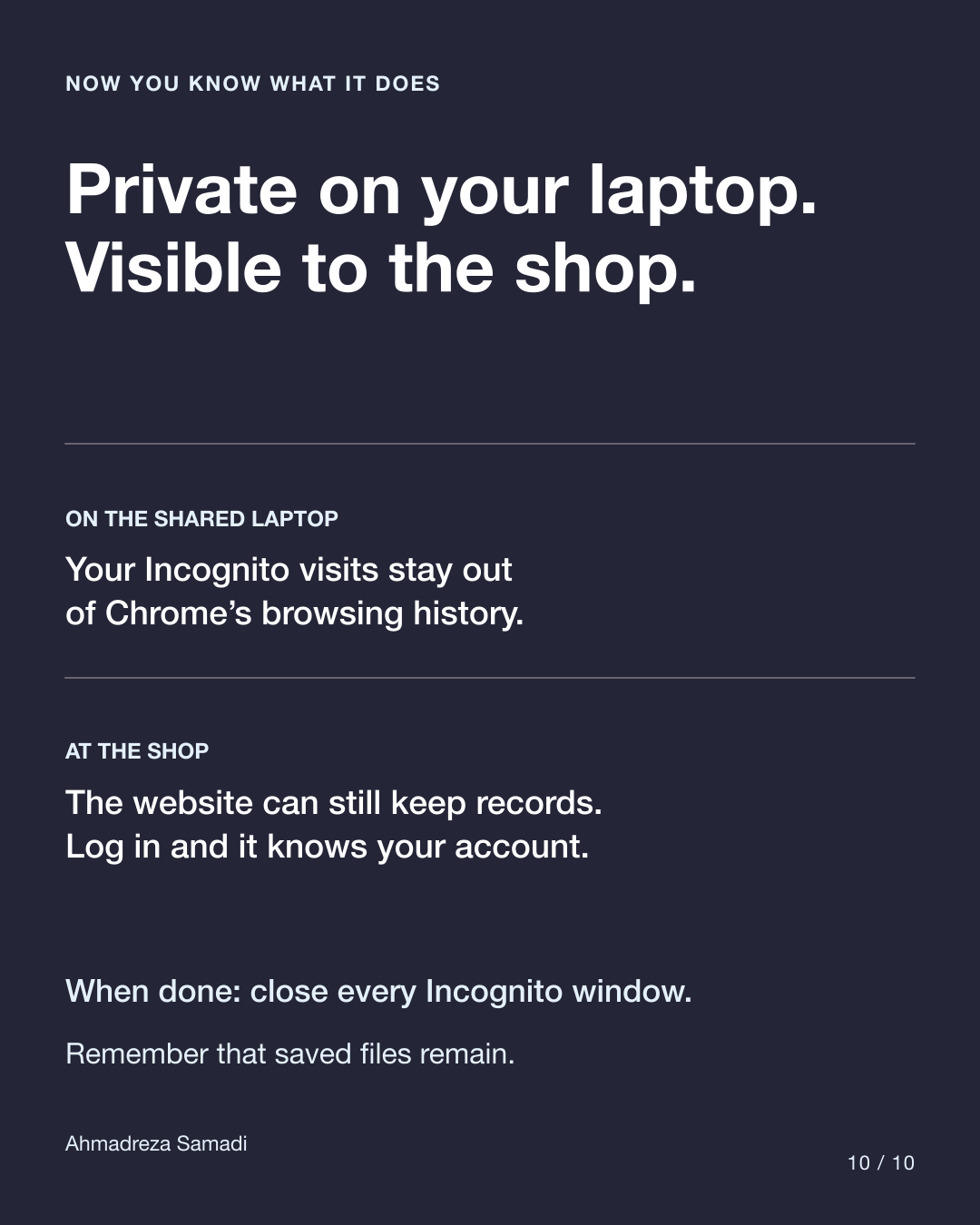
On the laptop
Incognito visits stay out of Chrome’s browsing history.
At the shop
The website can still record the visit. Logging in identifies your account.
First, what is browsing history?
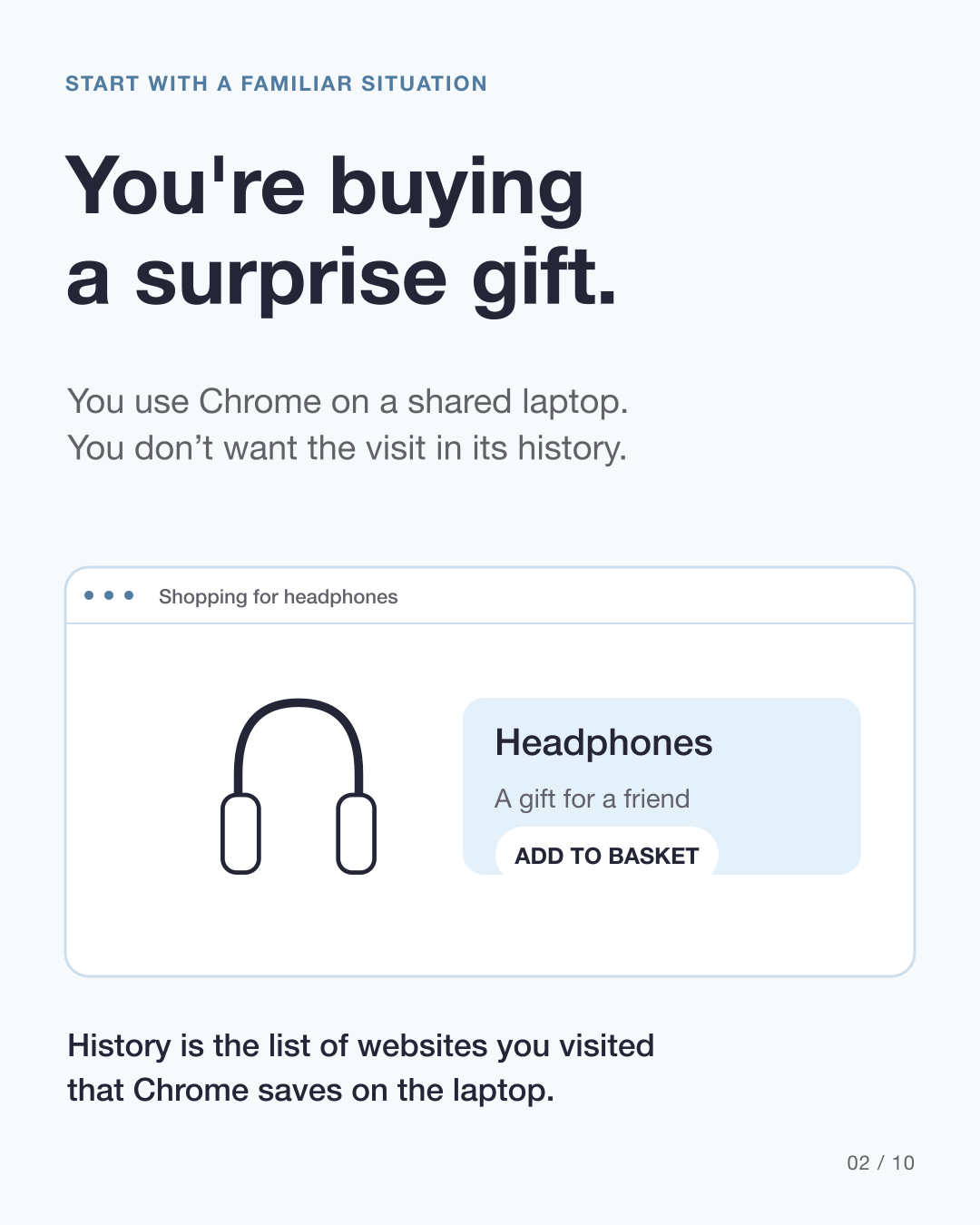
Your browser is the app you use to visit websites, such as Chrome, Safari or Firefox. Browsing history is its saved list of websites you visited.
In our example, you are looking for headphones as a surprise gift. You do not want a friend who uses the same laptop to find the visit in Chrome’s history. Incognito can help with that specific job.
What does a cookie help a website remember?
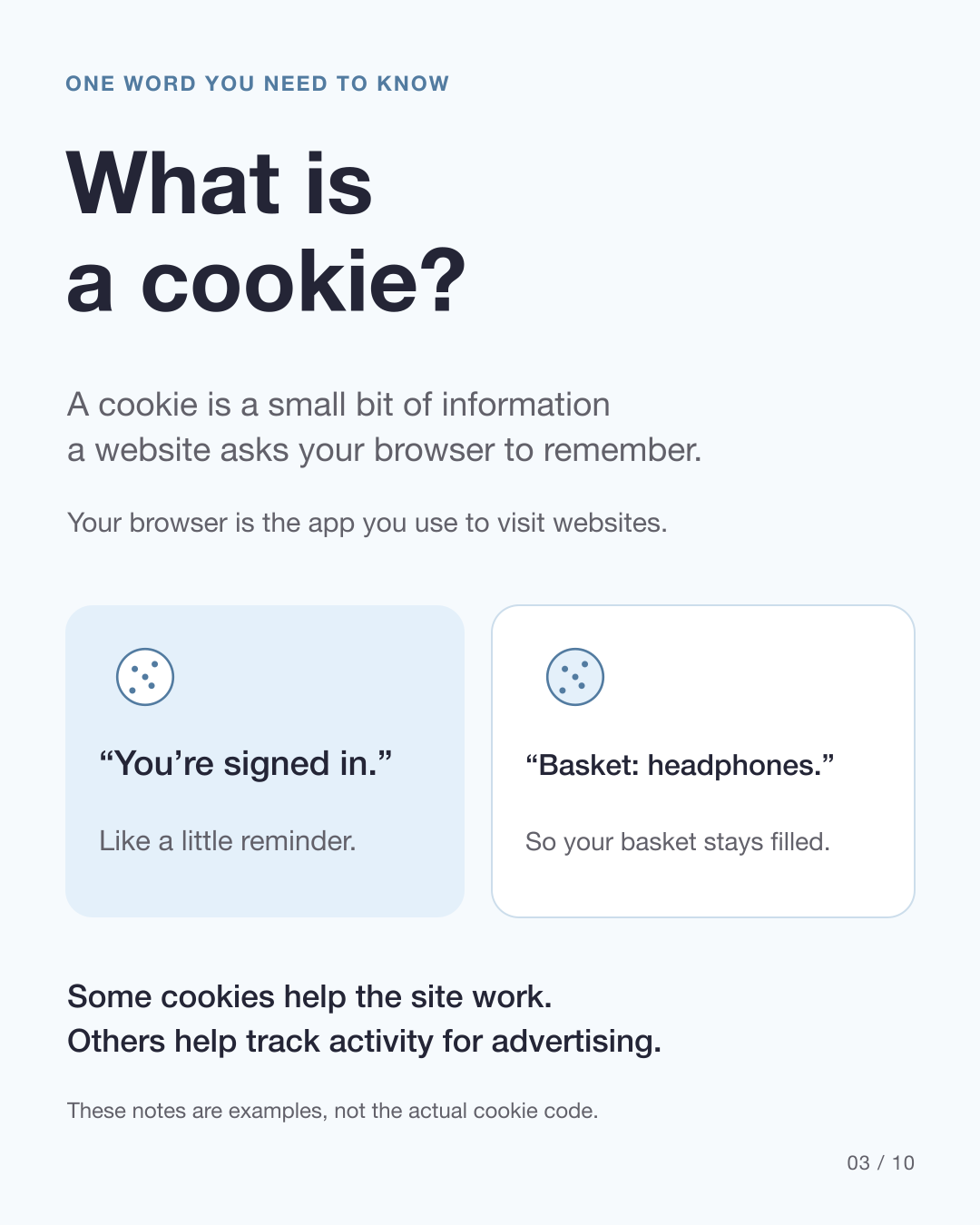
A cookie is a small bit of information a website asks your browser to remember. It can help the site recognize a login or keep items in your shopping basket as you move between pages.
Think of notes saying “you’re signed in” or “basket: headphones.” Real cookies often contain codes rather than readable notes. Some help websites work; others help track activity for advertising.
What changes when you open Incognito?
Chrome starts a separate space without your usual website cookies. It can still make new, temporary reminders as you browse. Your ordinary Chrome history and cookies are not erased.
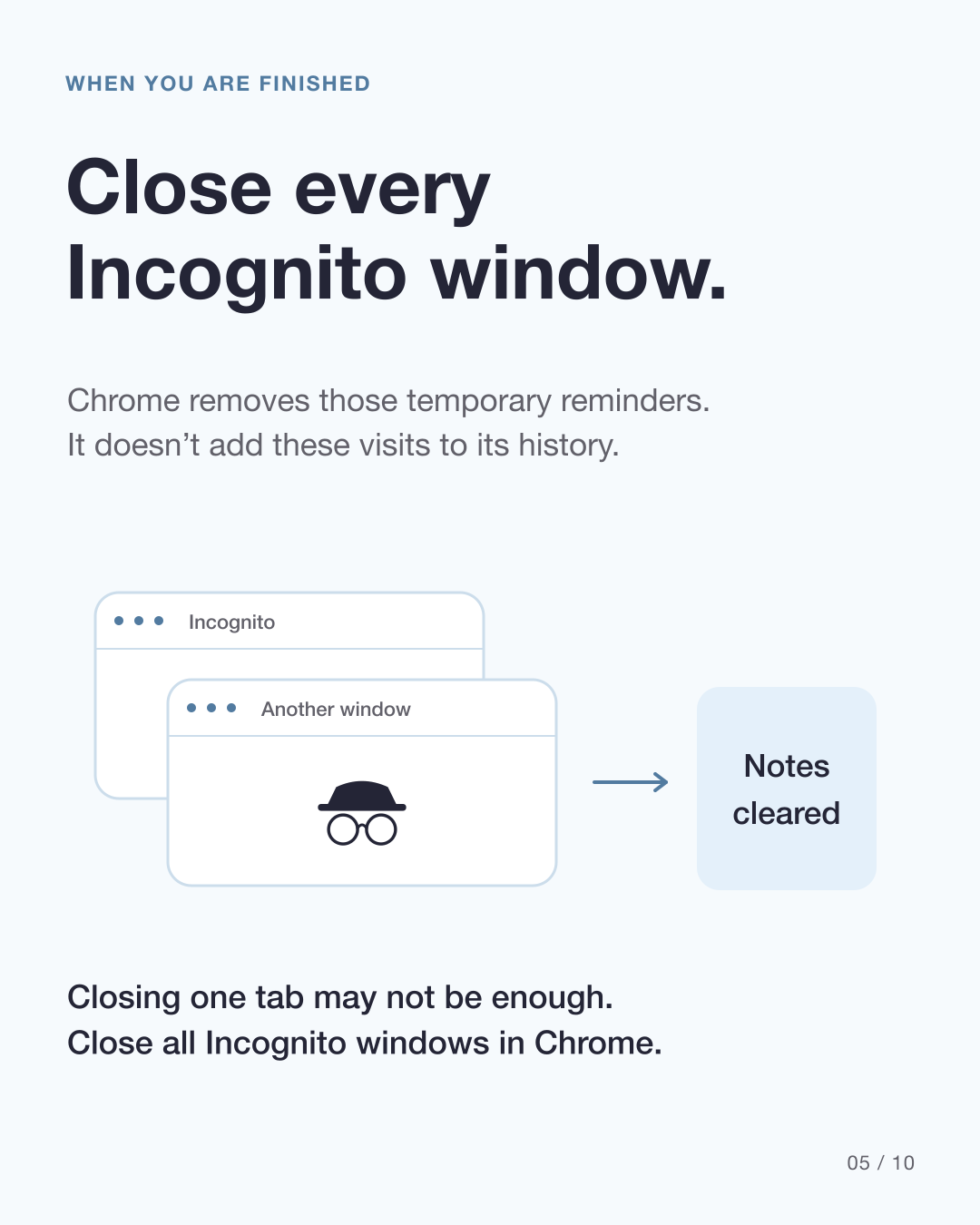
When you are finished, close every Incognito window in Chrome. Chrome then discards the private cookies and site data, and these visits stay out of its browsing history. Closing only one tab may leave another Incognito window open. Other browsers have different controls.
What can the shop still record in Incognito?
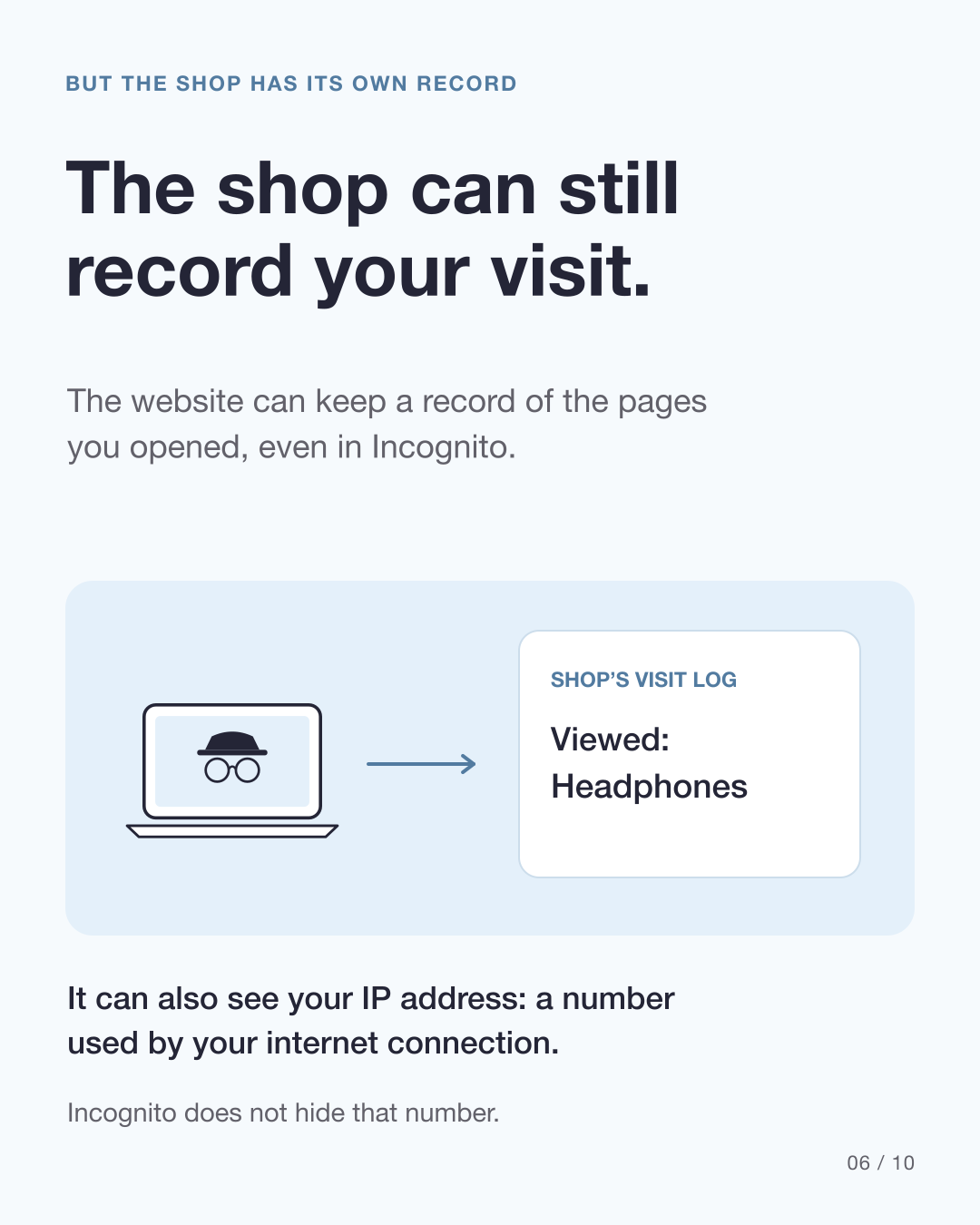
The shop receives your visit and can record what you do on its website, such as opening the headphones page. Incognito does not delete those records.
The site can also see your IP address: a number used by your internet connection. That number is not necessarily unique to you or your device. Incognito does not hide it.
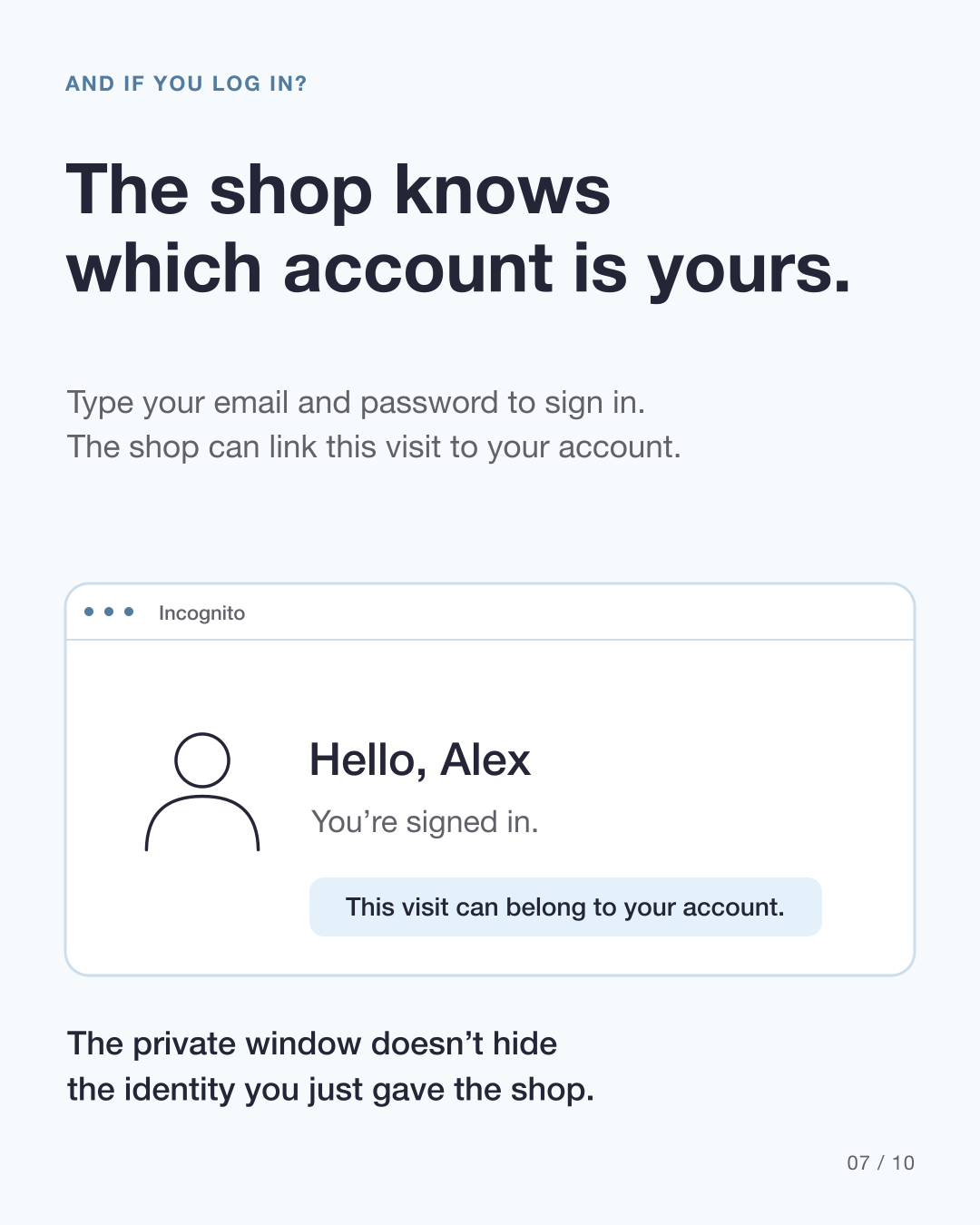
If you log into the shop, you give it your account identity. It can link activity to that account even inside a private window.
Your internet connection is another part of the story
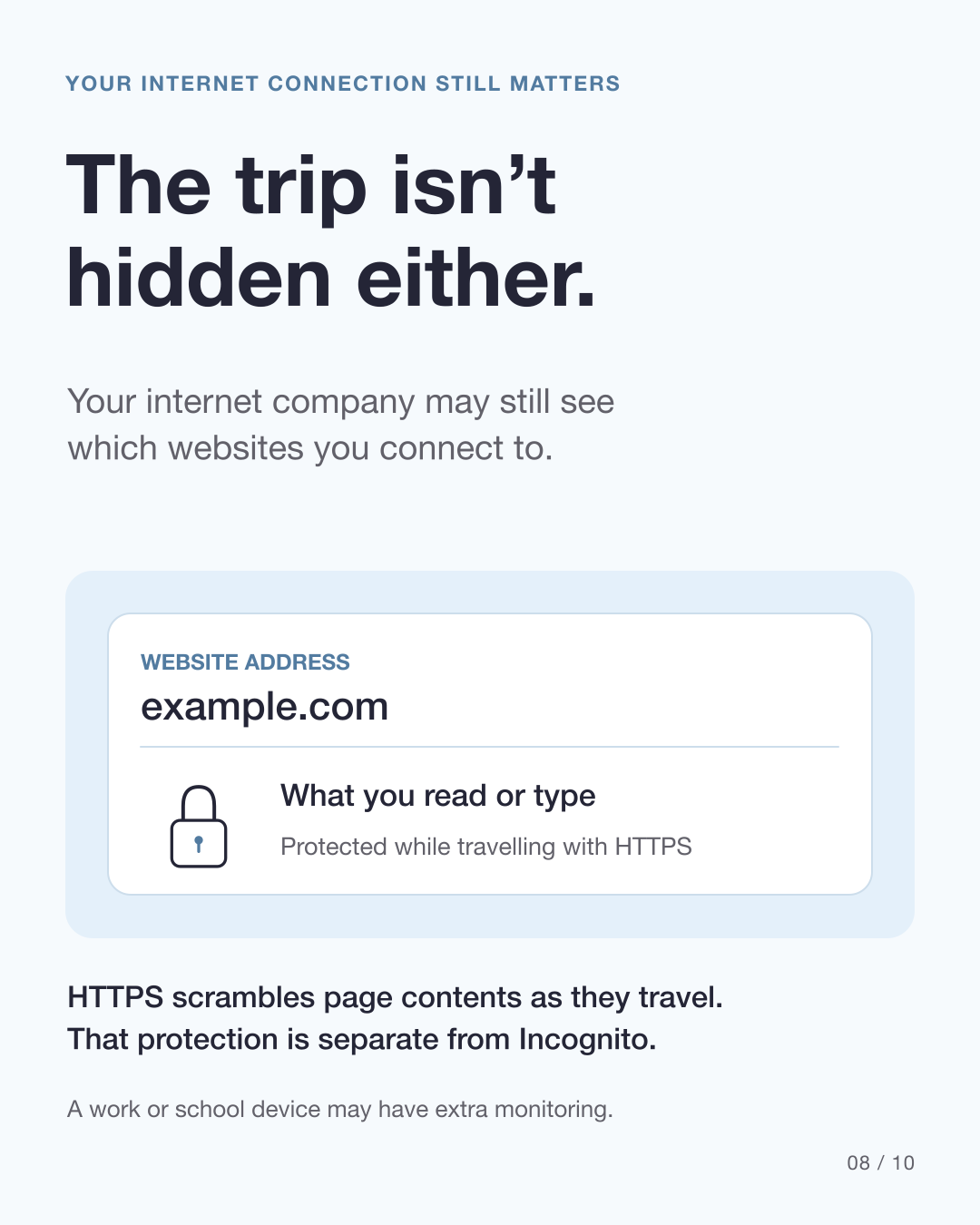
Your internet company may still see which websites you connect to. HTTPS protects page contents while they travel by scrambling them, so ordinary network observers cannot simply read those contents. This protection is separate from Incognito.
Exactly what is visible depends on the connection and device. A work or school device may have extra monitoring. HTTPS does not stop the destination website from seeing what you do there.
Do downloaded files and bookmarks disappear when Incognito closes?
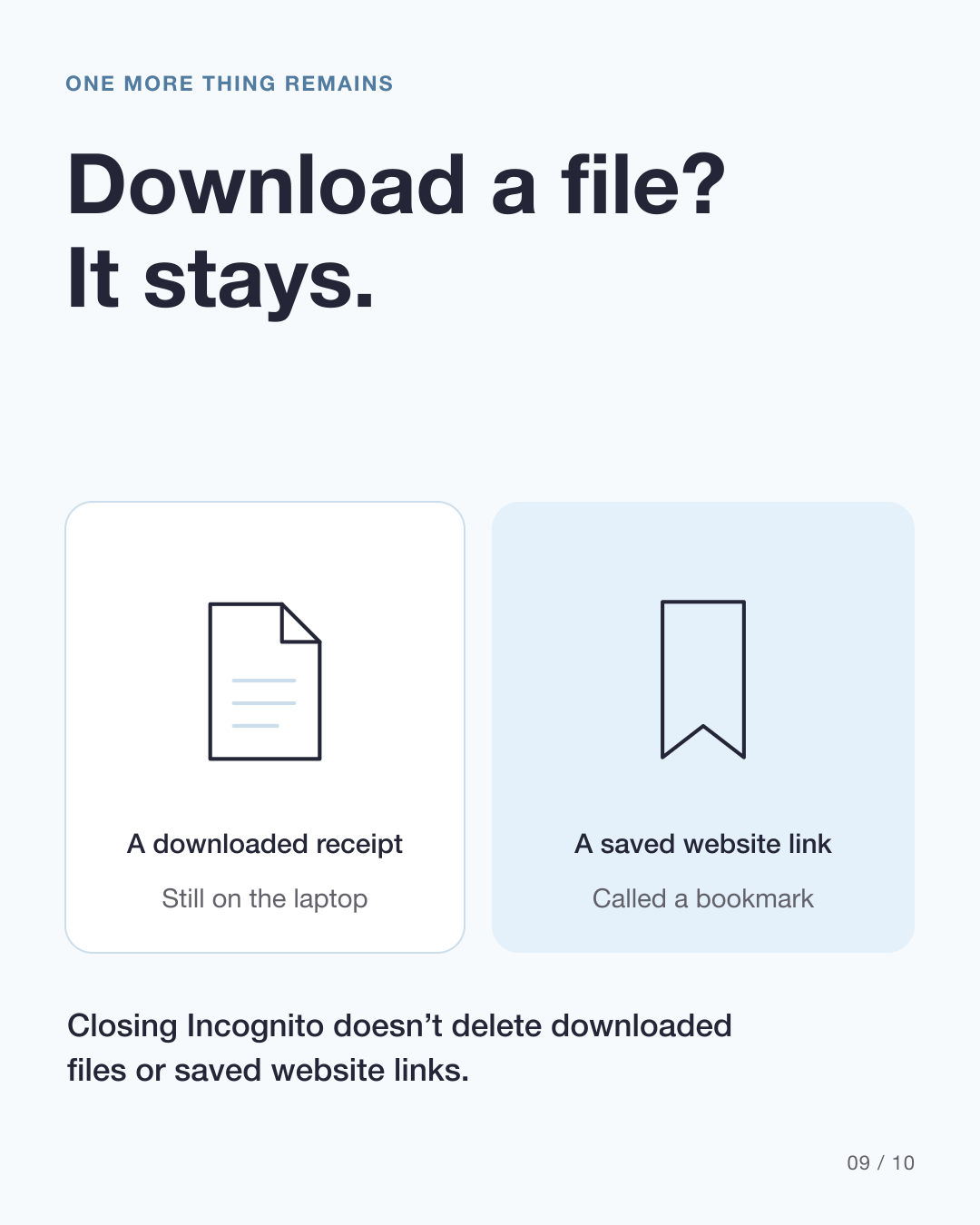
If you download a receipt, the file remains on the laptop after Incognito closes. A saved website link, called a bookmark, remains too.
Use private browsing to leave less browser history and temporary website data on a trusted shared device. Do not expect it to erase the shop’s records, hide a login, or delete things you deliberately saved.
Follow the visit in ten slides
Original illustrations explain the gift-shopping example. The shop, Alex account and cookie notes are illustrative, not product screenshots or actual cookie code.
View all 10 carousel slides

Download the English carousel PDF
Sources
Primary sources checked on 5 October 2026. The closing-window instructions refer to Chrome.
Also published on
Instagram · LinkedIn · YouTube