 Ahmadreza Samadi / Home
Technology and proptech, explained
How does ChatGPT's Intelligent UI work?
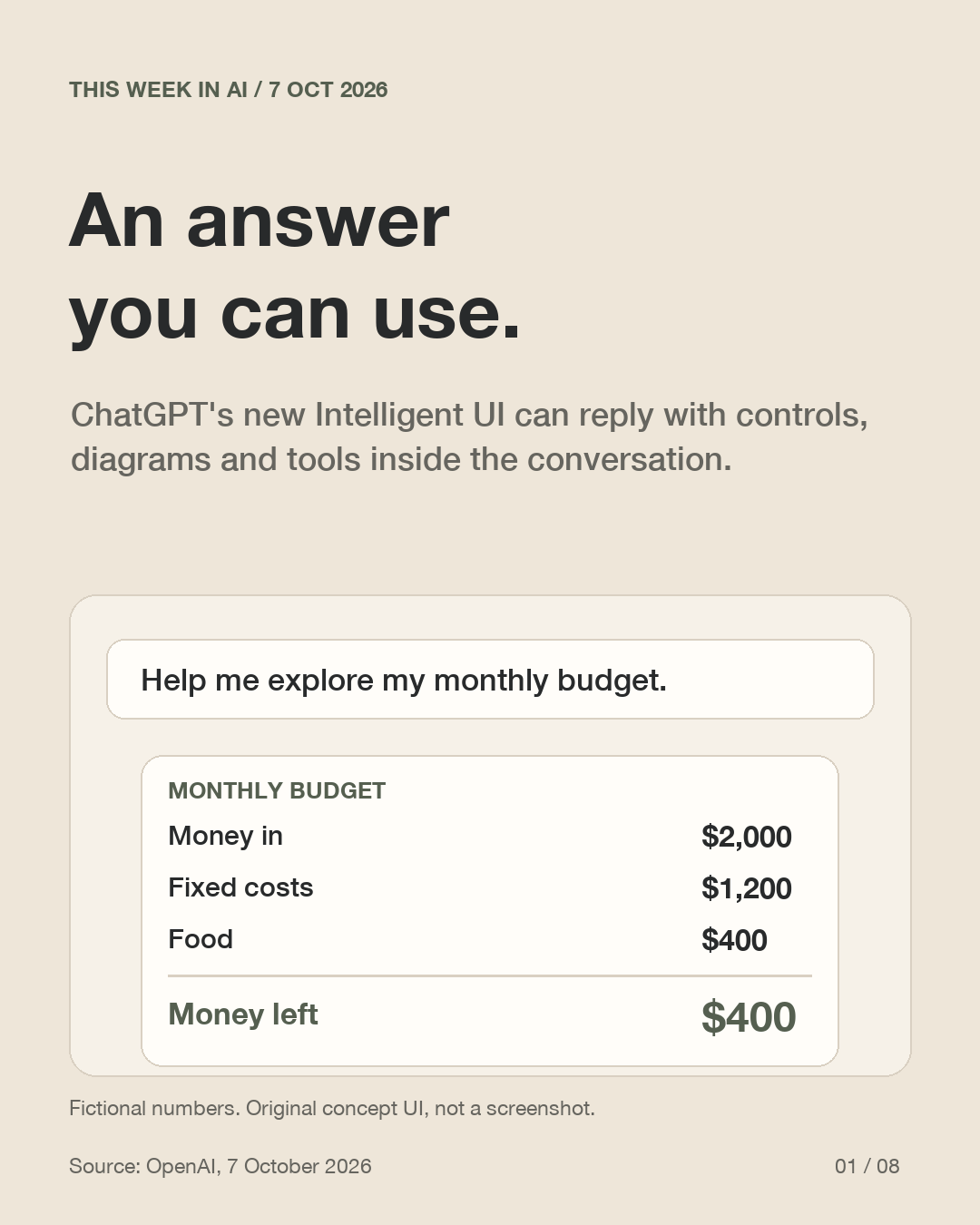
Intelligent UI can put controls, charts and small tools inside a ChatGPT answer. Instead of only reading a result, you may be able to change an input and explore it. The useful question is still: are the inputs and assumptions right?
What changed
OpenAI announced interactive answer formats in ChatGPT on 7 October 2026.
How to think about it
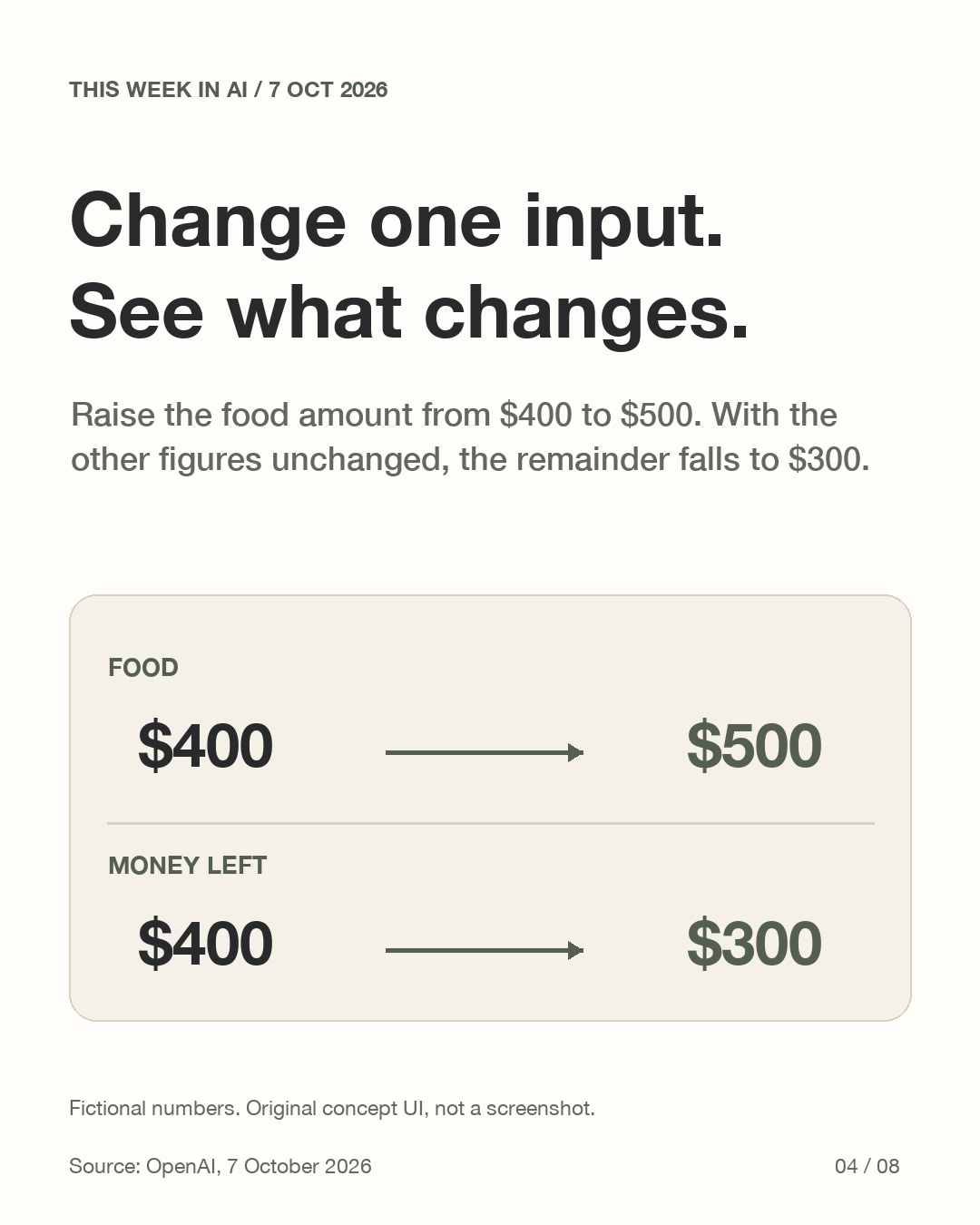
Change one input and see how the result changes, like the fictional budget below.
What to check
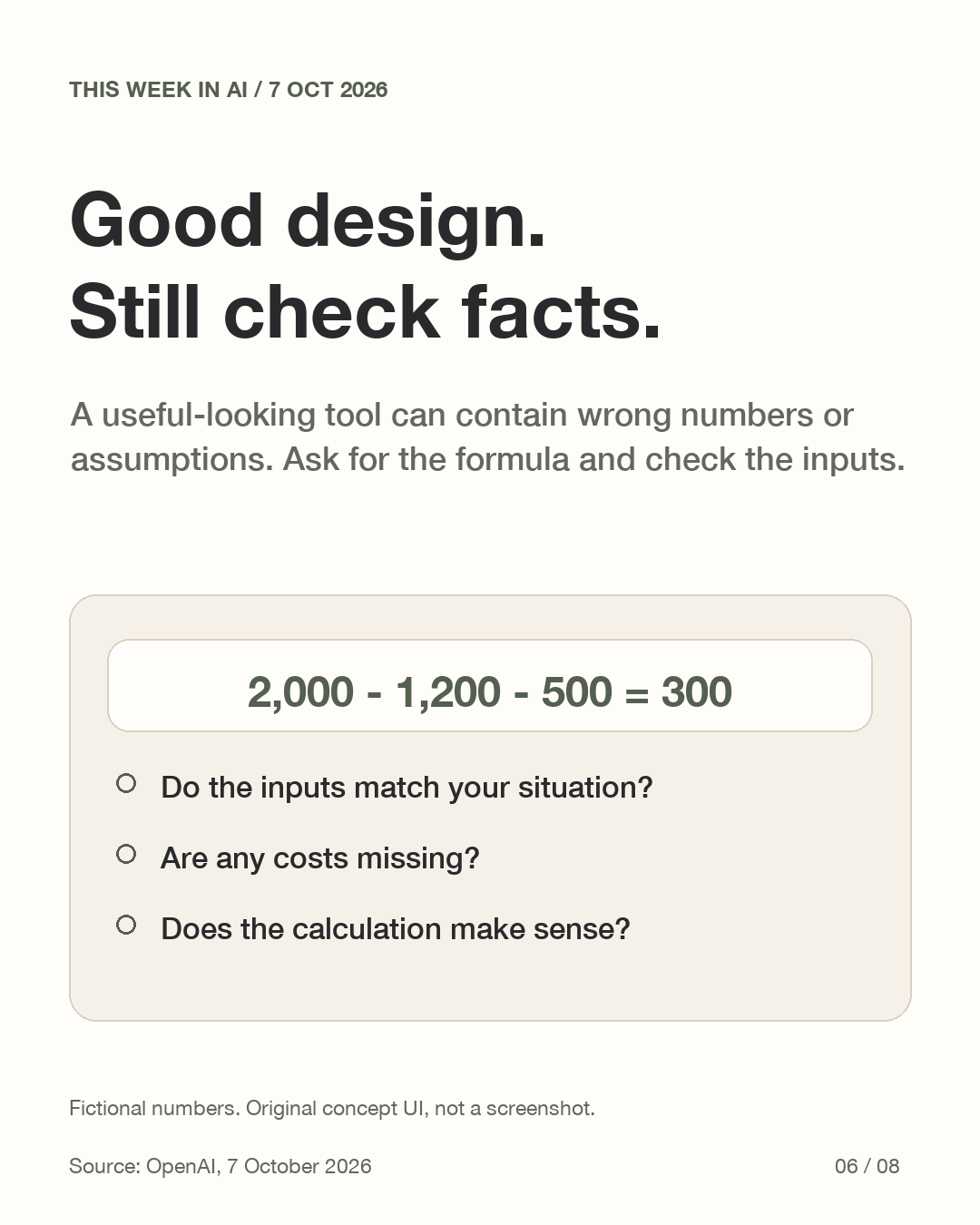
A polished interface still needs correct inputs, formulas and assumptions.
What did OpenAI announce?
The 7 October announcement describes Chat answers that can include forms, charts and controls. A small tool can appear within the conversation. This is a new way to present an answer, rather than a claim that every answer becomes an application.
Why use an interactive answer?
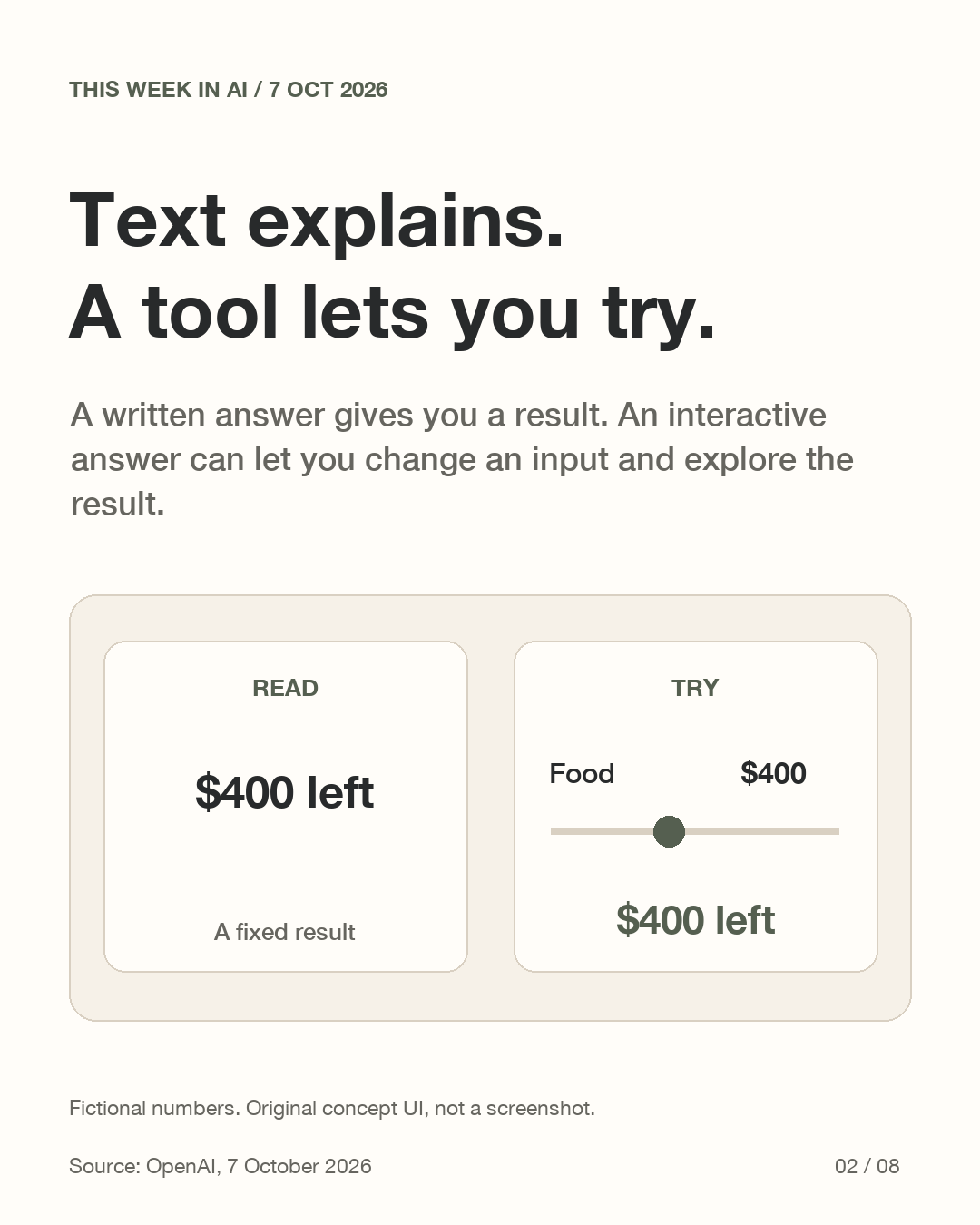
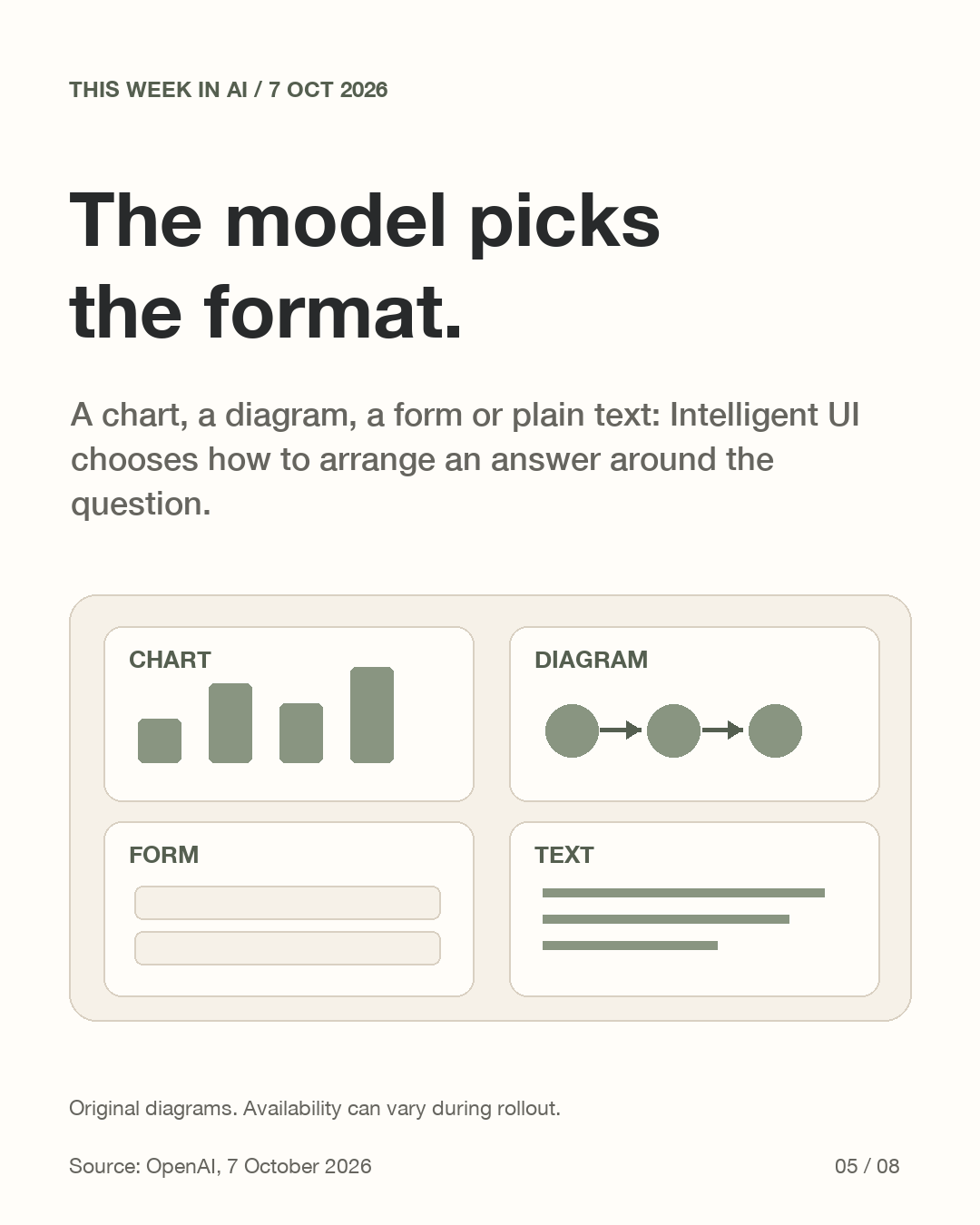
The model can choose text, visuals or interaction to suit the question. Consider the difference between reading a fixed result and changing a value yourself. A simple text answer can be the right format too; extra controls are useful only when they help you understand the task.
How can the interface appear quickly?
OpenAI describes a native component library and a compiler that processes the interface as the model generates it. Pieces can appear progressively. The model arranges those pieces around the task; the announcement does not describe a separately deployed, production-ready website.
What does changing one input mean?
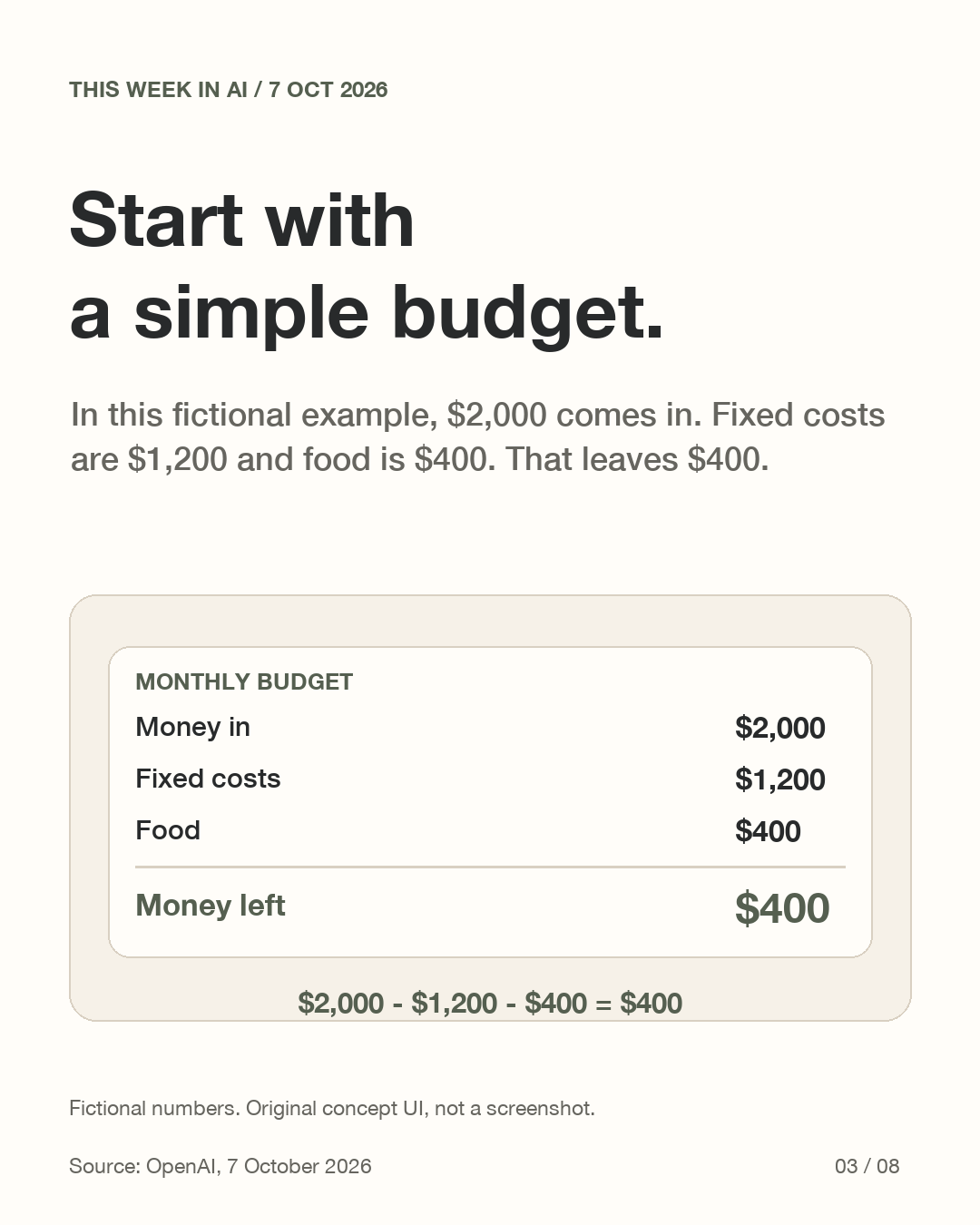
Our original concept uses fictional dollars: 2,000 comes in, fixed costs are 1,200 and food is 400. Subtraction leaves 400. Raising food to 500 while holding the other figures fixed leaves 300. The extra 100 of spending reduces the remainder by 100. These are static diagrams to explain a relationship, not a ChatGPT screenshot, product test or financial advice.
What makes a tool useful?
A useful tool makes the changing input, the result and the assumptions visible. In this example, the remainder means only money in minus the two listed expense categories. It does not represent a complete household budget. Missing expenses or an incorrect starting number can change the interpretation even when the subtraction is right.
Does every account have it?
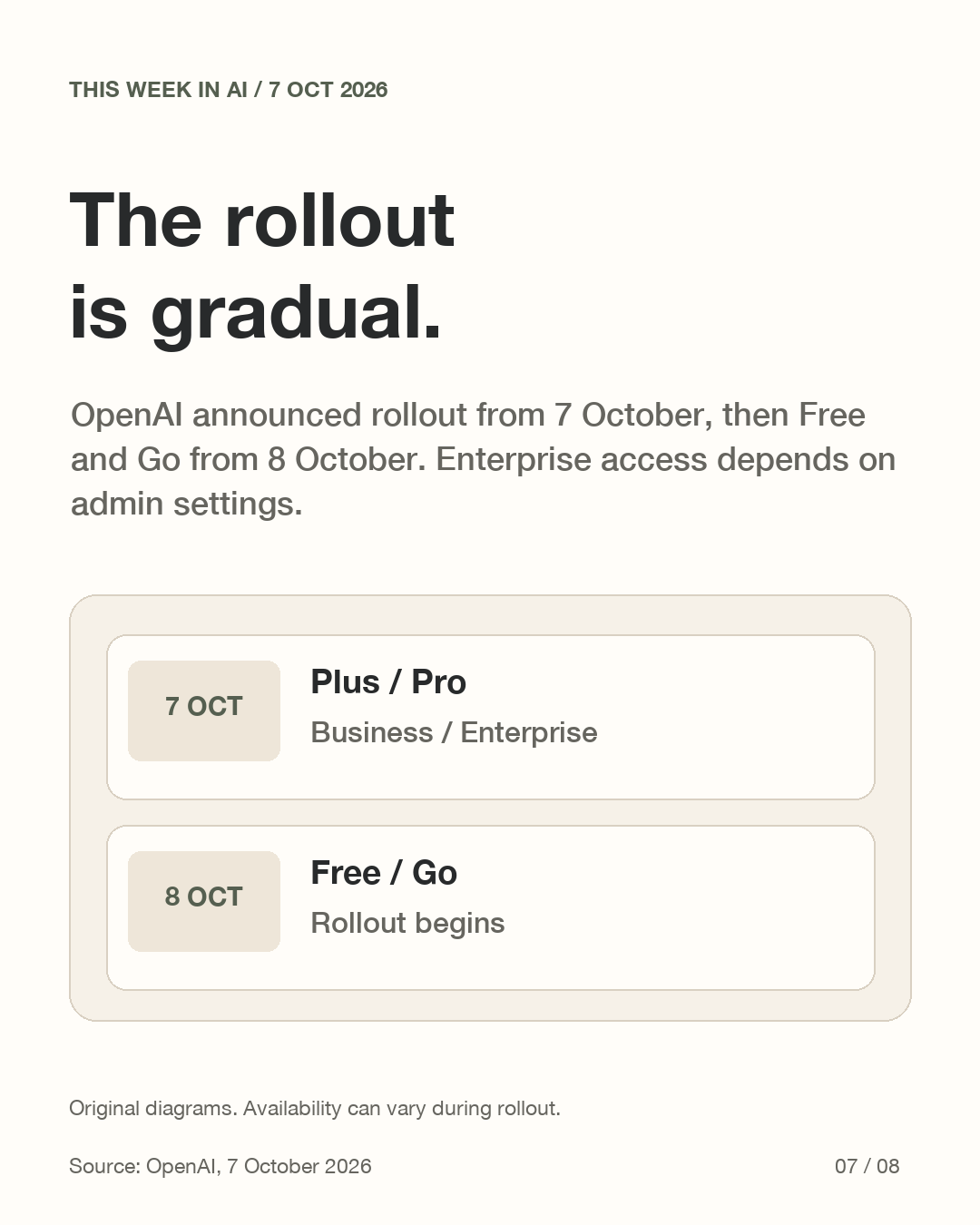
OpenAI announced a rollout starting 7 October to Plus, Pro, Business and Enterprise, then Free and Go from 8 October. Enterprise access depends on admin settings. These dates describe the announcement, not independently observed availability for every account. The release applies to Chat; models powering Work and Codex are unchanged by it.
How could you ask for something usable?
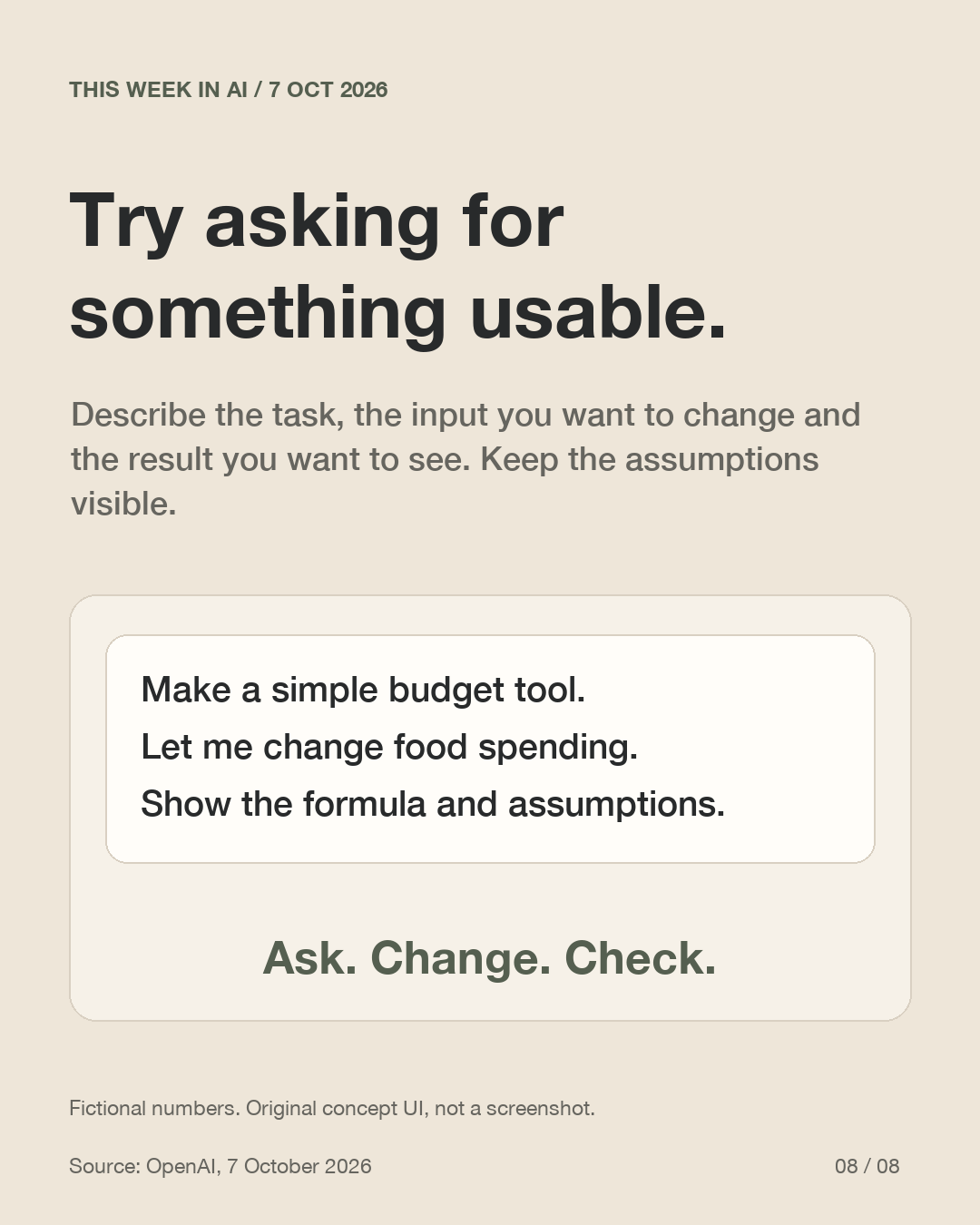
A suggested prompt is: Make a simple budget tool. Let me change food spending. Show the formula and assumptions. Describe the task, the variable to adjust and the output to display. Check a few cases you can calculate yourself. This is a prompt suggestion, not a tested or guaranteed result. A good-looking interface does not replace checking facts.
See the explanation in slides
These original diagrams explain the mechanism. The carousel is in English.
View all 8 English slides
Download the English carousel PDF
Sources
Primary sources checked on 2026-10-11. Dated announcements and operator reports are attributed in the explanation; availability and terms can change.