 Ahmadreza Samadi / Home
Wait, that’s tech. · Everyday technology
How does your phone turn text in a photo into copyable words?
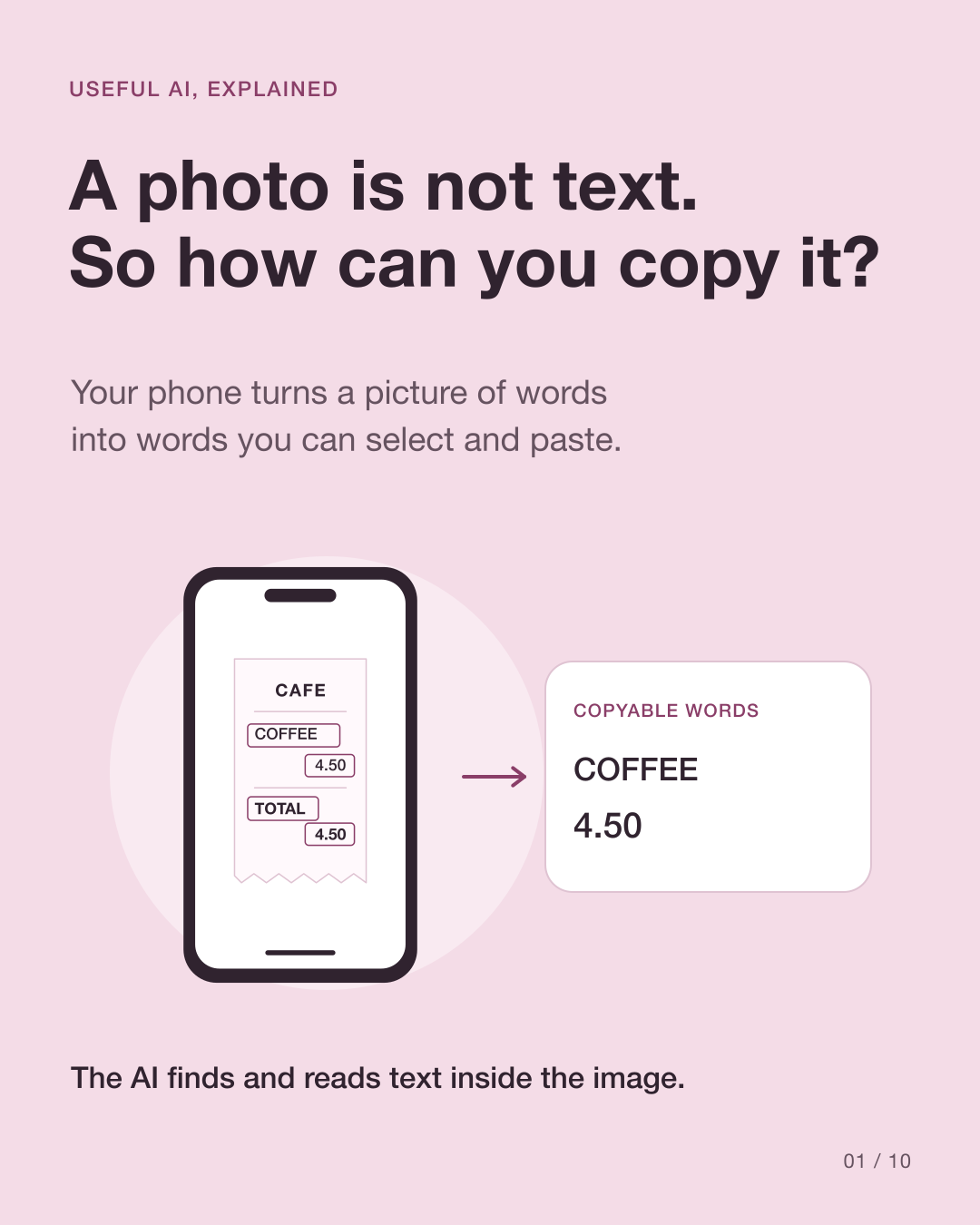
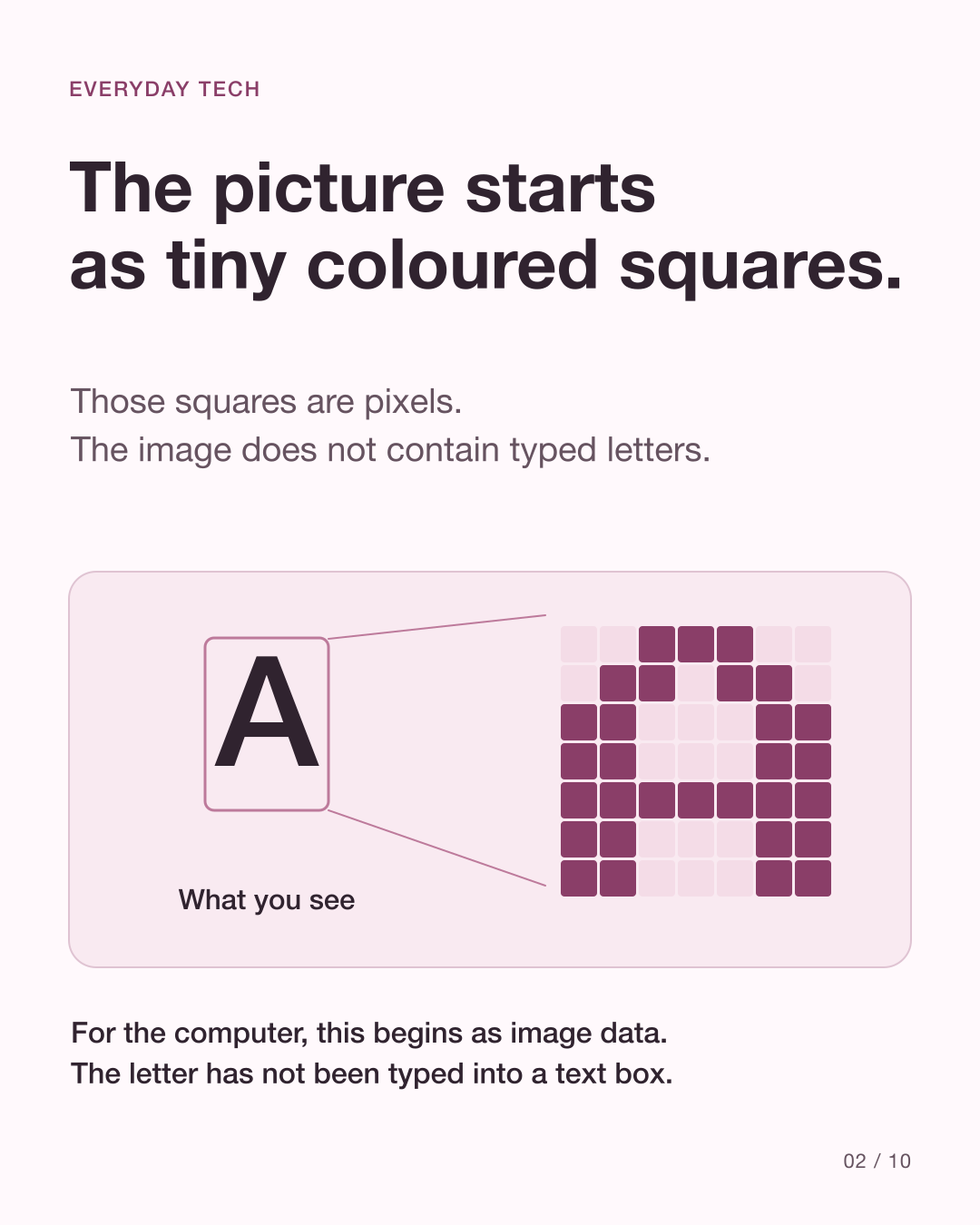
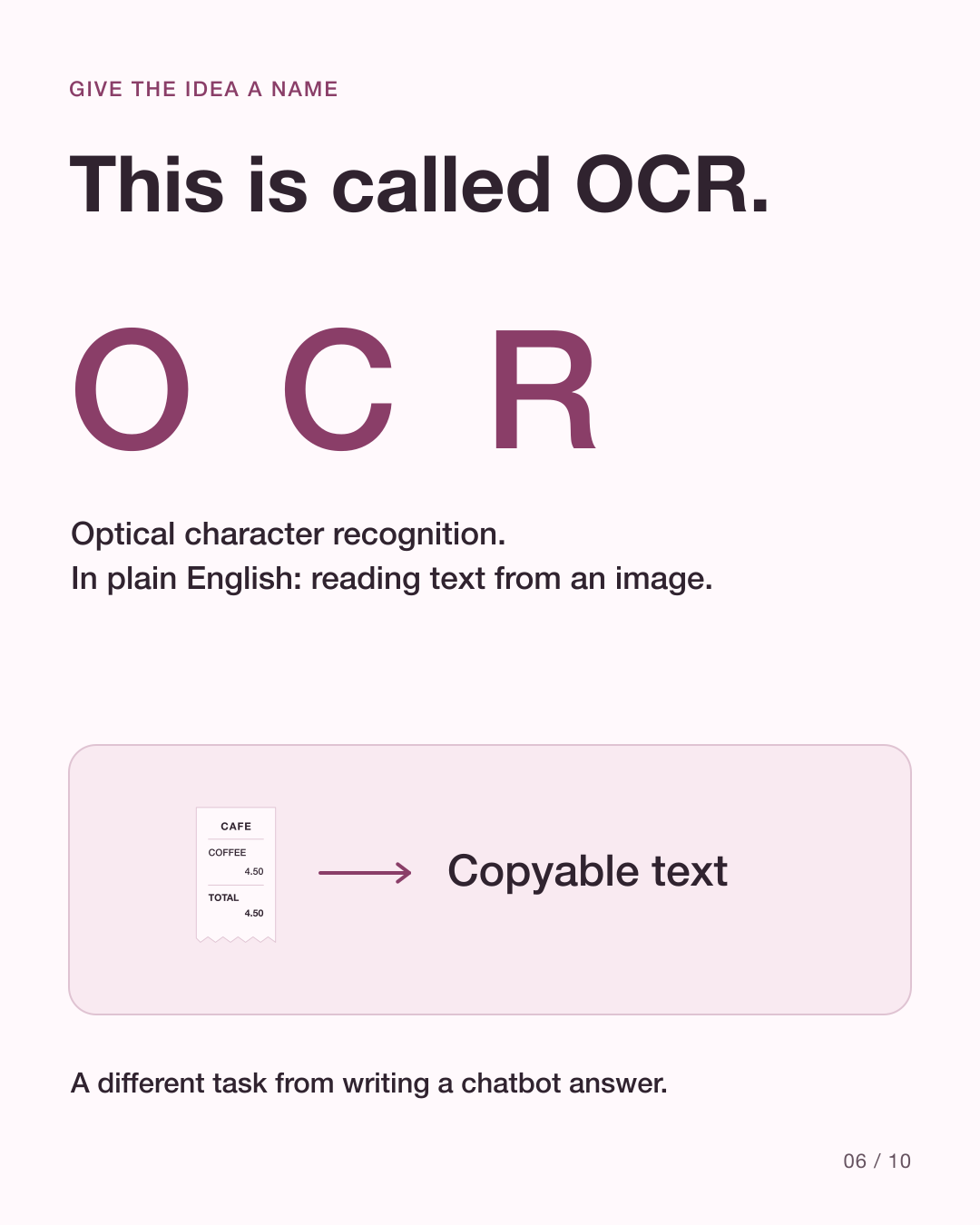
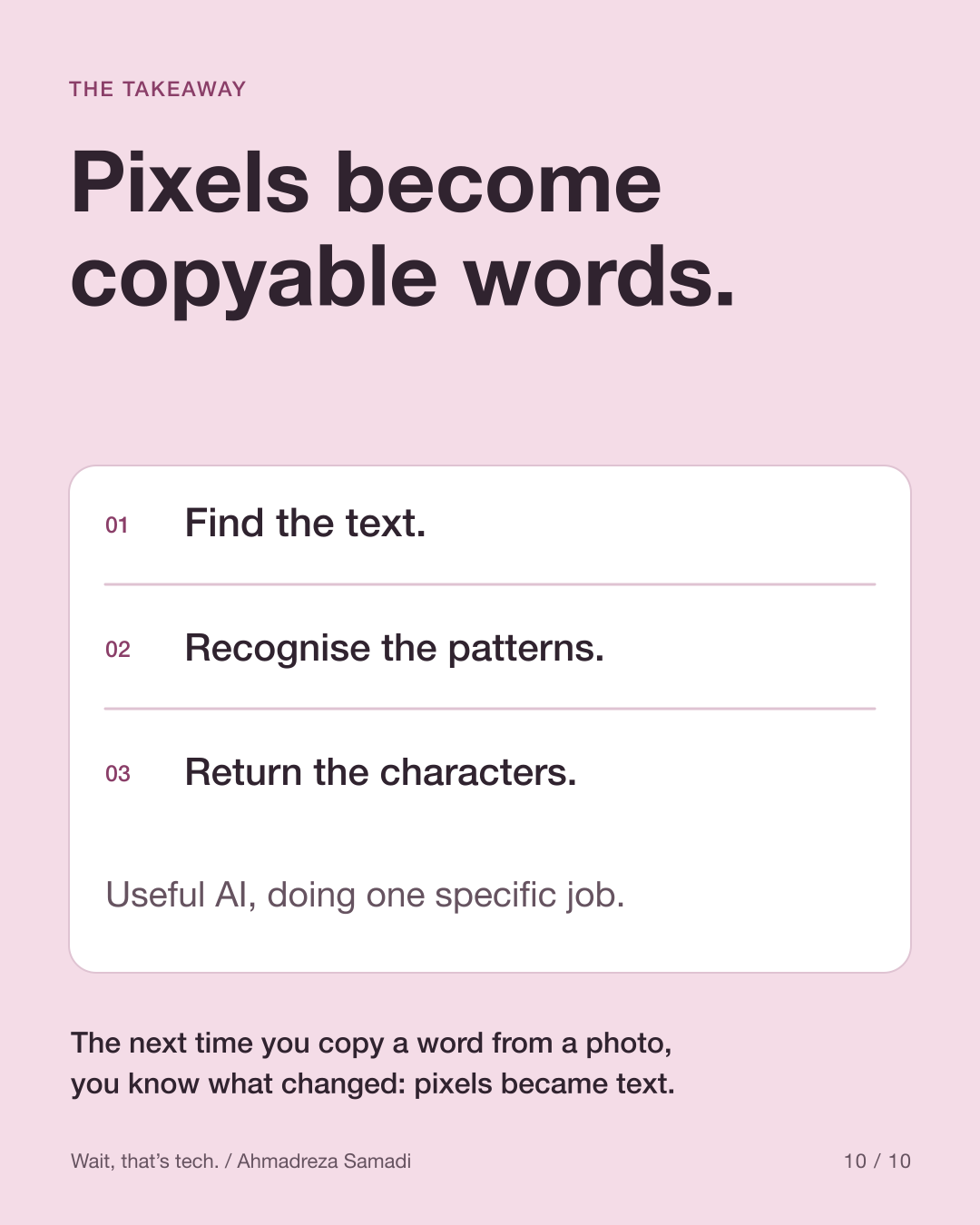
A photo is a grid of pixels. Your phone can turn some of those pixels into selectable words using optical character recognition, usually called OCR. Modern systems often use machine learning to do that reading.
At a glance
Find
Locate the areas that look like text.
Recognise
Turn visual patterns into characters.
Use
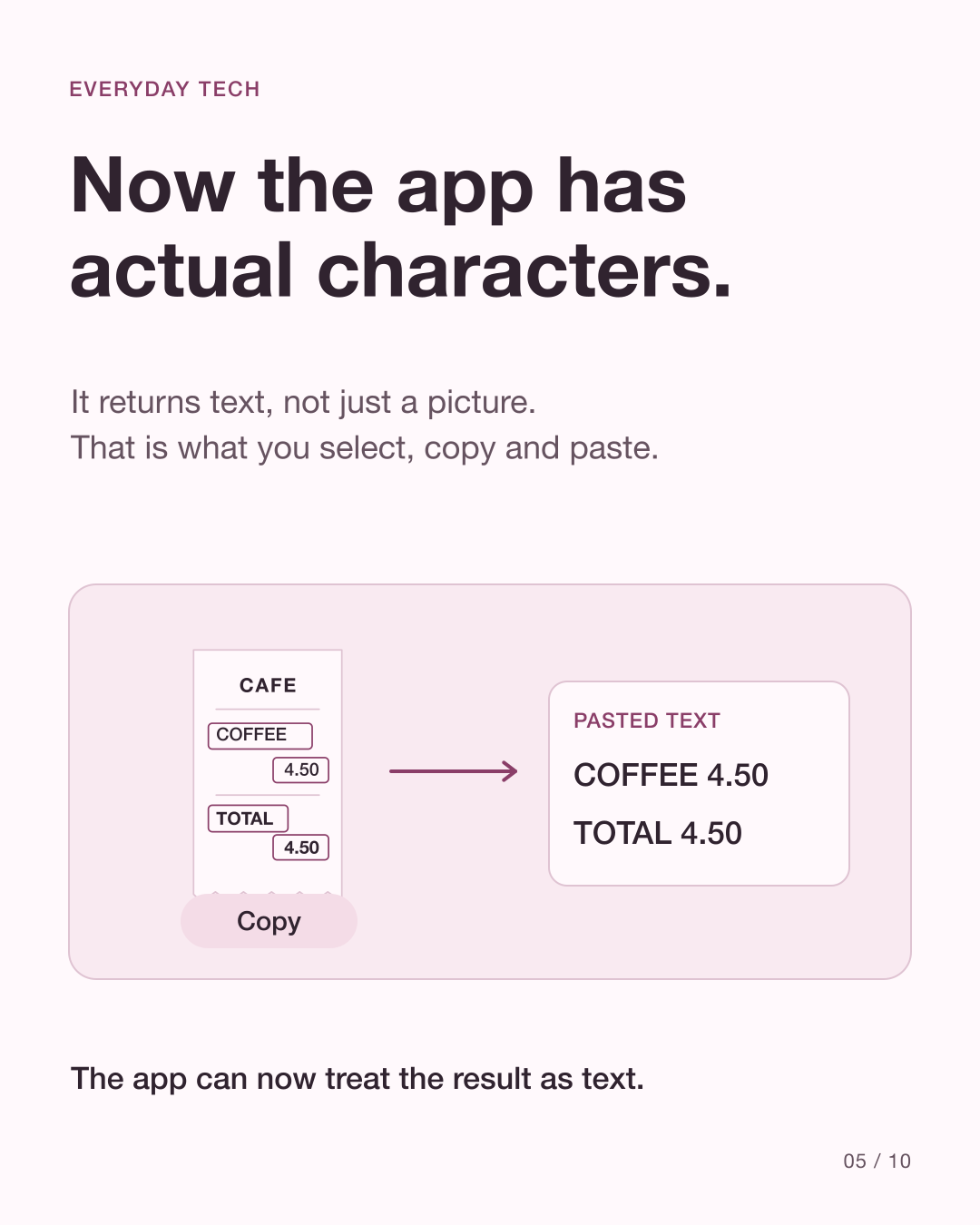
Return words you can select and copy.
The photo does not start as editable text
A camera records light and colour, not the letters a word processor stores. OCR is the bridge: optical character recognition converts text visible in an image into recognised characters.
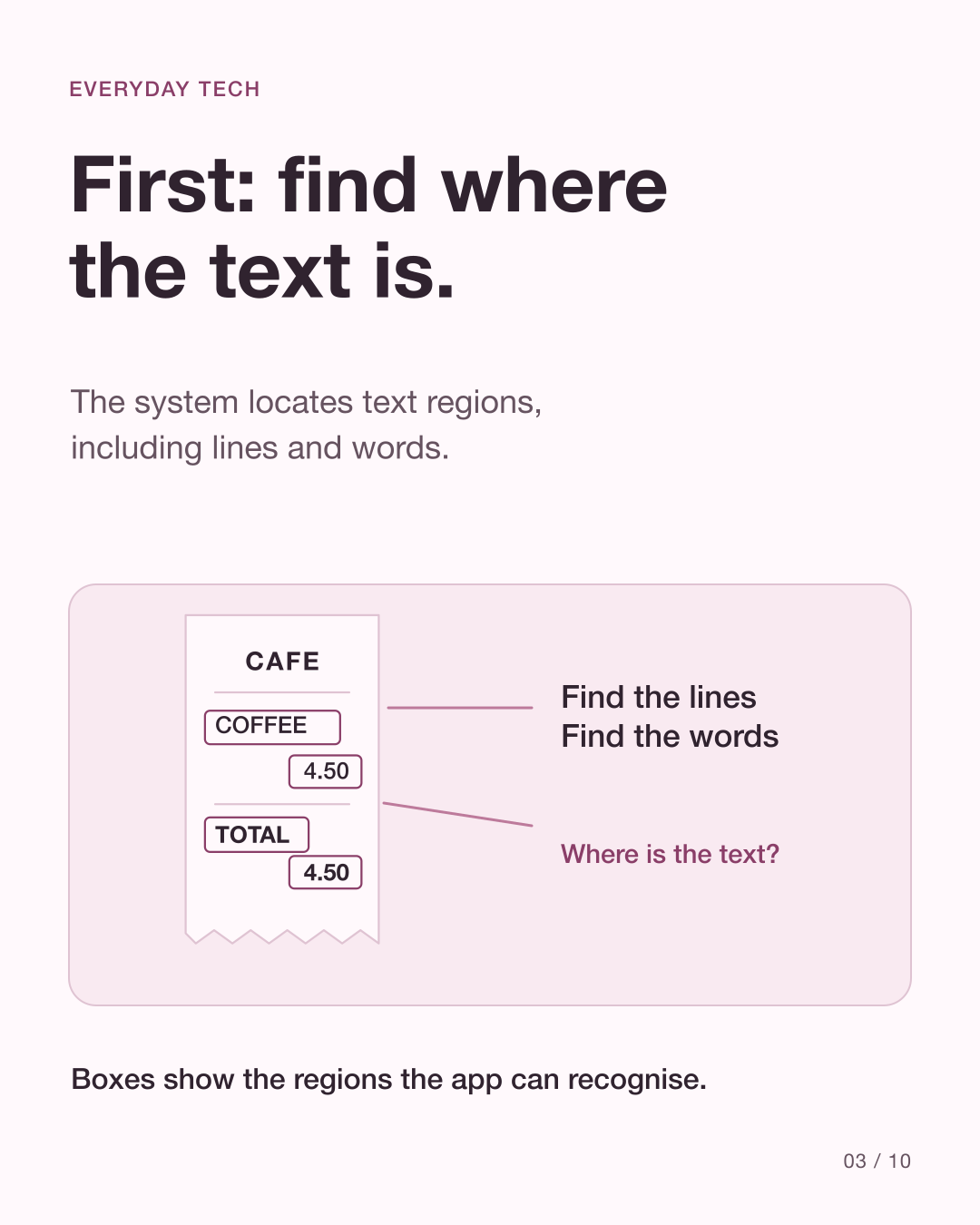
How does the system find text in a photo?
The system identifies likely text regions and their positions. A recogniser can organise the result into blocks, lines, words and individual symbols. The boxes in the carousel illustrate this step; they are not a recording of one phone’s internal process.
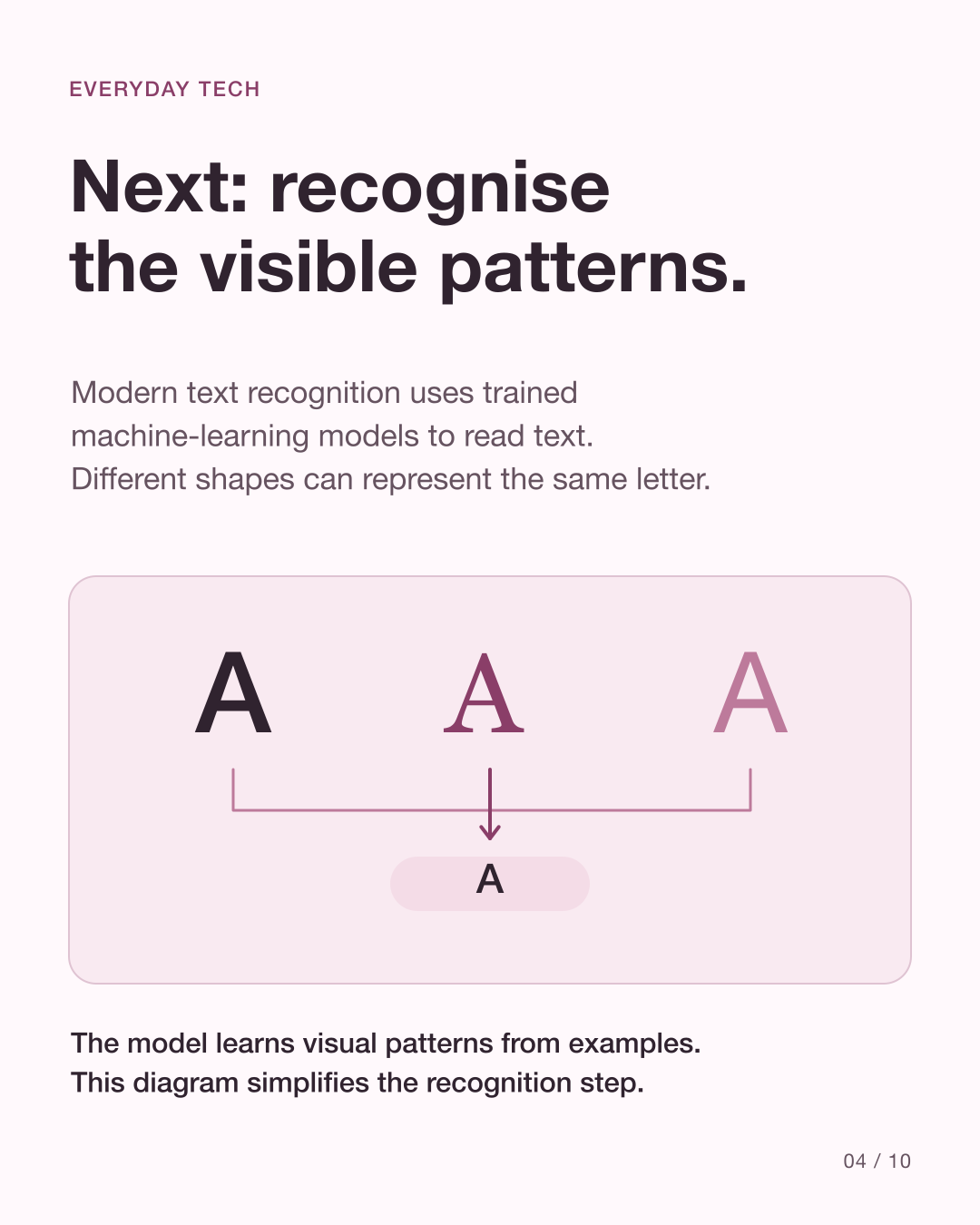
Then, recognise the patterns
Modern text recognisers use trained models to recognise character and word patterns in images. The result is text data, plus information such as where it appeared. Different tools can use different processing steps, languages and models. This simple sequence explains the idea, not one universal algorithm.
Source: Google ML Kit: Text recognition v2 · Google ML Kit: Recognize text in images on Android
Now you can select, copy or translate
A phone interface can place selection handles over recognised text and let you copy it into another app. Apple’s Live Text is one example. Translation, a website link or another action can happen after recognition; those are additional features, not the same task as reading the letters.
Source: Apple: Interact with text in a photo or video on iPhone
A clean photo gives the model a better chance
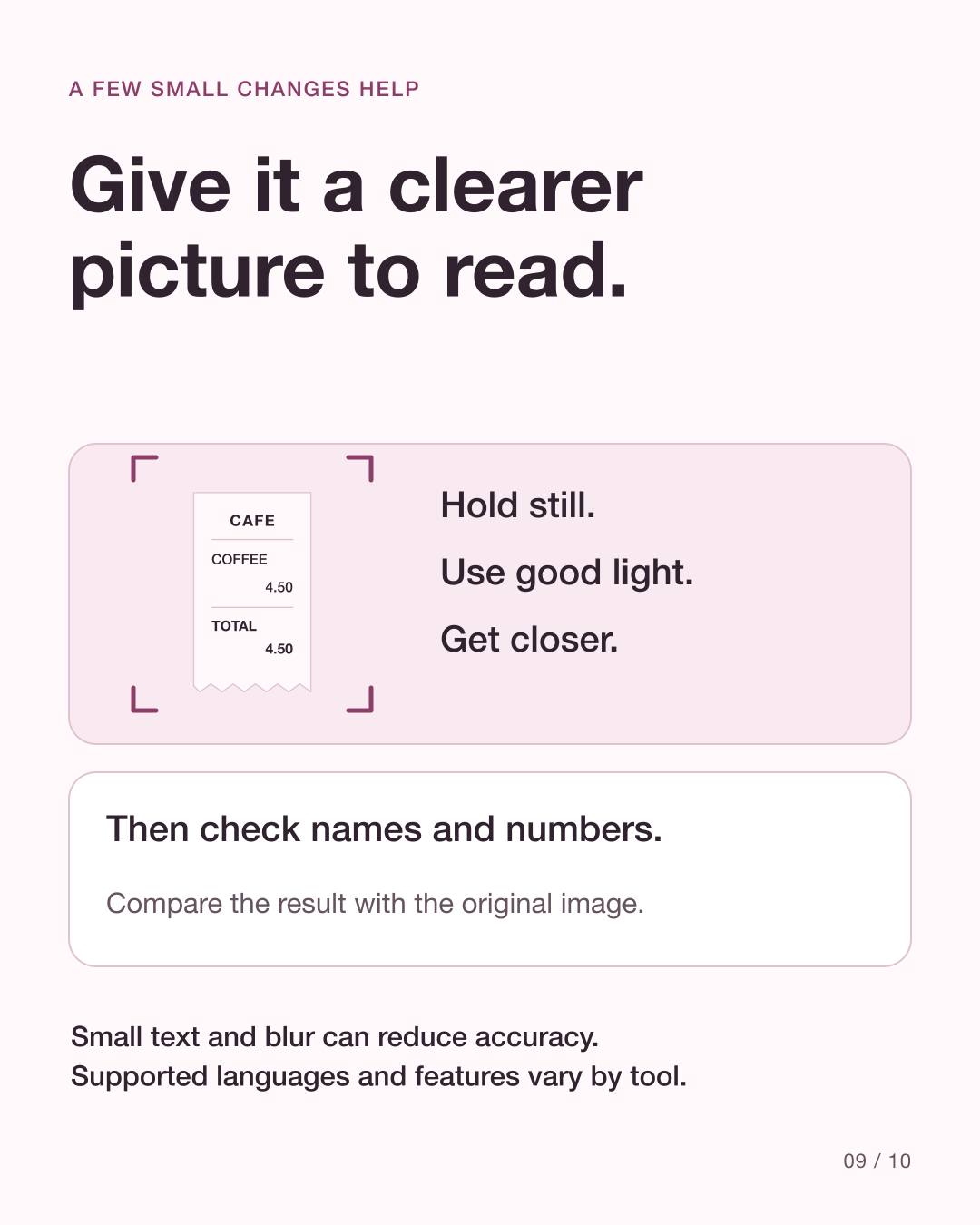
Blur, tiny letters, reflections and awkward angles can make recognition harder. Use enough light, keep the text in focus and photograph it clearly. Supported scripts and languages vary by tool, so not every recogniser reads every language.
Source: Google ML Kit: Text recognition v2 · Google ML Kit: Recognize text in images on Android
Does copying text mean it is correct?
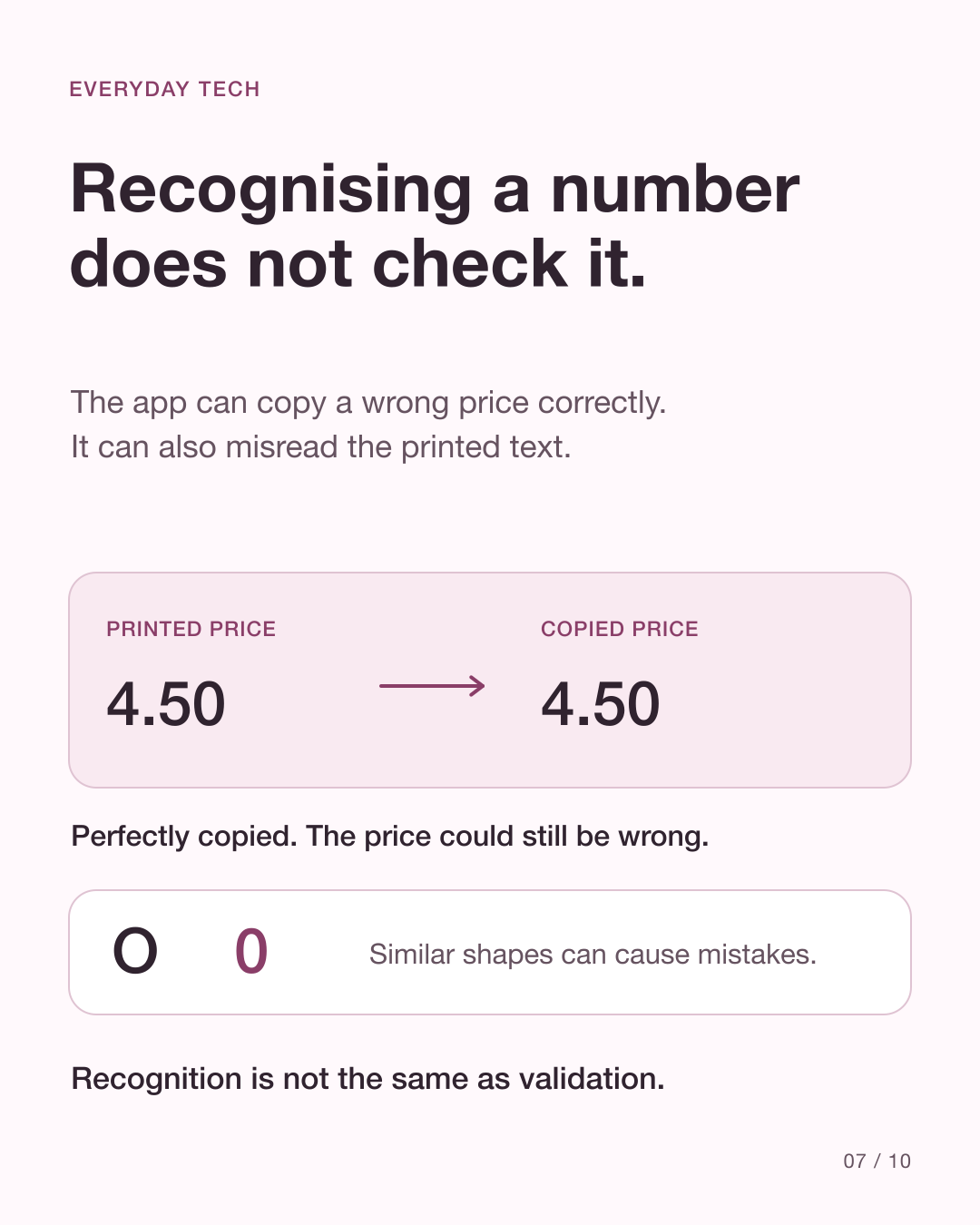
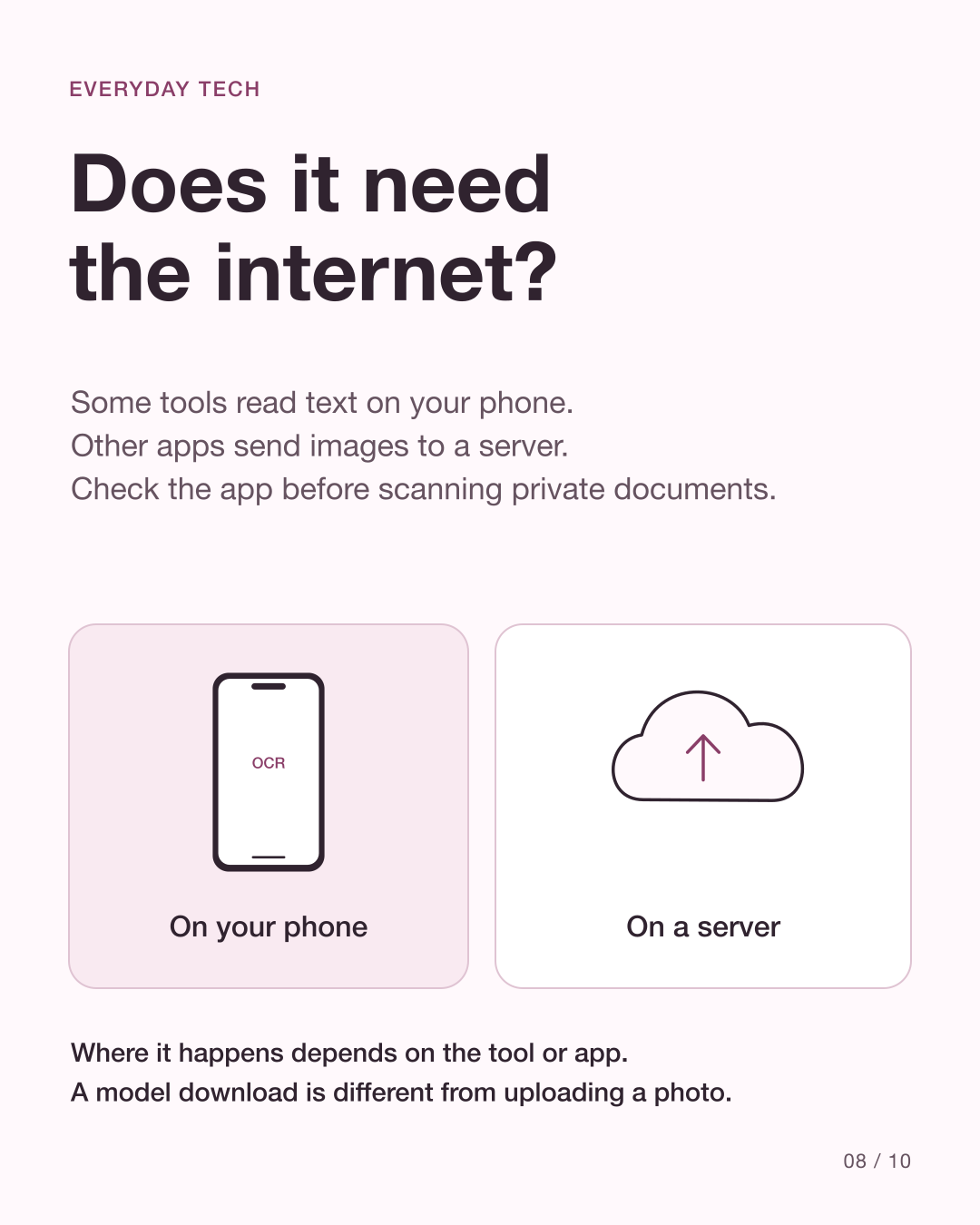
OCR can confuse similar characters or miss a small detail. Check names, dates, totals and reference numbers against the original before using them. Text recognition does not establish whether the document’s claim is true. Processing also varies by app: some recognition runs on the device, while other services can send an image to a server. Check the app’s privacy information before scanning sensitive material.
Source: Google ML Kit: Recognize text in images on Android · Apple: Interact with text in a photo or video on iPhone · Microsoft Learn: Call the Azure Vision Read API
See the explanation in slides
These original diagrams explain the mechanism. The carousel is in English.
View all 10 English slides
Download the English carousel PDF
Sources
Primary references checked on 10 October 2026. Product support and behavior can vary.
- Google ML Kit: Text recognition v2
- Google ML Kit: Recognize text in images on Android
- Apple: Interact with text in a photo or video on iPhone
- Apple Support: Copy and translate text from photos
- Apple Newsroom: iOS 15 is available today
- Google: ML Kit guides
- Microsoft Learn: Call the Azure Vision Read API