 Ahmadreza Samadi / Home
Wait, that’s tech. · Computer knowledge
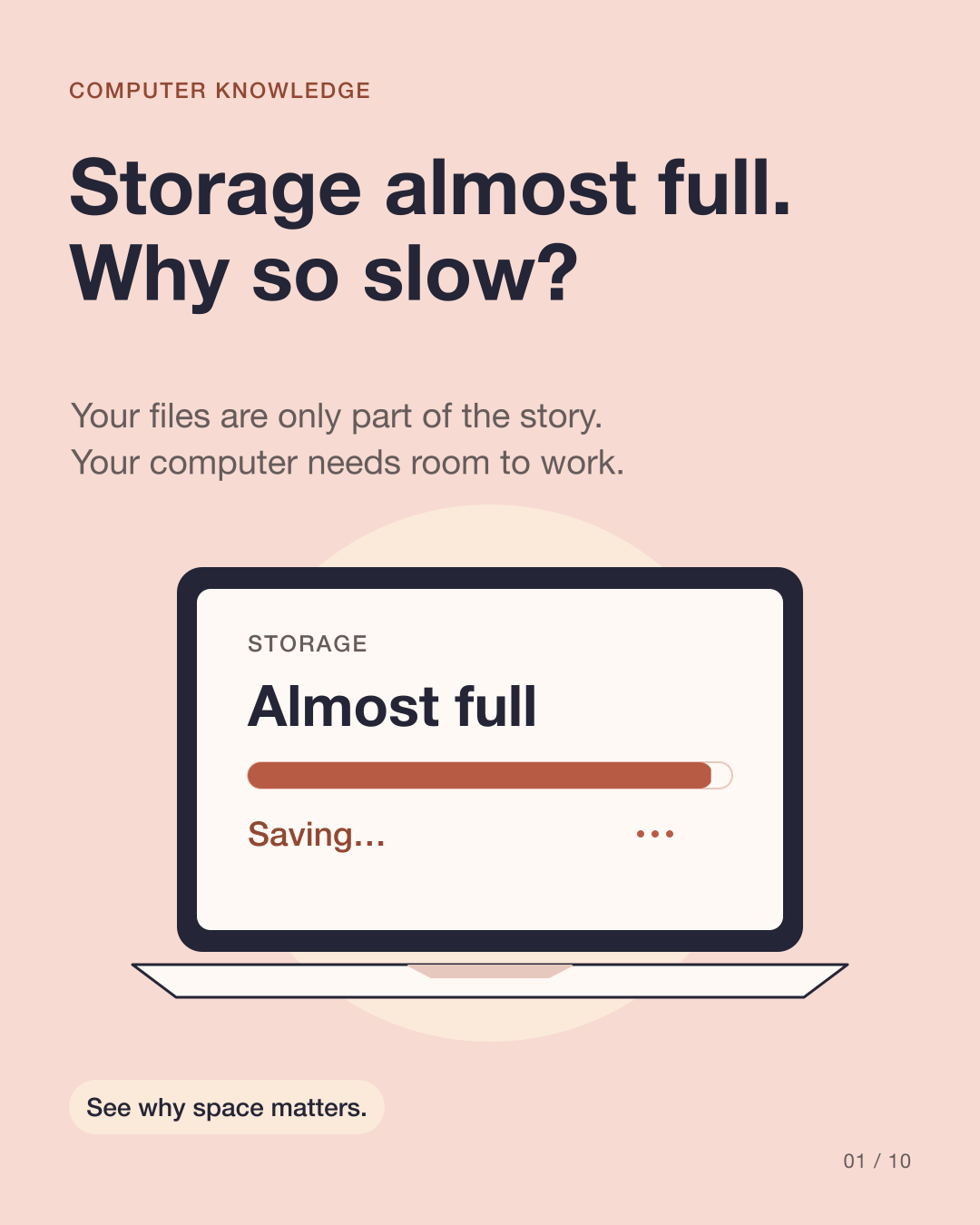
Why does your computer slow down when storage is almost full?
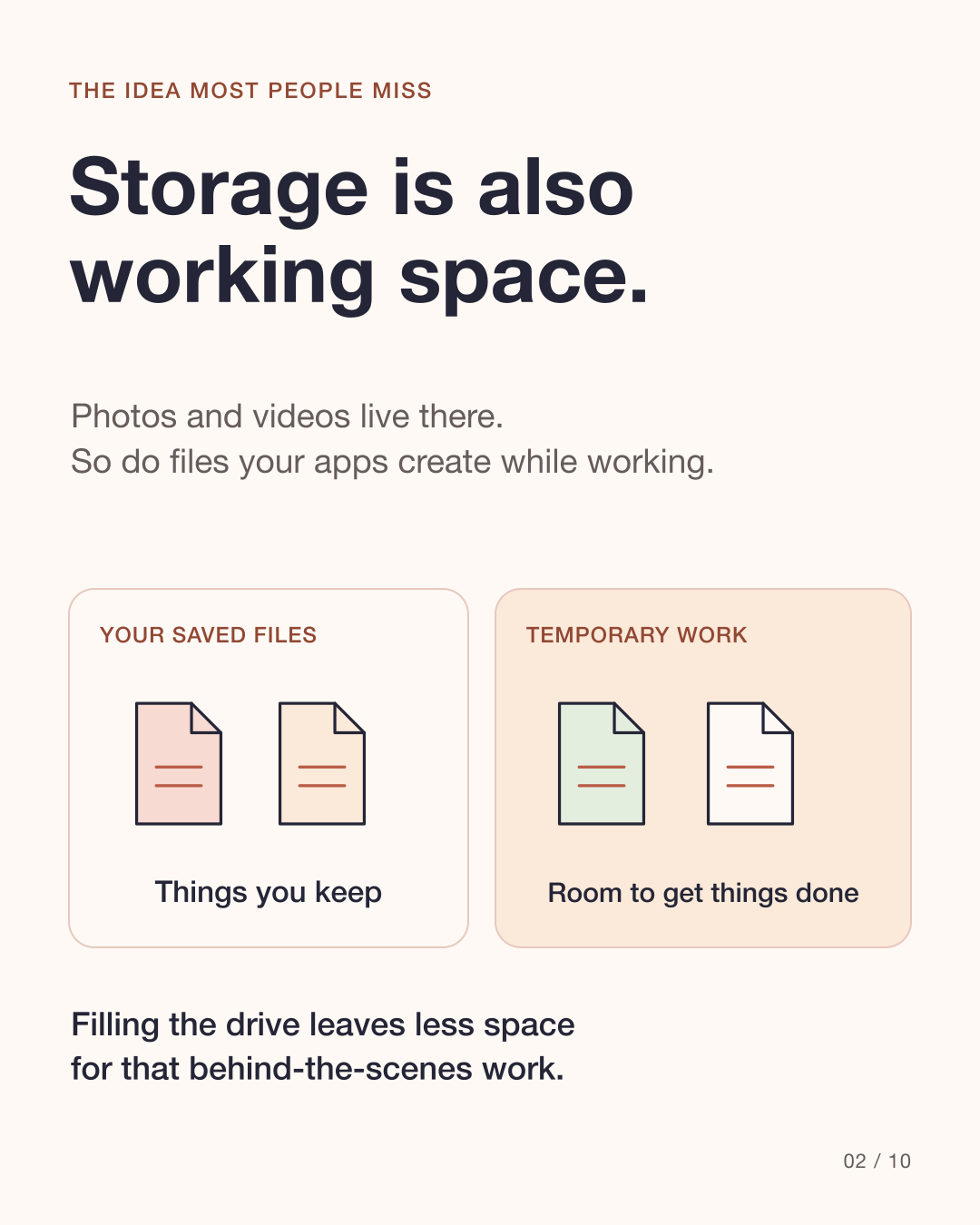
Your drive keeps photos and documents, but it also gives your computer room to work. Three kinds of behind-the-scenes activity explain why running out of space can cause trouble.
At a glance
Temporary work
Updates, saves and exports can need extra room.
Memory overflow
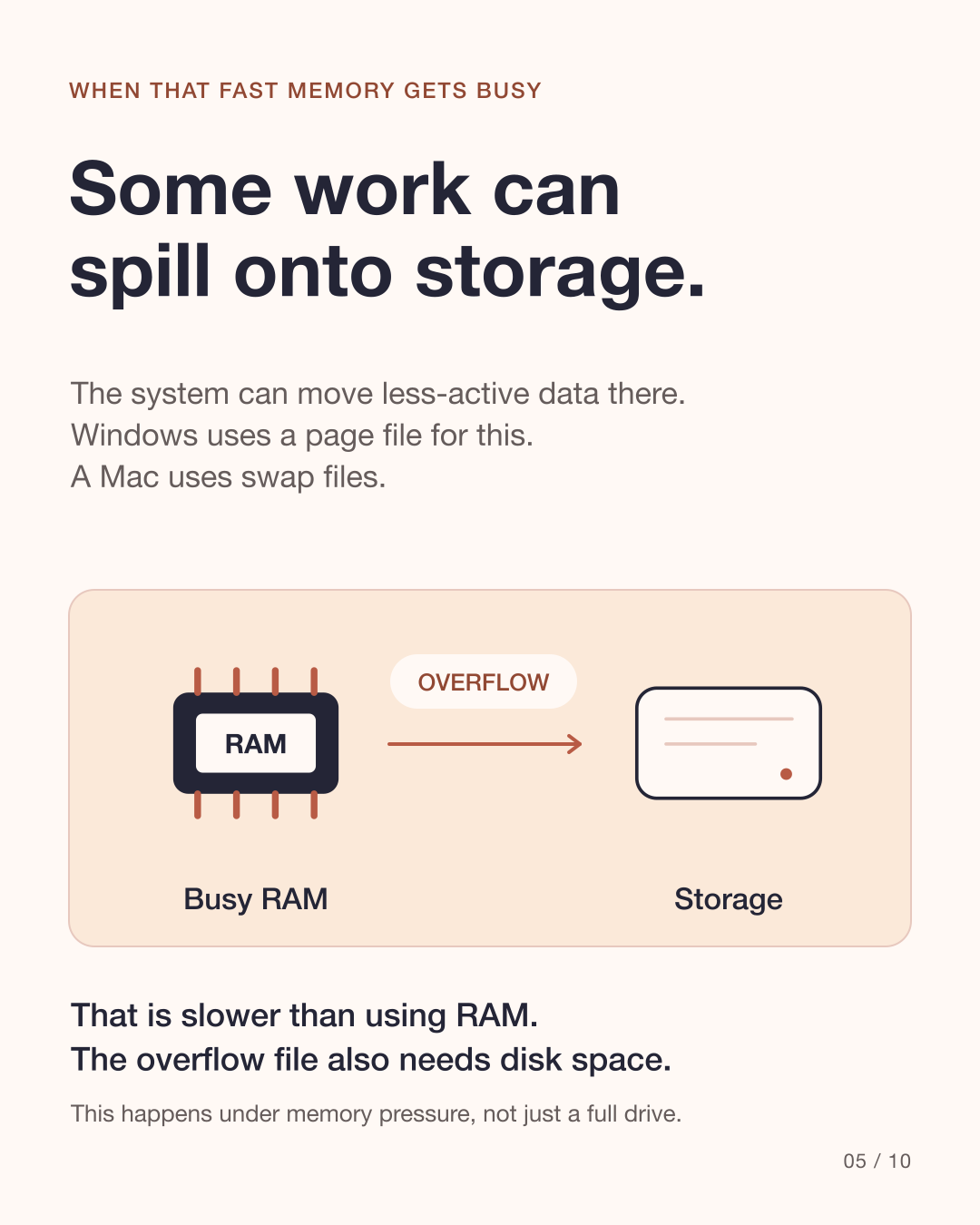
Busy RAM can use storage for less-active data.
SSD housekeeping
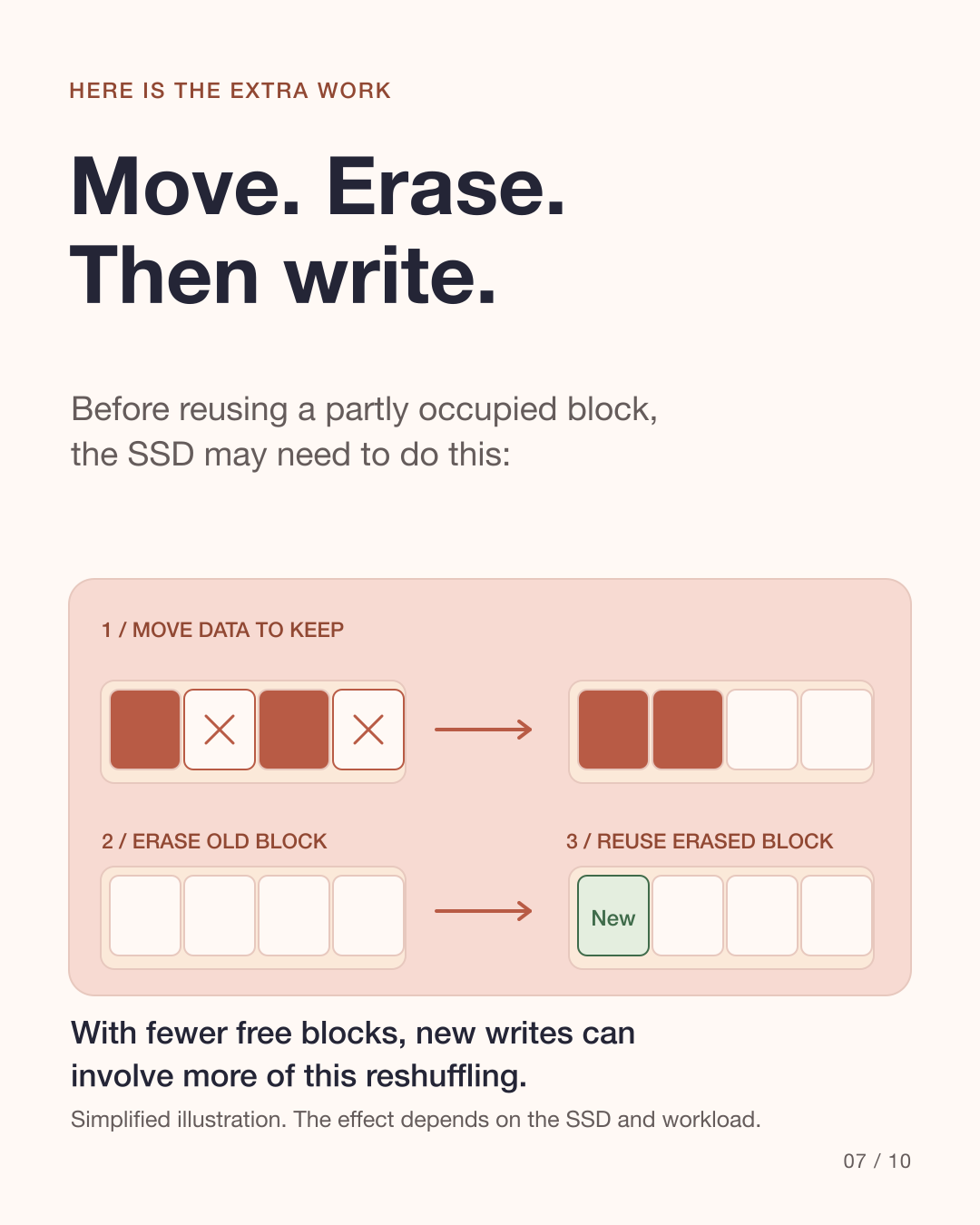
New writes can involve moving existing data.
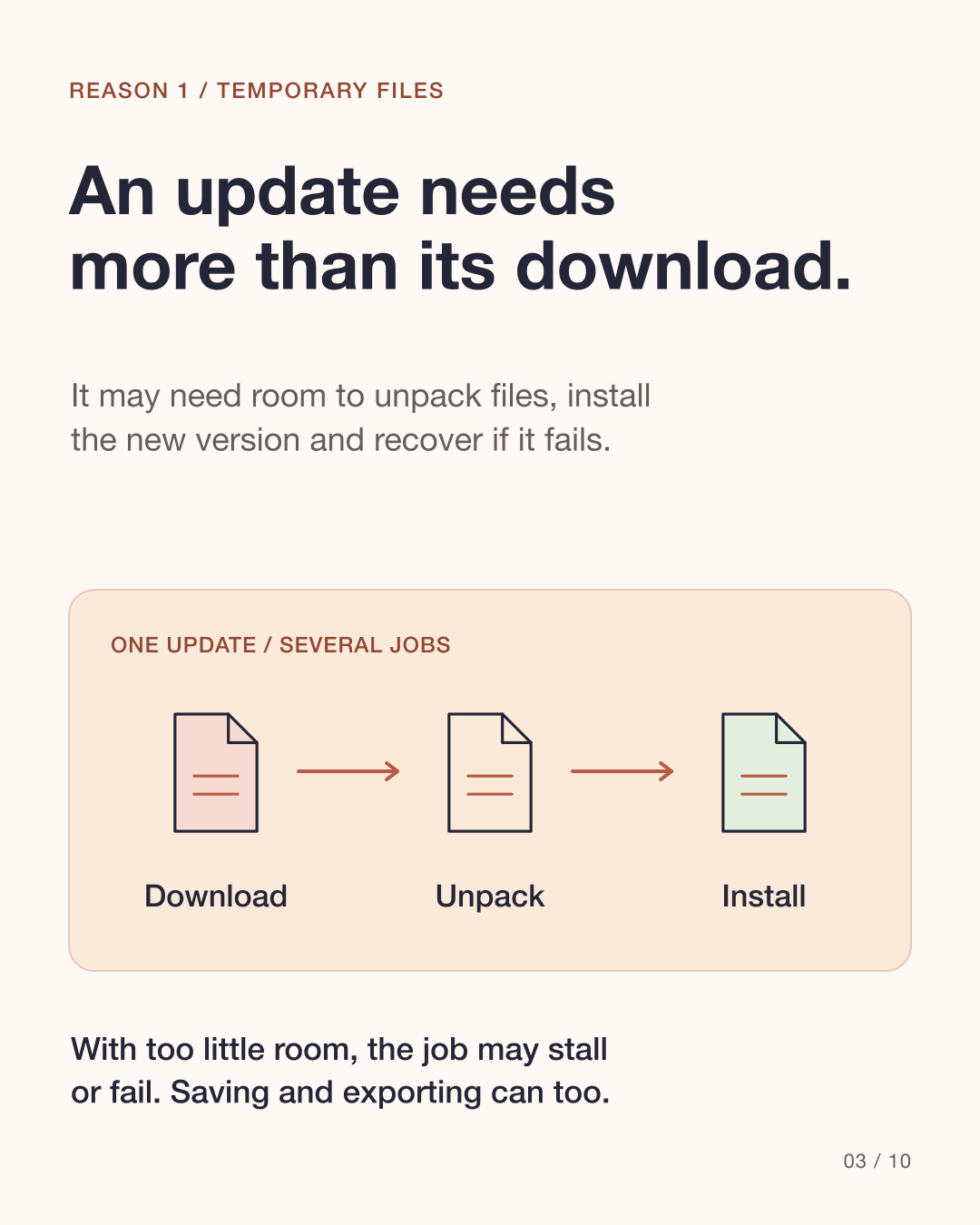
1. Why can an update need more space than its download?
A downloaded update may need additional space to unpack, install and keep recovery files. Apps can also create temporary files while saving or exporting. When there is too little room, work may stall or fail, rather than simply run more slowly.
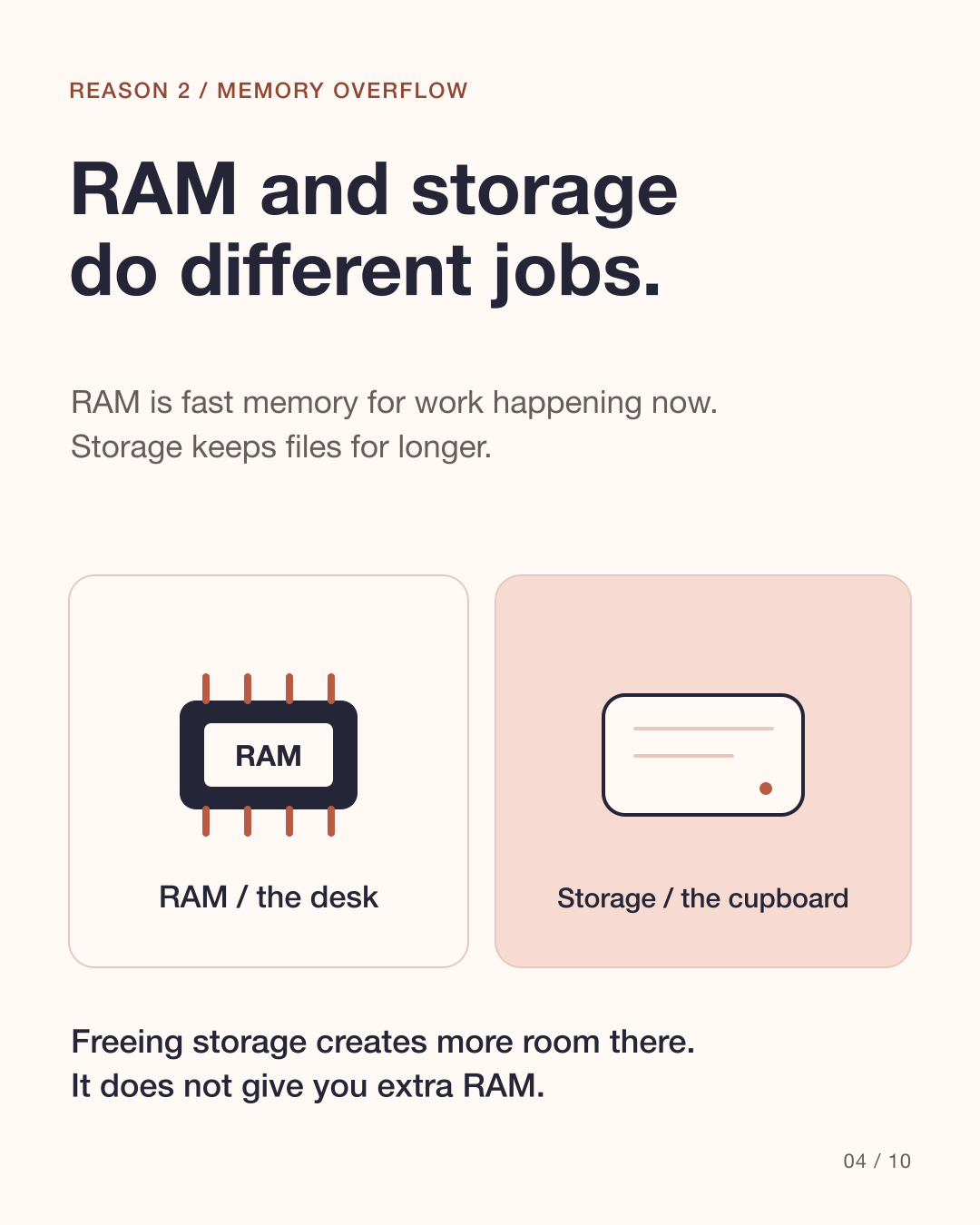
2. How does a computer use storage when RAM is busy?
RAM is fast memory for work happening now; storage keeps files for longer. When RAM is busy, the system can move less-active data onto storage. Windows uses a page file; a Mac uses swap files. Using storage this way is slower than RAM, and these files need disk space. It happens under memory pressure, not simply because the drive is full. Freeing storage does not add RAM.
Source: Apple: View memory usage in Activity Monitor · Microsoft Learn: Introduction to page files
3. Why can an SSD move existing data during new writes?
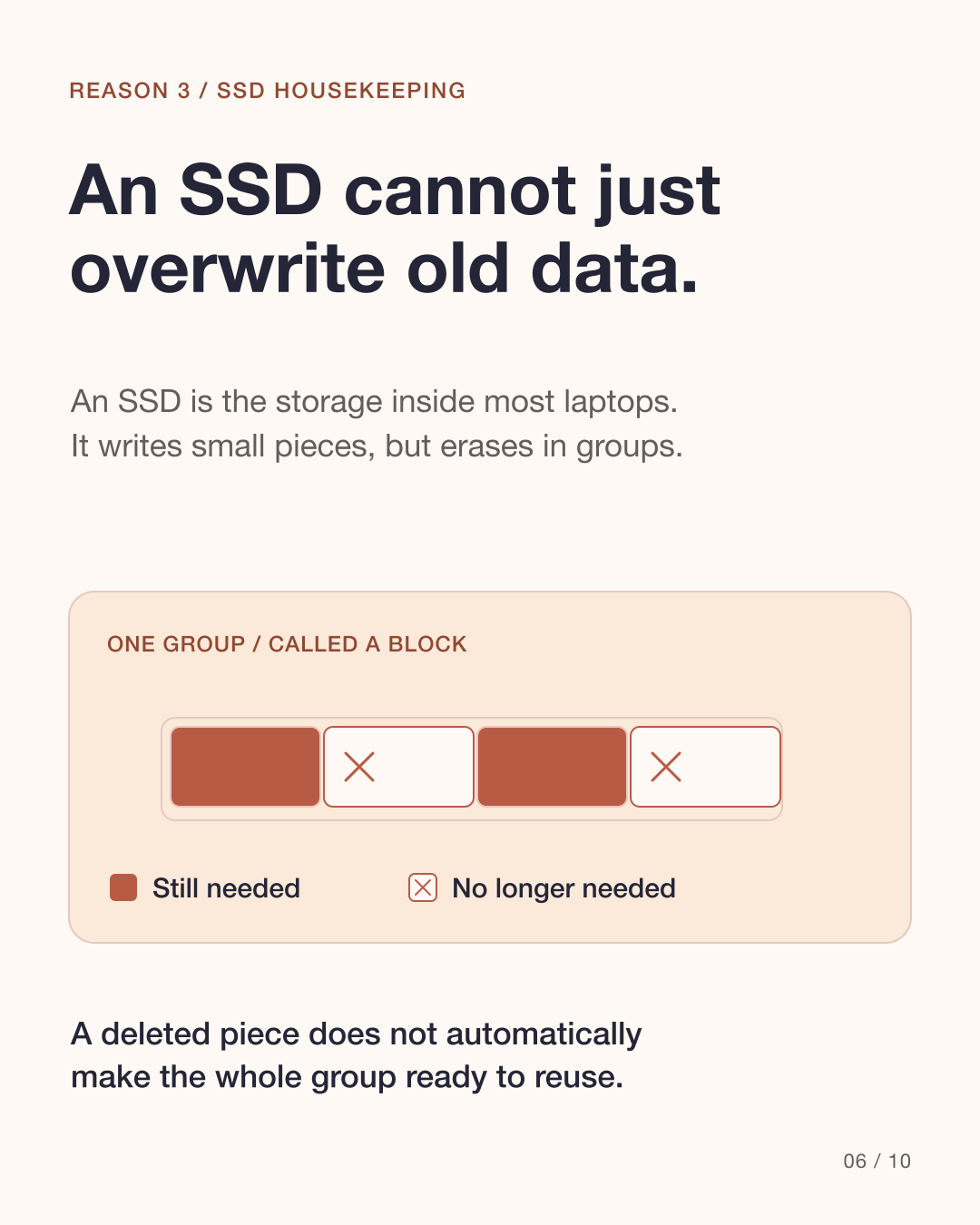
An SSD is the storage inside most modern laptops. Its flash memory writes small pieces but erases larger groups, called blocks. To reuse a partly occupied block, it may copy the data still needed elsewhere, erase the old block and reuse it. Fewer free blocks can mean more reshuffling during new writes.
Source: Kingston: Garbage collection
Why is there no single free-space percentage for every job?
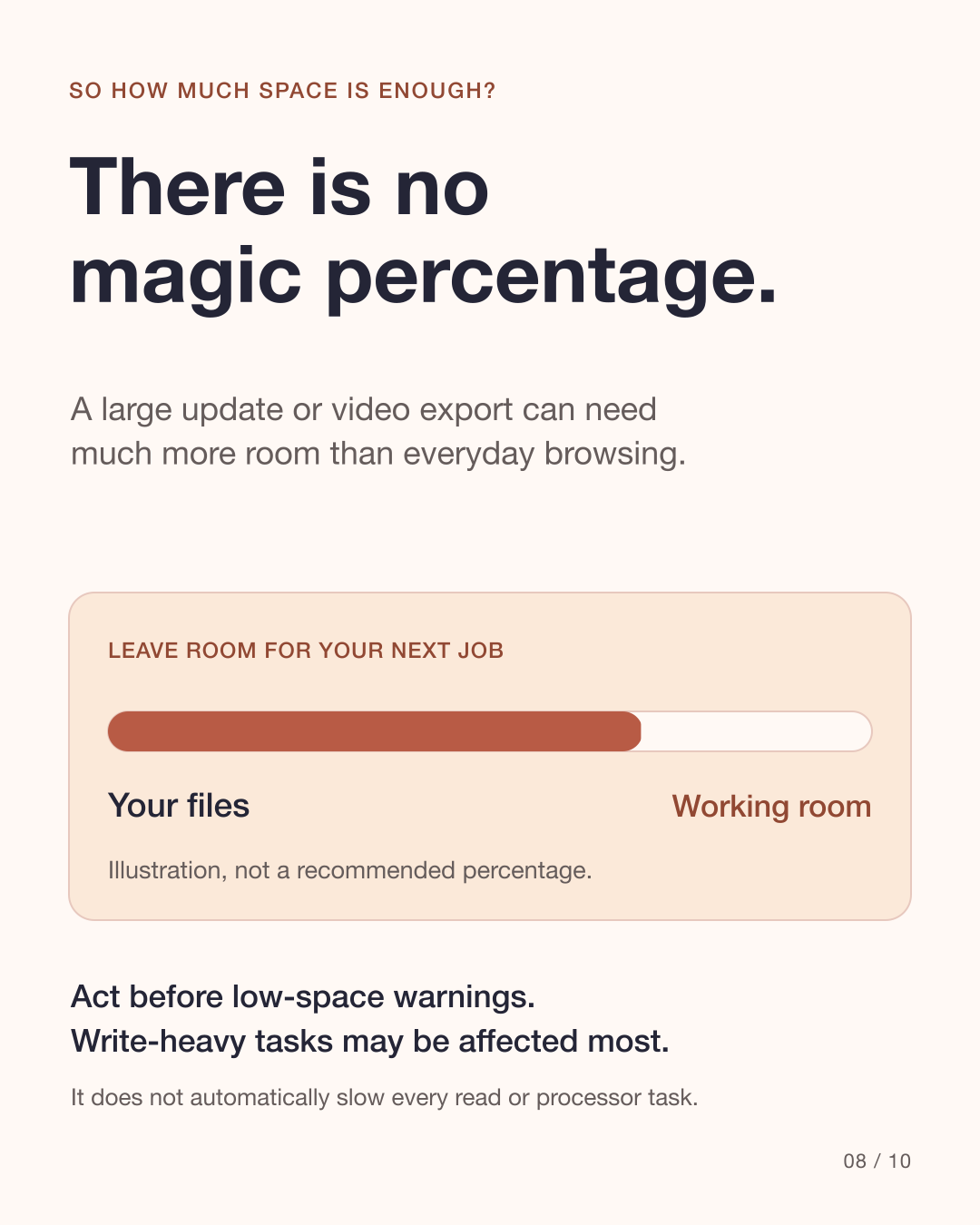
The effect depends on the SSD, workload, TRIM and capacity reserved inside the drive. TRIM helps tell an SSD which data is no longer needed. Free space visible to you is not the same as its internal reserve. A big update or video export can need much more room than browsing. Low space does not automatically slow every read or processor task.
Source: Kingston: SSD FAQs
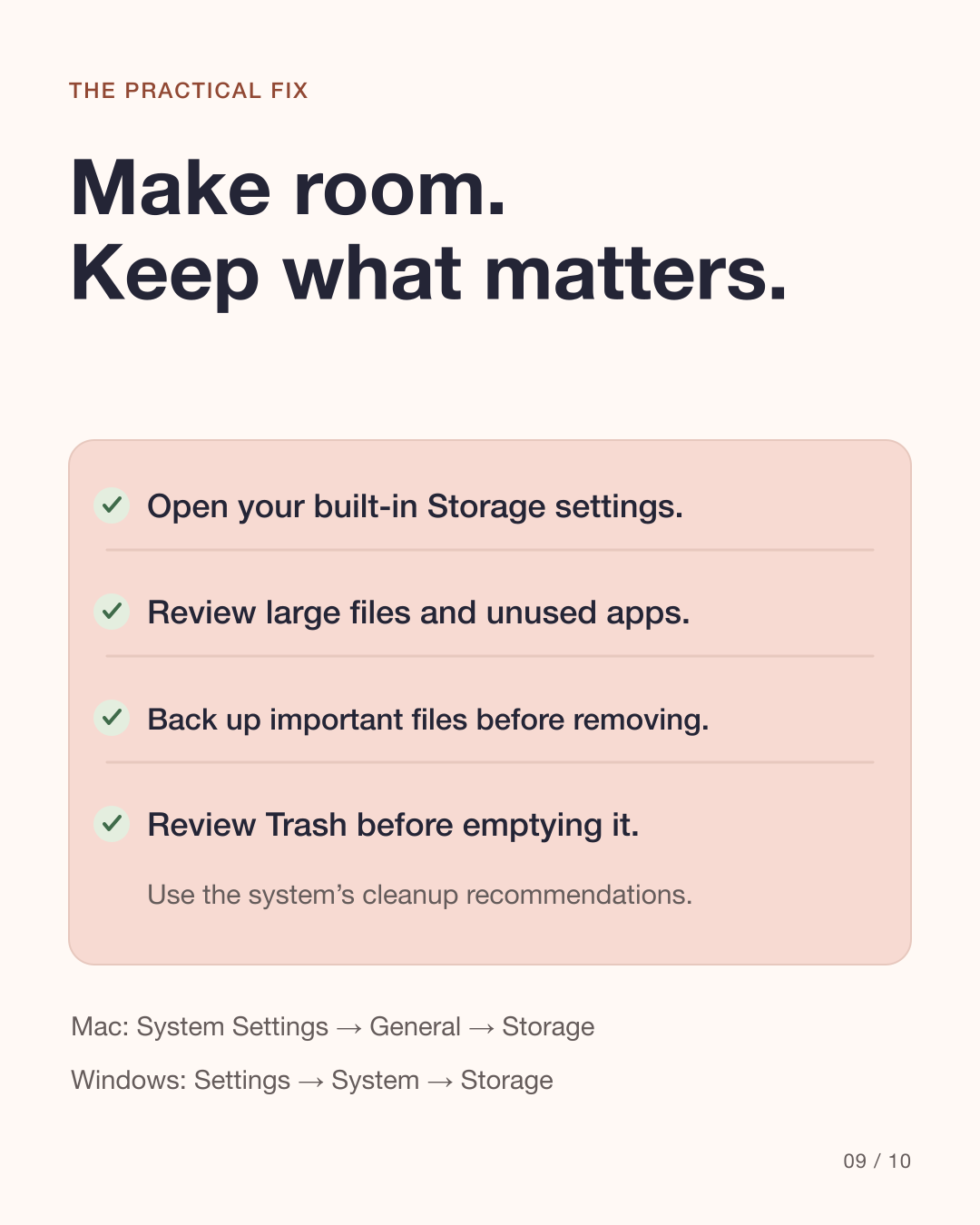
Make room. Keep what matters.
Start with the built-in Storage settings. Review large files, unused apps and cleanup recommendations. Back up important files before removing them, and review Trash or the Recycle Bin before emptying it. Keep enough room for your next job rather than chasing one universal percentage.
Mac: System Settings → General → Storage
Windows: Settings → System → Storage
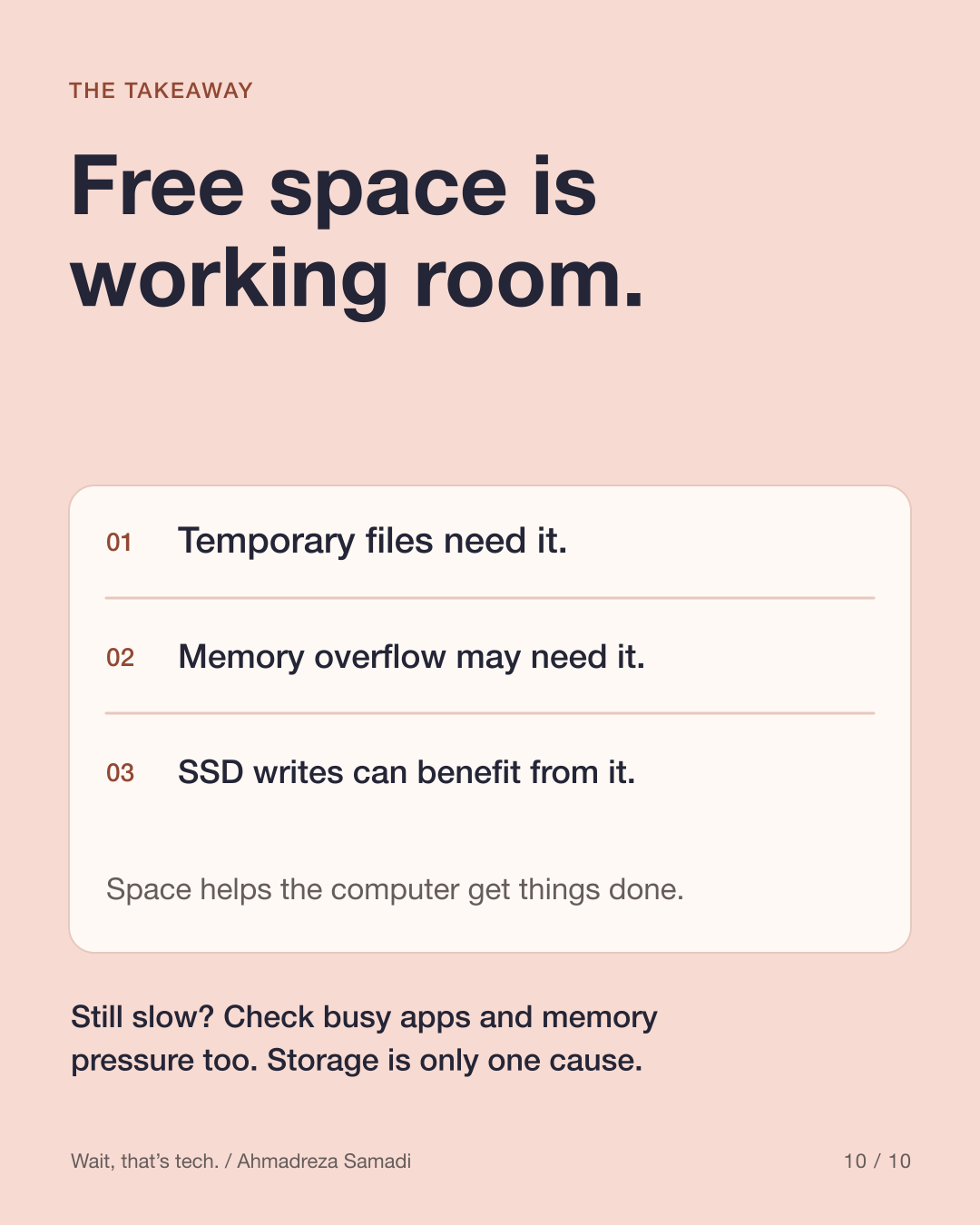
Still slow? Storage is only one cause.
Check which apps are busy and whether memory is under pressure. A nearly full drive and insufficient RAM are separate problems, even though they can interact.
Source: Apple: If your Mac runs slowly
See it in ten slides
Original simplified diagrams, not screenshots or measured benchmarks. All ten slides are in English.
View all 10 carousel slides
Download the English carousel PDF
Sources
Primary references checked on 9 October 2026. No exact slowdown threshold or guaranteed speed improvement is claimed.
Also published on
Instagram · LinkedIn · YouTube